Air Purifier Cutaway GPT Image 2.5 Prompt works because GPT Image 2.5 is strong when the scene has a clear object, a controlled background, and text that matters. This one pushes the model harder than a portrait or poster.
This version was tested on GPT Image 2.5 Sunburst with 3:4 framing, 2K resolution, high quality, and an opaque background. The same OpenAI prompt guide applies here too: define the deliverable, describe what should be visible, and keep the requested change tight. The official guide is here.
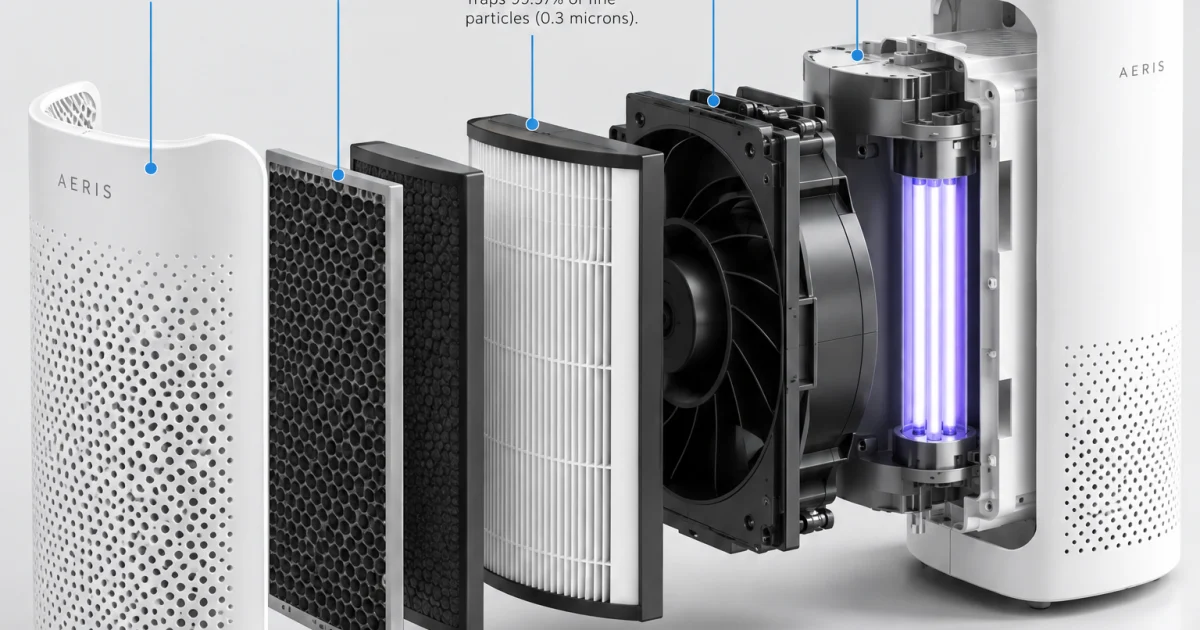
Main prompt: A clean product cutaway of a white countertop air purifier on a light gray studio backdrop. Show the device half-open in an exploded view with six floating layers labeled by thin blue callout lines: pre-filter, activated carbon layer, HEPA core, fan module, UV chamber, outer shell. Crisp shadows, white-on-white materials, sharp typography, technical magazine layout, no clutter.
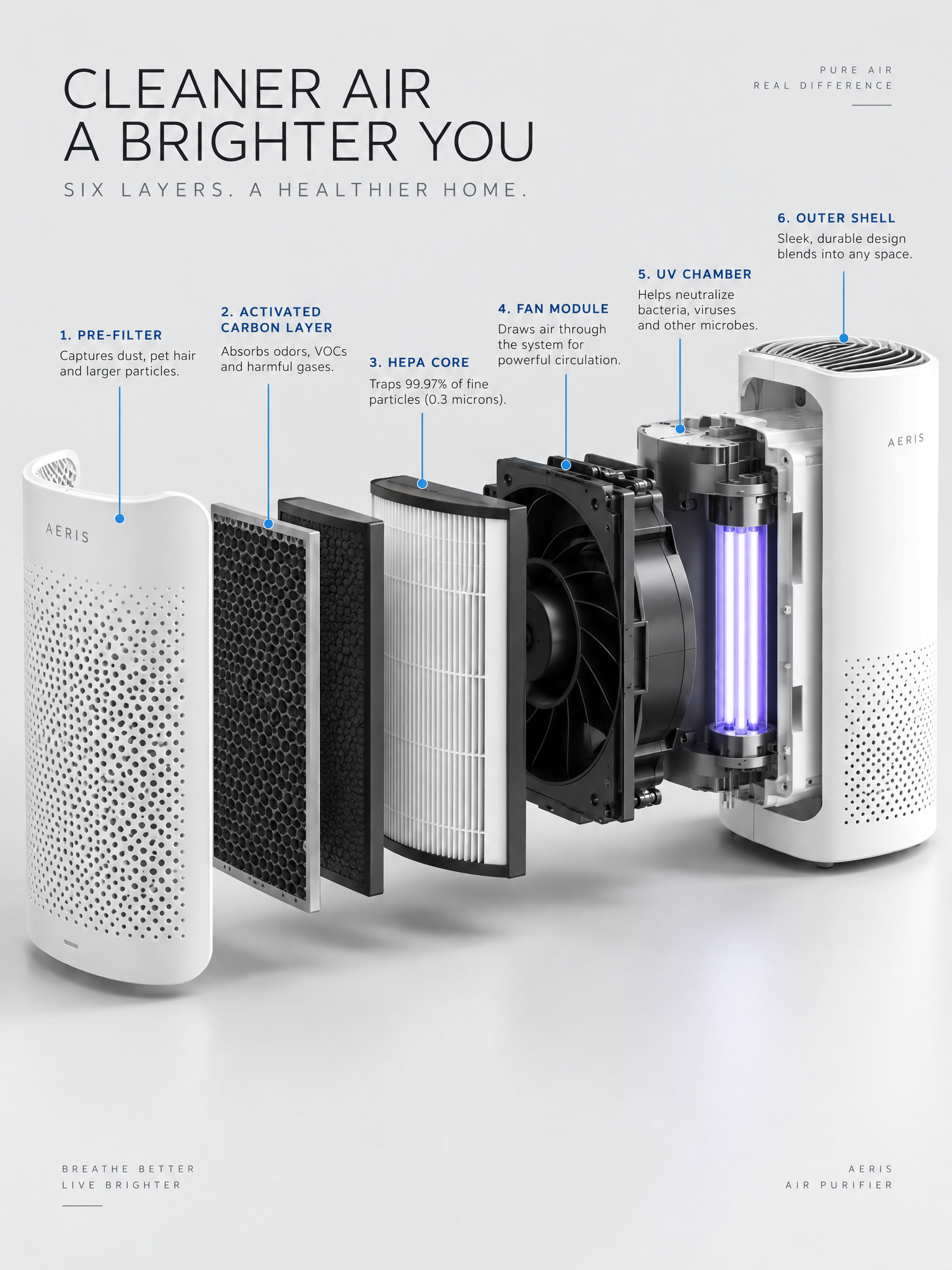
The main frame is the most technical of the three. The exploded layers stay centered, the product silhouette stays clear, and the callout lines give the image a clean editorial feel. It is the right kind of busy: enough detail to prove control, not enough to turn into clutter.
Why the Air Purifier Cutaway GPT Image 2.5 Prompt works
This prompt is useful because it asks for structure instead of mood. The model has to hold a product shape, separate six layers, and keep the labels legible. That makes it a good test for layout control.
The light gray background and white-on-white material palette reduce noise. The blue callout lines help the eye move through the diagram. That combination makes the image feel like a real product manual page instead of a random technical render.
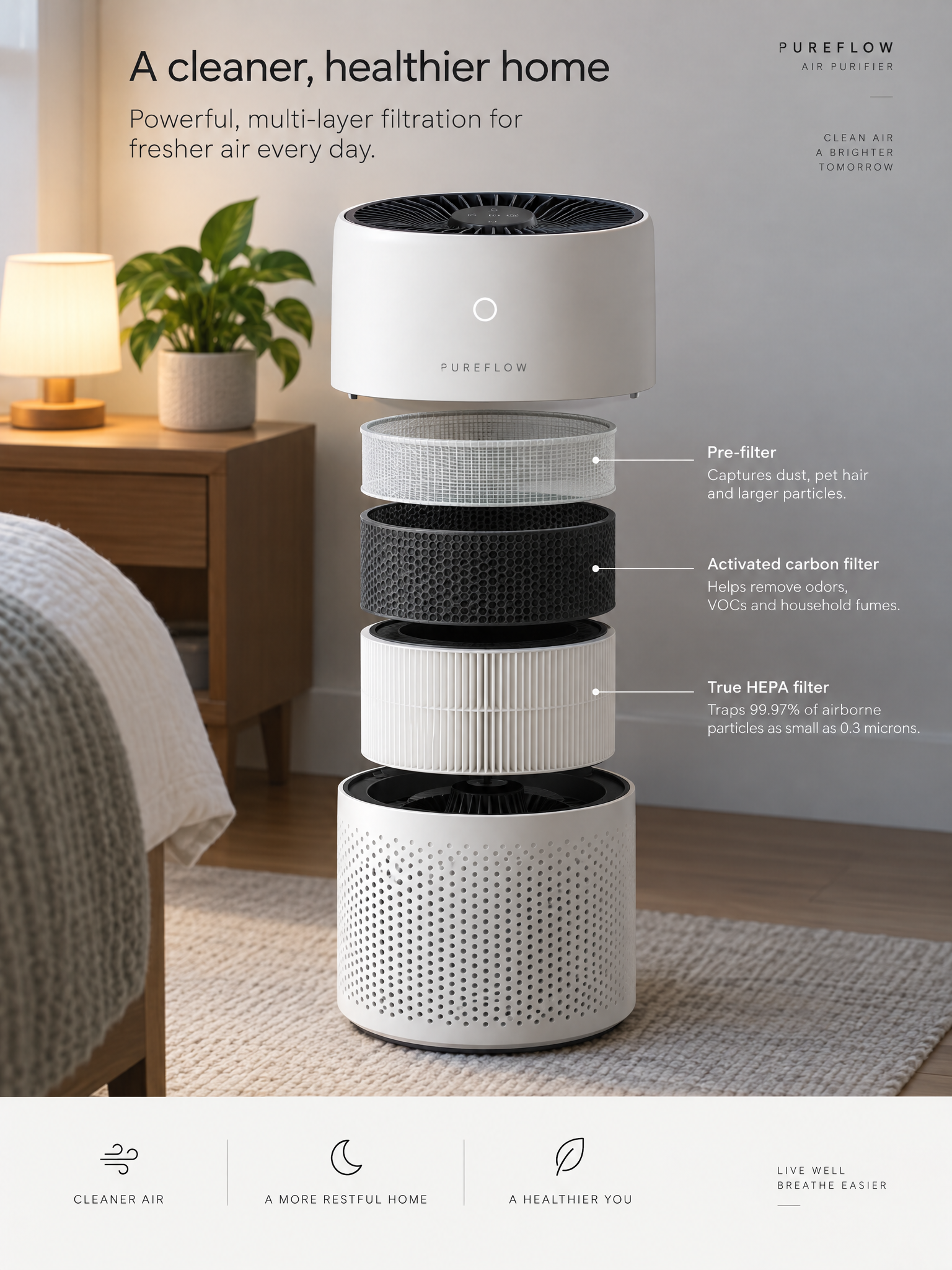
Variation prompt: Same air purifier cutaway, but with a small bedside lamp and a houseplant in the background for scale. The exploded layers stay centered and the callout lines are minimal. Make the diagram feel like a premium product manual page, polished and easy to read.
The variation softens the scene without losing the diagram. The lamp and plant add scale, while the reduced callout lines keep the page clean. That is a useful move when the goal is a polished product visual instead of a pure technical sheet.
| Setting | Value |
|---|---|
| Model | GPT Image 2.5 Sunburst |
| Ratio | 3:4 |
| Resolution | 2K |
| Quality | High |
| Output | PNG |
Settings that keep the Air Purifier Cutaway GPT Image 2.5 Prompt stable: keep the layout symmetrical, use simple labels, and avoid too many extra props. If the text starts to wobble, shorten the label list and remove one background element. If the image looks too flat, add a tiny shadow gap between the layers so the cutaway reads faster.
The same structure works for any consumer device with a clear inside story. A blender, a speaker, a coffee machine, or a phone can all use the same language: one hero object, one exploded view, one controlled background, and a short list of labels. GPT Image 2.5 seems happiest when the job is specific and the layout leaves no room for guesswork.
Copy the structure, swap the product, and the same prompt becomes a phone teardown, a coffee machine diagram, or a beauty device explainer.