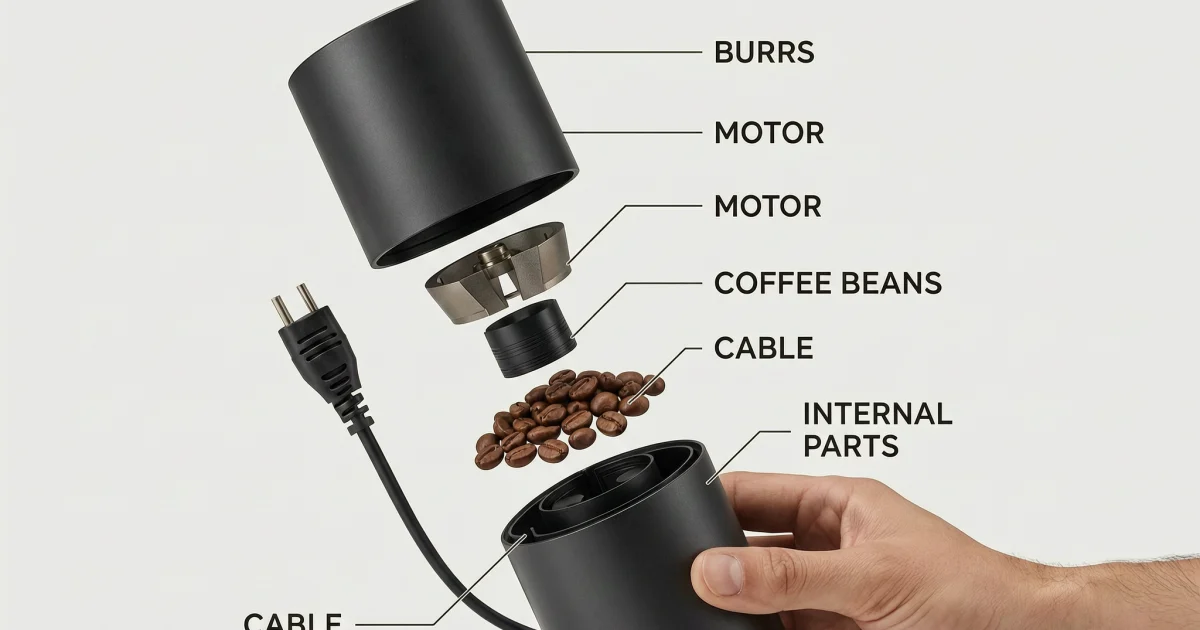
Cutaway Product Poster Wan 2.7 Image Pro Prompt is the hard test in this batch. It asks the model for a clean product scene, floating parts, readable labels, and hands in frame. The main render below came from Wan 2.7 Image Pro on Wiro. It shows how far the model can go before the layout gets messy.
Cutaway Product Poster Wan 2.7 Image Pro Prompt
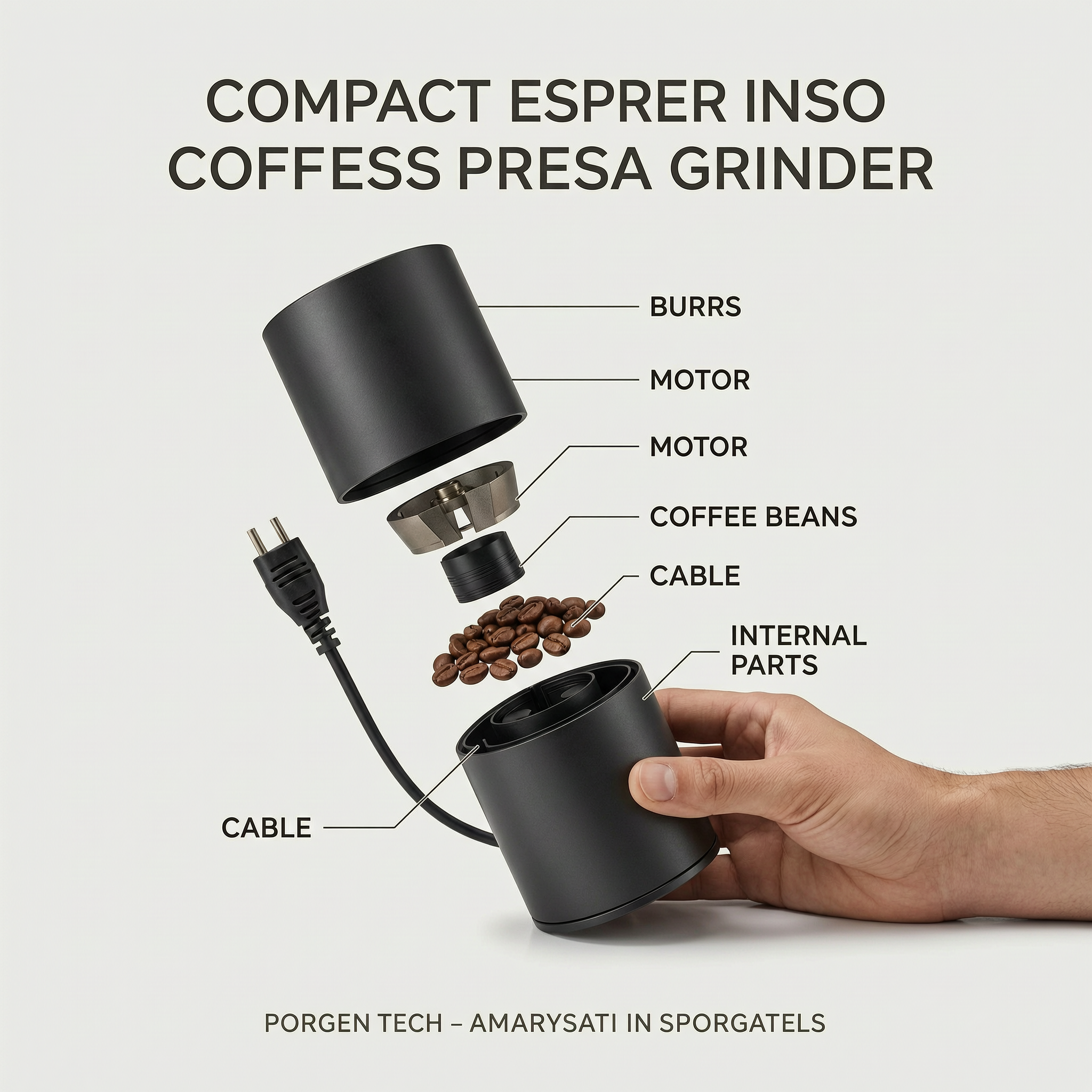
This prompt works because it mixes object structure with design language. The model has to keep the grinder believable, float the parts in the right order, and still make the page look like a premium ad. That combination is where image models often slip. They either nail the object or nail the graphic layout. Rarely both.
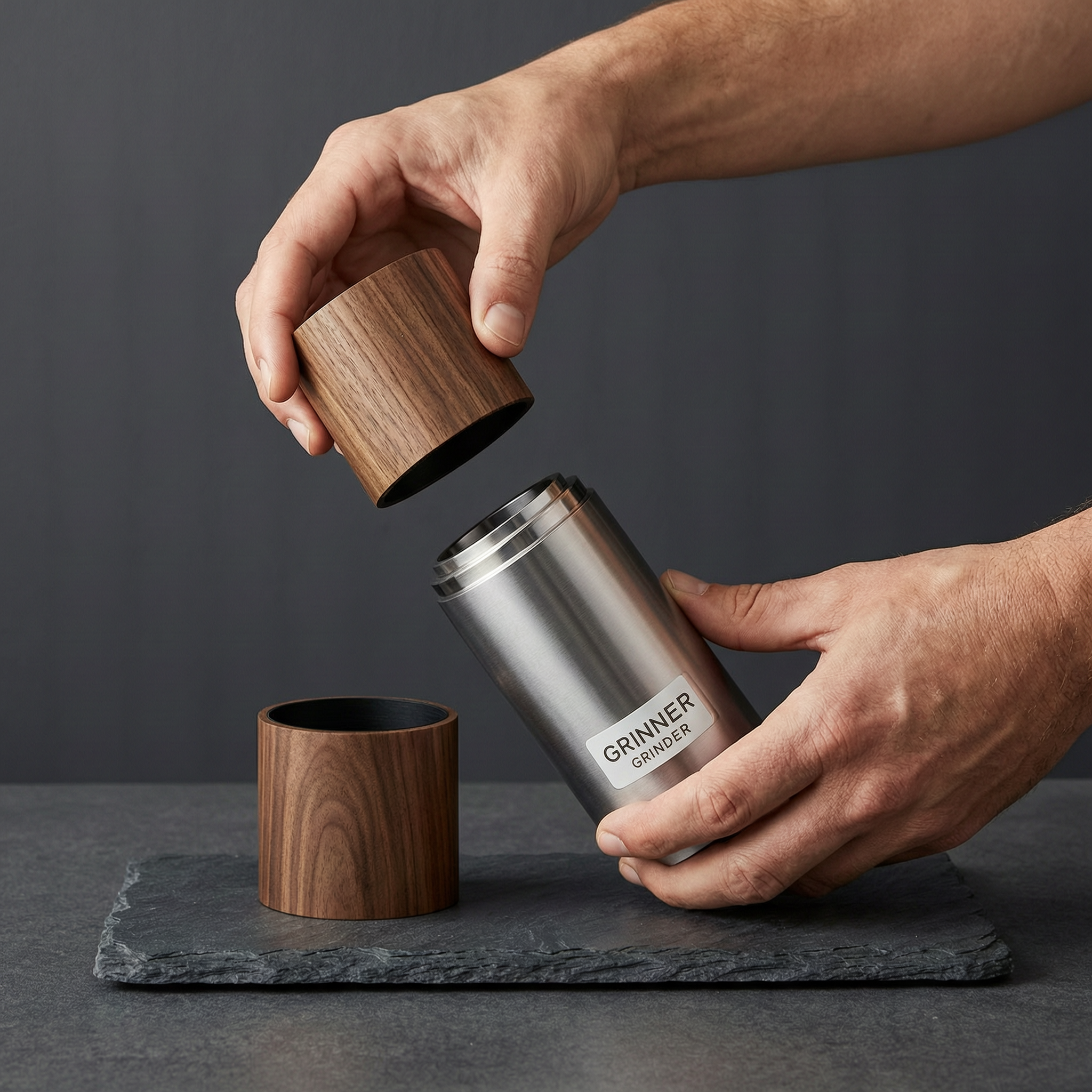
The variation pushes the hand problem a little harder. Two hands, more material contrast, darker background, and a more editorial composition. That kind of change is useful because it shows whether the model can keep the scene tidy when the visual load increases.
Why the cutaway product poster wan 2.7 image pro prompt works
The focus keyword matters here because this post is about a prompt pattern, not just a pretty image. It targets product mockups, gadget ads, and packaging breakdowns. Those are useful searches because creators want images that feel like a real launch page, not a generic render.
Three things carry the prompt. First, the object is familiar. A grinder gives the model enough parts to separate without becoming abstract. Second, the layout is stated plainly. Clean white background, soft shadow, modern Swiss layout. Third, the hands are not decoration. They help the scale feel real and keep the scene from floating away into a fake catalog image.
| Prompt piece | Why it matters | Result to watch for |
|---|---|---|
| Exploded-view structure | Forces part separation | Checks whether the model can organize multiple pieces |
| Precise labels | Tests text handling | Shows if the model can hold a design grid |
| One hand entering frame | Gives the ad scale | Makes the product feel real and handled |
| Warm walnut and brushed aluminum | Adds material contrast | Improves visual depth without clutter |
For a cleaner commercial look, keep the product small and the negative space large. For a more dramatic ad, move the camera closer and let the parts fill the frame. Wan 2.7 Image Pro seems happiest when the prompt names the material, the light, and the job of the image.
Main prompt: An exploded-view product poster for a compact espresso grinder on a studio table, with the outer shell floating open to show the burrs, motor, coffee beans, cable, and internal parts. Clean white background, soft shadow, precise labels integrated into the design, one hand entering frame to hold the base, premium tech advertisement, realistic materials, sharp edges, modern Swiss layout, readable text, no watermark.
Variation prompt: Same concept, but in warm walnut and brushed aluminum on a dark slate background, with a clean magazine-style layout, two hands assembling the grinder parts, subtle motion blur on the floating pieces, product photography lighting, readable labels, no watermark.
If a prompt needs to prove the model can do more than pretty portraits, this is the one to try first. It is specific, messy in the right way, and easy to adapt to other products.