Retro Mall Portrait GPT Image 2.5 Prompt works because it gives the model one clear job: keep the flash portrait steady, keep the mall readable, and keep the people looking real.
This version was tested on GPT Image 2.5 Sunburst with 3:4 framing, 2K resolution, high quality, and an opaque background. The official OpenAI prompt guide says the same thing in different words: name the deliverable, describe what should be visible, and lock the important parts down with exact constraints. See the guide at OpenAI’s image prompting guide.
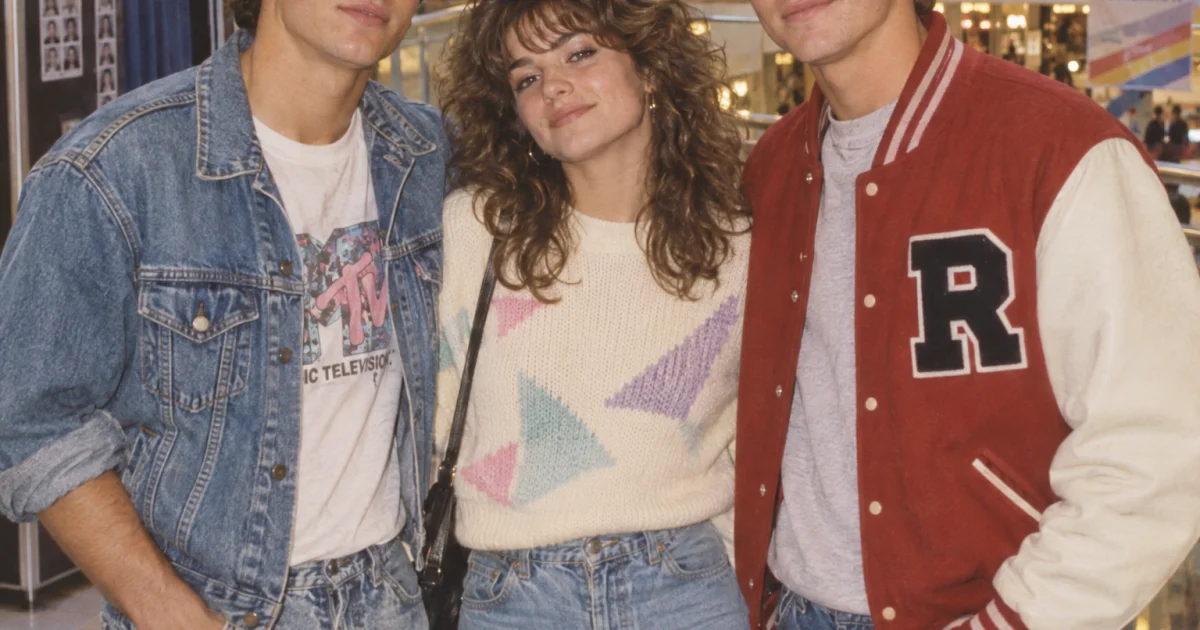
Main prompt: A 1980s mall portrait of three friends standing shoulder to shoulder in a bright indoor atrium. One wears a denim jacket, one wears a red varsity jacket, one wears a cream sweater. Fluorescent skylight above, pastel tile floor, glass railings, a photo booth and arcade signs softly blurred behind them. Direct flash, warm Kodak Gold color, slight film grain, natural skin texture, relaxed expressions, candid fashion-editorial energy.
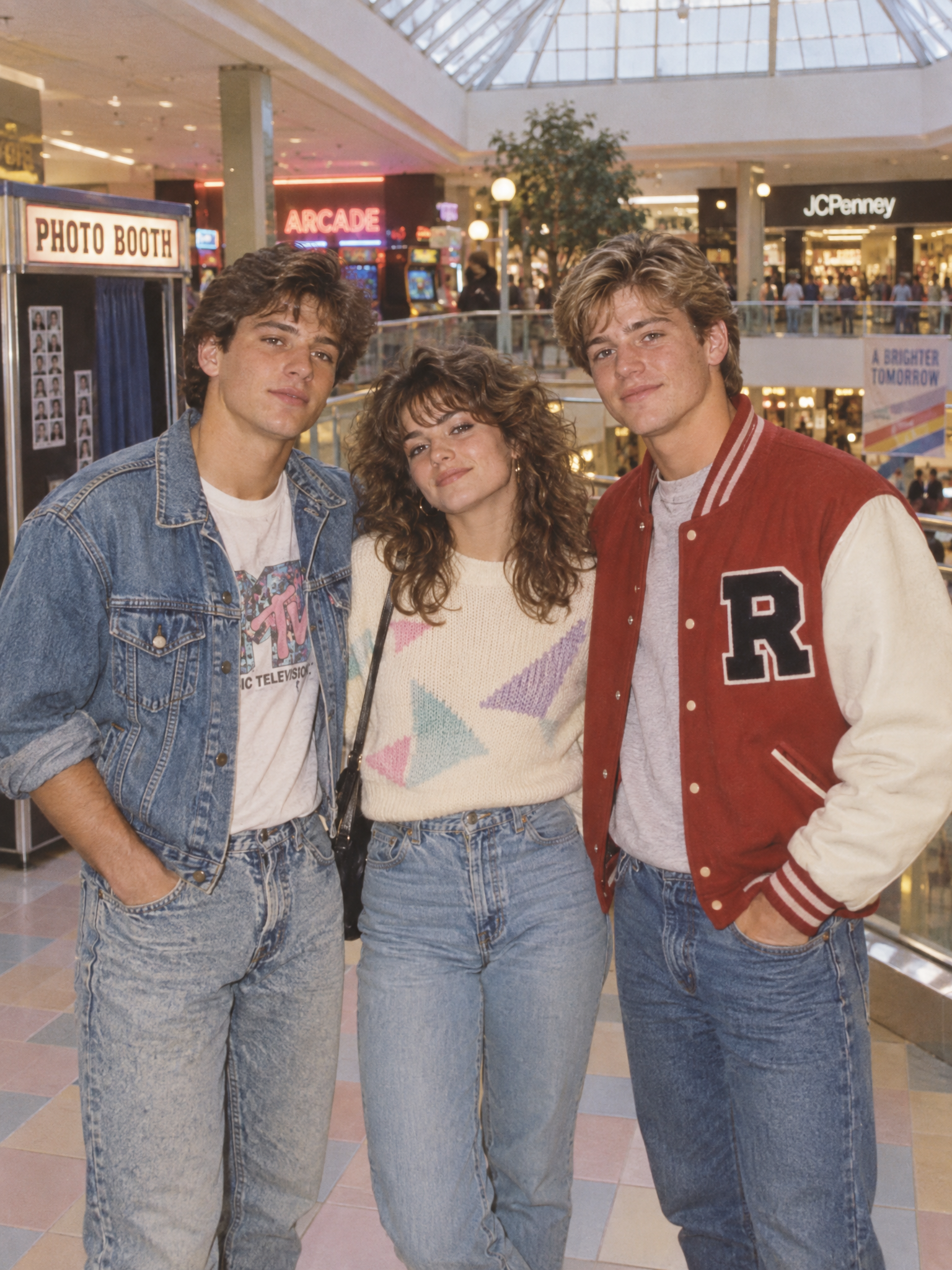
The main frame gives the post its cover. The flash hits the faces cleanly, the atrium stays bright, and the film grain keeps the picture from looking plastic. The strongest part is the balance: enough background detail to feel like a real mall, but not so much that the people disappear.
Why the Retro Mall Portrait GPT Image 2.5 Prompt works
The prompt does three useful things at once. It names the scene, it pins down the light, and it gives GPT Image 2.5 one simple emotional cue: relaxed expressions. That keeps the result from drifting into costume-photo territory.
The clothing contrast matters too. Denim, varsity red, and cream are easy for the model to separate. The skylight and flash combine into a clean, believable look. The background cues stay soft, so the viewer reads the faces first and the location second.
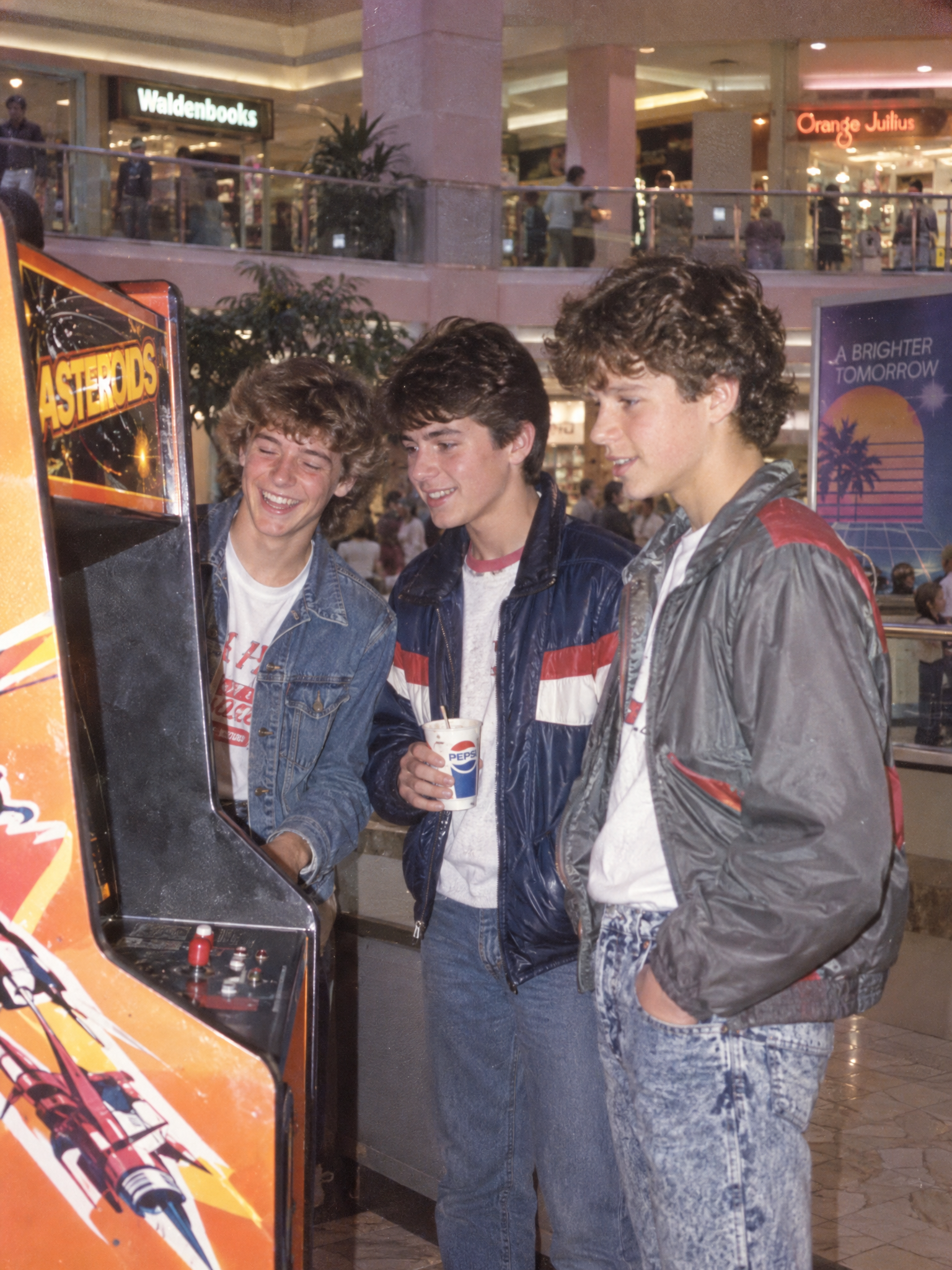
Variation prompt: Same 1980s mall portrait, but the trio is turned slightly toward a glowing orange arcade cabinet. One friend laughs mid-blink, one holds a paper cup, one has a hand in a jacket pocket. Keep the flash, pastel mall interior, glass railings, film grain, and candid family-photo feel.
The variation keeps the same structure and changes only one thing that matters: motion. A laugh, a cup, and a hand in a pocket make the scene feel caught instead of posed. That helps the model preserve the portrait while still adding life.
| Setting | Value |
|---|---|
| Model | GPT Image 2.5 Sunburst |
| Ratio | 3:4 |
| Resolution | 2K |
| Quality | High |
| Output | PNG |
Settings that keep the Retro Mall Portrait GPT Image 2.5 Prompt stable: use portrait framing, keep the palette narrow, and avoid too many props. One strong background cue is enough. If the face starts to drift, shorten the scene description and keep the wardrobe contrast. If the image feels too still, add one small action like a blink or a half-turn.
The same structure also works for couples, siblings, or a solo fashion frame. Keep the light source simple and let the clothing do the sorting. A denim jacket, a varsity jacket, and one soft neutral piece give GPT Image 2.5 enough separation to hold the group together. If the background gets noisy, drop the photo booth detail and keep only the mall atrium, the flash, and the floor tiles.
Copy the structure, swap the wardrobe, and this same prompt can become a couple shot, a sibling portrait, or a solo mall fashion frame.