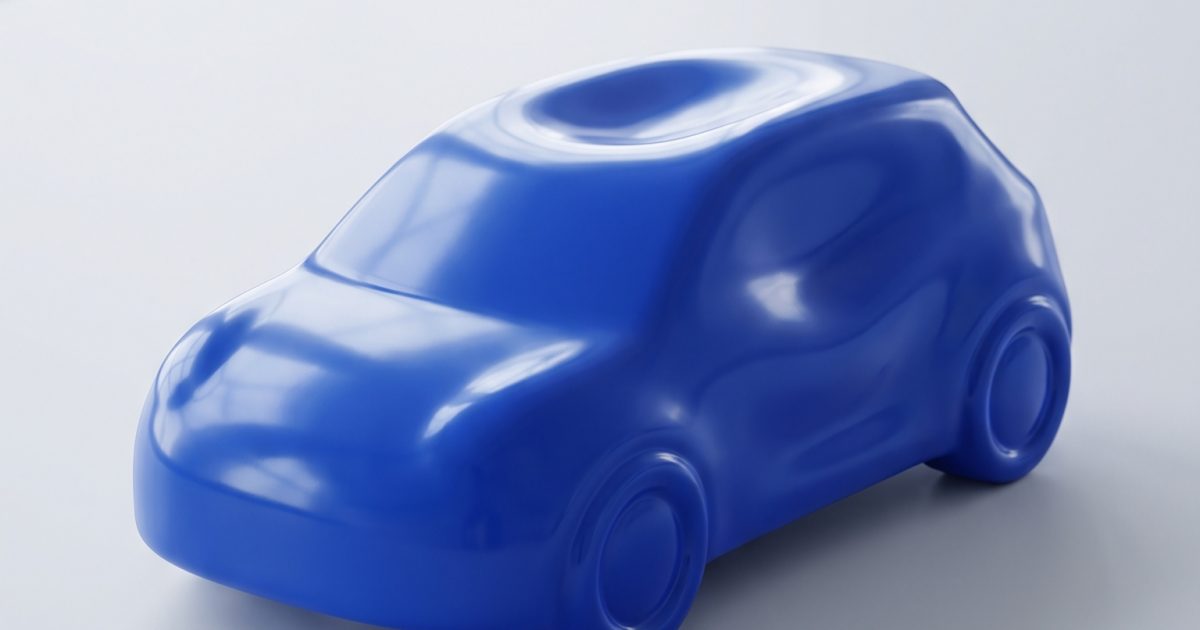
AI Squish P Video Edit Prompt turns a rigid car into soft, slow-recovery foam without losing the details that make it recognizable. The clip starts with a normal vehicle, compresses under an unseen force, then springs back with a small, satisfying bounce.
AI Squish, also called Squish It, is the short-form video effect where an object that should feel solid behaves like memory foam. It has been circulating in 2026 as a tactile, rewatchable format for Reels and TikTok. This test uses Pruna P Video Edit to change a supplied car clip while keeping the scene intact.
AI Squish P Video Edit Prompt result
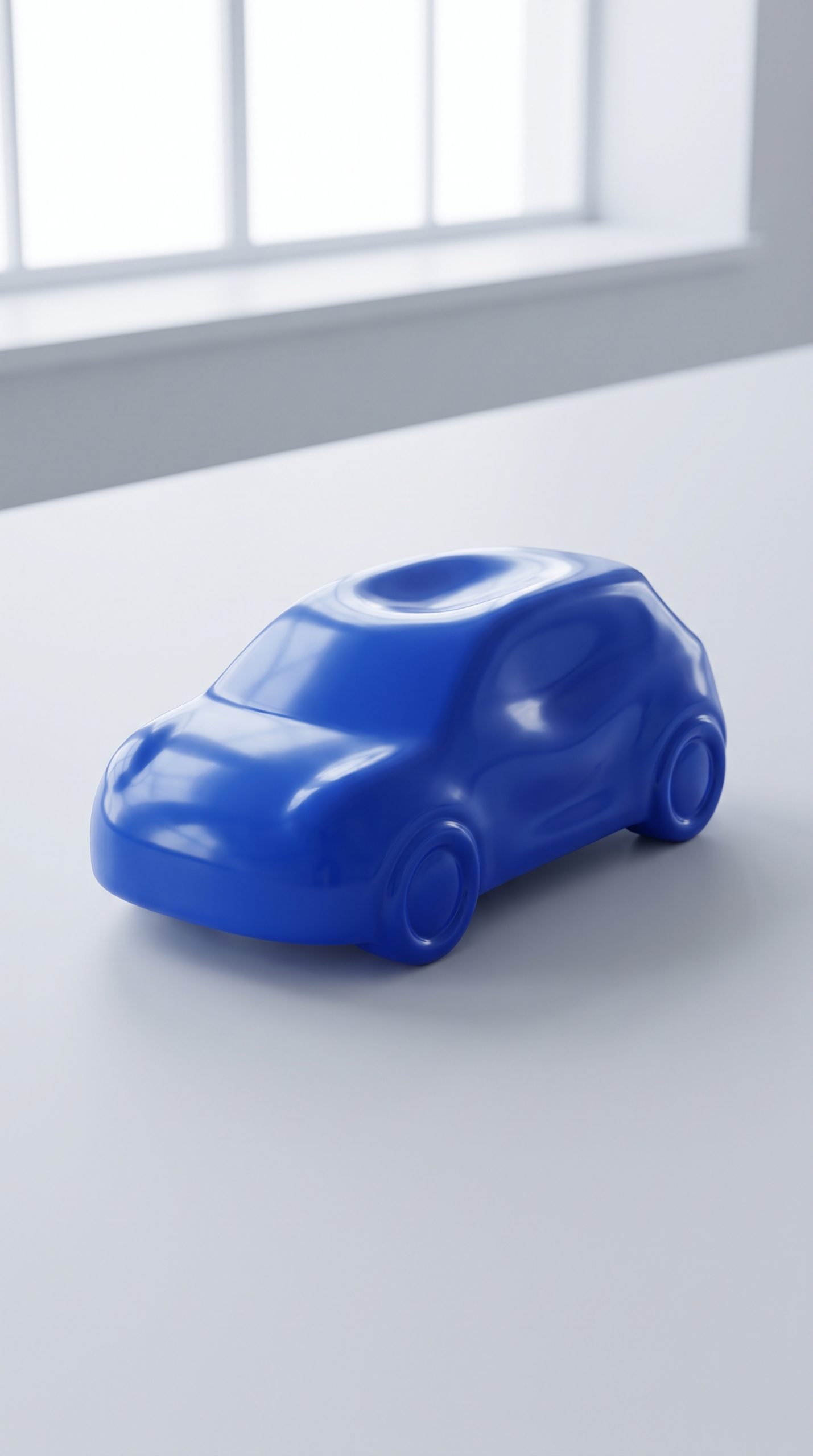
Memory Foam Car
Use this on a short video with one clearly visible product. It deliberately keeps the background and camera fixed, which gives the editor less to reinterpret.
Transform the car in this clip into soft, slow-recovery memory foam while preserving its exact silhouette, paint color, wheels, windows, and proportions. It slowly compresses downward as if pressed by an invisible hand, then rebounds cleanly to its original shape with one small elastic bounce. Keep the road, trees, lighting, composition, and camera completely unchanged. Oddly satisfying realistic material behavior.Settings used: Model: Pruna P Video Edit. Input: short car clip. Draft: false. Prompt upsampling: true. Save audio: true. Seed: 0.
What makes the AI Squish effect work
The effect needs a clear sequence: normal object, controlled press, short hold, then a full recovery. A vague request for a squishy object can turn into melting or a warped cut. Memory foam gives the model a material target, while slow recovery tells it that the shape should return instead of collapsing.
Preserving the silhouette matters just as much. Product clips work when the viewer can still recognize the paint, windows, wheels, label, or packaging after the squeeze. The contrast between a familiar rigid item and soft deformation is the whole point. Keep the action centered and short. One clean compress-and-rebound cycle has more impact than a long chain of unrelated movement.
Why this AI Squish P Video Edit Prompt works
- It names a specific material: slow-recovery memory foam, not generic softness.
- It protects recognizable details such as the car silhouette, paint, wheels, and windows.
- It describes a complete motion arc: press, compress, rebound, then one elastic bounce.
- It tells the editor to leave the road, lighting, framing, and camera alone.
- It avoids a new scene or new camera move, which suits a focused video-to-video edit.
Make the effect feel intentional
Pick a source clip with even lighting and a single main subject. A product against a busy background can still work, but the subject should remain visible from the first frame to the last. Side views and three-quarter views often show the compression best because the viewer can see the object shorten, bulge, and recover.
For a branded product, describe details that cannot drift: color, logo placement, cap shape, wheel design, or packaging edges. Avoid asking for a new location, extra hands, or a dramatic camera orbit in the same instruction. P Video Edit is strongest when it edits the material behavior already present in the clip.
The trend reference AI Squish Effect Prompts for the Viral Squishy Video Trend describes the format as a rigid subject squeezed into a soft, bouncy form. This version narrows that idea to a car and gives the rebound a clear endpoint, so it reads as a physical effect rather than a failed morph.
More video prompt examples
Browse more edits in P Video Edit Prompts. For a different video model and more motion-focused ideas, see Grok Imagine Video 1.5 Prompts.
Run this prompt yourself
Every example above was generated on Wiro. Paste the prompt, pick the model, and get your own result.



1 Comment