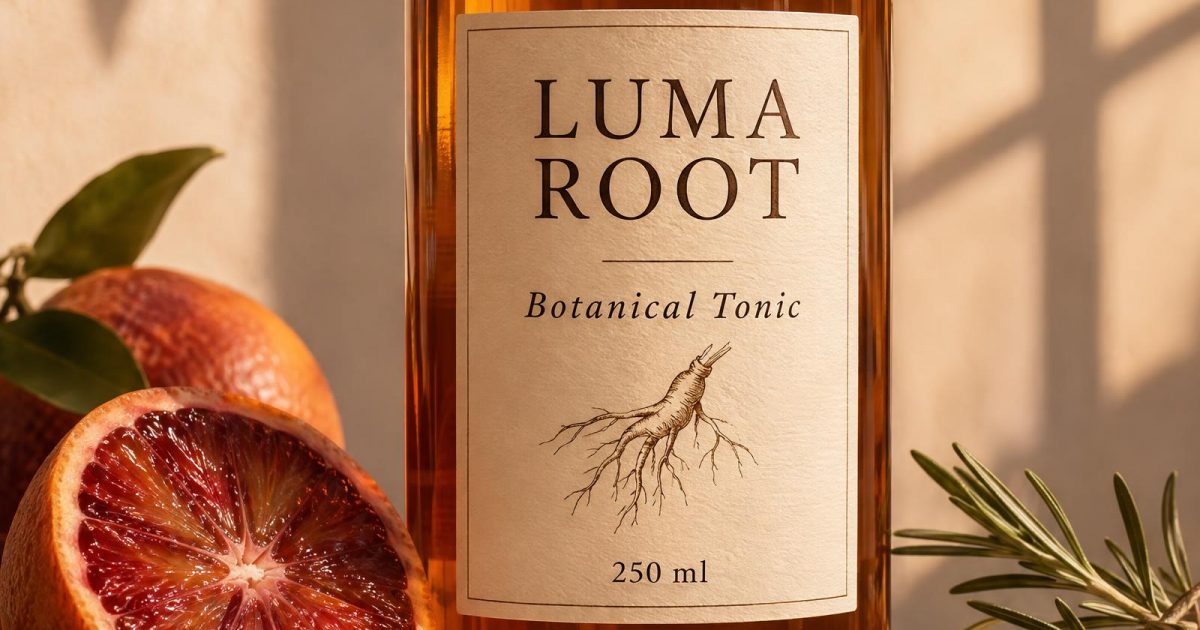
This Herbal Tonic Label GPT Image 2.6 prompt makes a polished product campaign with readable label copy, realistic glass, and a clear art direction. Use it when a launch mockup needs to look designed rather than generic. OpenAI’s GPT Image 2.6 prompting guide recommends stating the subject, composition, and constraints; that is the useful structure here.
Herbal Tonic Label GPT Image 2.6 prompt
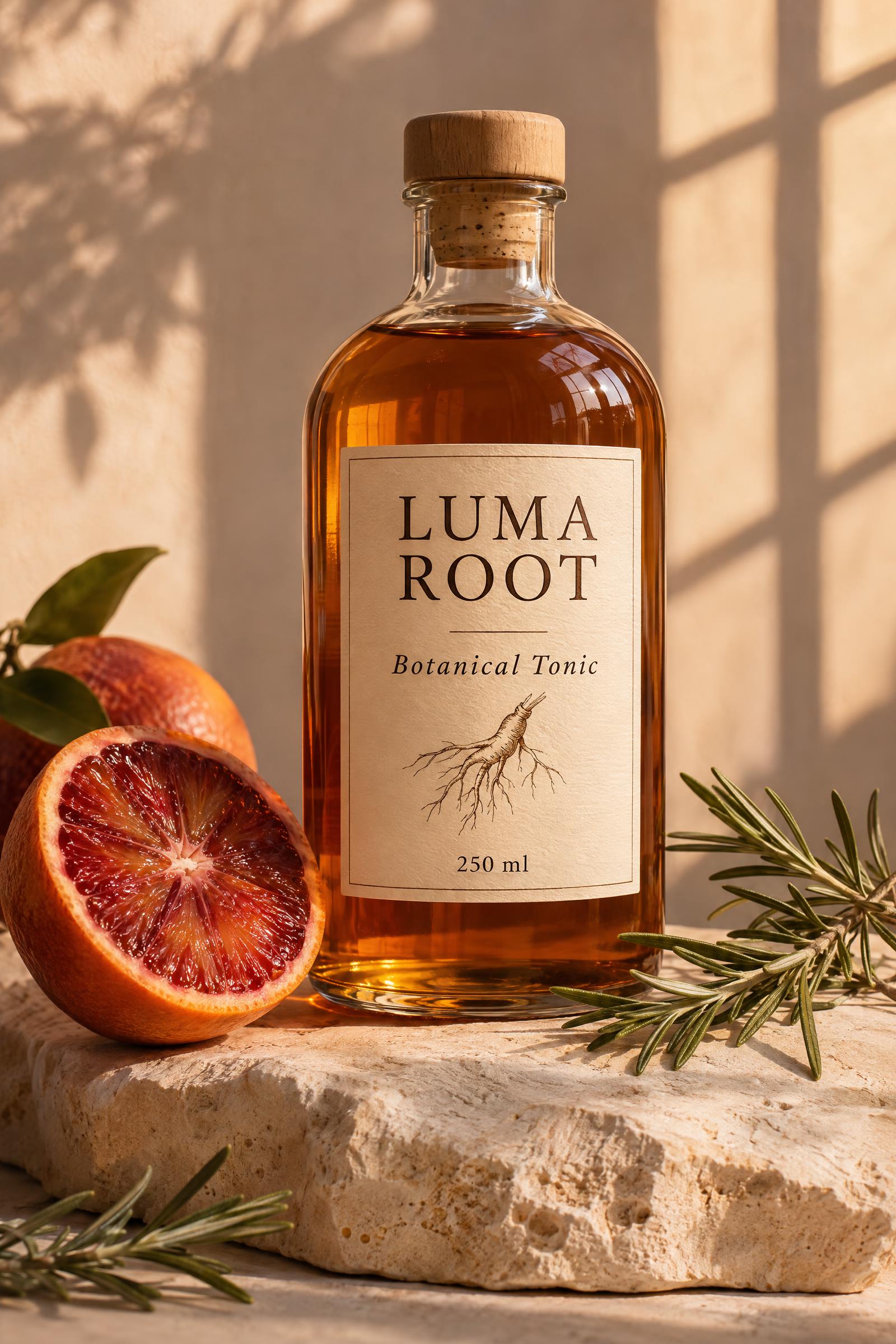
Amber bottle campaign
Portrait 2:3 premium product campaign for a fictional herbal tonic called LUMA ROOT. A clear amber bottle stands on pale limestone beside a sliced blood orange and sprigs of rosemary. The cream paper label is clean and legible: LUMA ROOT, Botanical Tonic, 250 ml. Small line drawing of a root. Soft late-afternoon window light, shallow shadows, editorial studio photography, 85mm lens, restrained warm palette, realistic glass reflections, no logos beyond the fictional label.Settings: GPT Image 2.6 Sunburst, 2K, 2:3, high quality, high complexity, opaque JPEG.
Variations
Green glass evening label
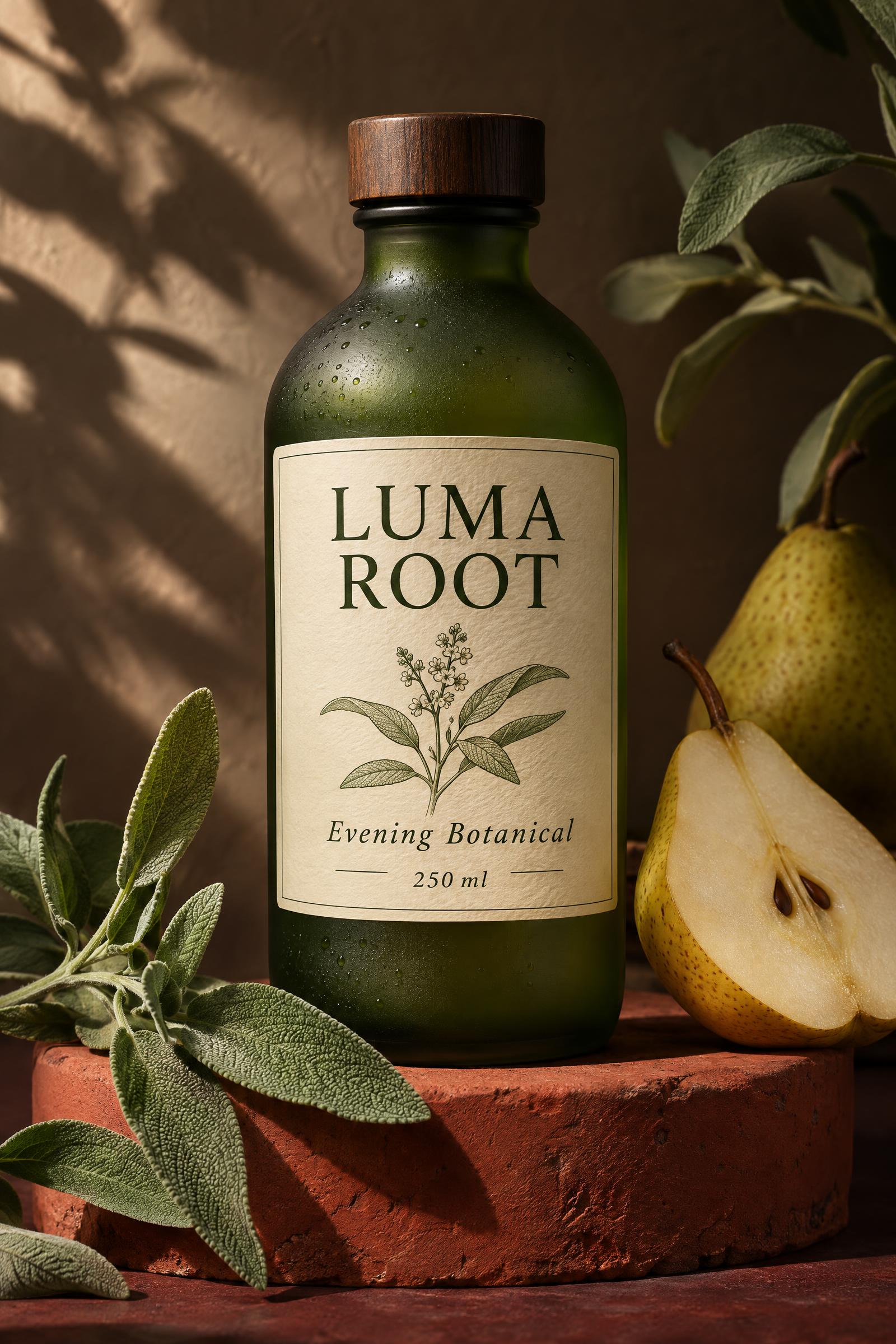
Portrait 2:3 premium product campaign for a fictional herbal tonic called LUMA ROOT. A matte green glass bottle stands on a red clay pedestal with fresh sage and a halved pear. The cream label is clear and legible: LUMA ROOT, Evening Botanical, 250 ml. Simple botanical line art. Soft side light, rich shadows, catalog photography, 85mm lens, realistic glass and paper texture, no logos beyond the fictional label.Settings: GPT Image 2.6 Sunburst, 2K, 2:3, high quality, high complexity, opaque JPEG.
Three-bottle morning campaign
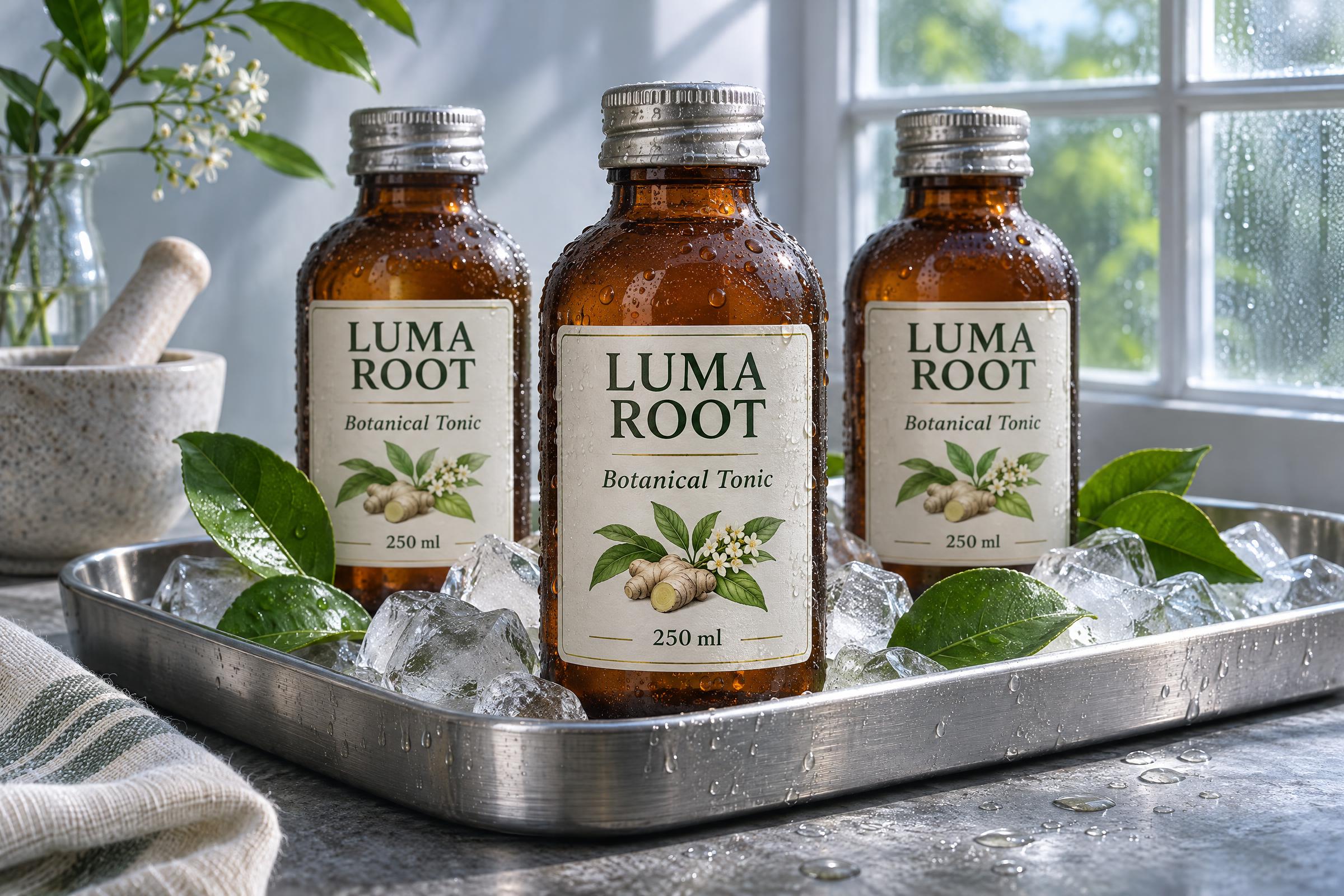
Landscape 3:2 premium product campaign for a fictional herbal tonic called LUMA ROOT. Three small amber bottles sit on a brushed steel tray with lime leaves and ice. The front label is clean and legible: LUMA ROOT, Botanical Tonic, 250 ml. Crisp art direction, cool morning window light, realistic condensation, commercial still life, no logos beyond the fictional label.Settings: GPT Image 2.6 Sunburst, 2K, 3:2, high quality, high complexity, opaque JPEG.
Why this Herbal Tonic Label GPT Image 2.6 prompt works
- The fictional name gives the image a purpose without borrowing a brand.
- Exact label copy tells the model which words matter most.
- Material cues such as amber glass, paper, and limestone give the scene believable texture.
- The lens and lighting keep the result in product-photography territory.
- The no-logo constraint prevents stray branding from competing with the label.
Make the label read at card size
Start with one hero bottle. Ask for only the copy that a viewer needs to read first. A product name, a descriptor, and the volume are enough. Longer ingredient lists invite tiny errors and distract from the silhouette. The contrast also matters. A cream label on amber glass separates the words from the bottle before the model adds any decorative detail.
Keep the fictional product name short. It gives the model a stable text anchor, then lets the styling carry the mood. If the first image feels busy, remove an ingredient or simplify the surface before changing the whole scene. That small adjustment usually preserves the lighting and composition that already work.
More GPT Image 2.6 prompts
Browse the GPT Image 2.6 Prompts category for tested examples. For more precise product layouts, see GPT Image 2.5 Prompts.
Run this prompt yourself
Every example above was generated on Wiro. Paste the prompt, pick the model, and get your own result.


