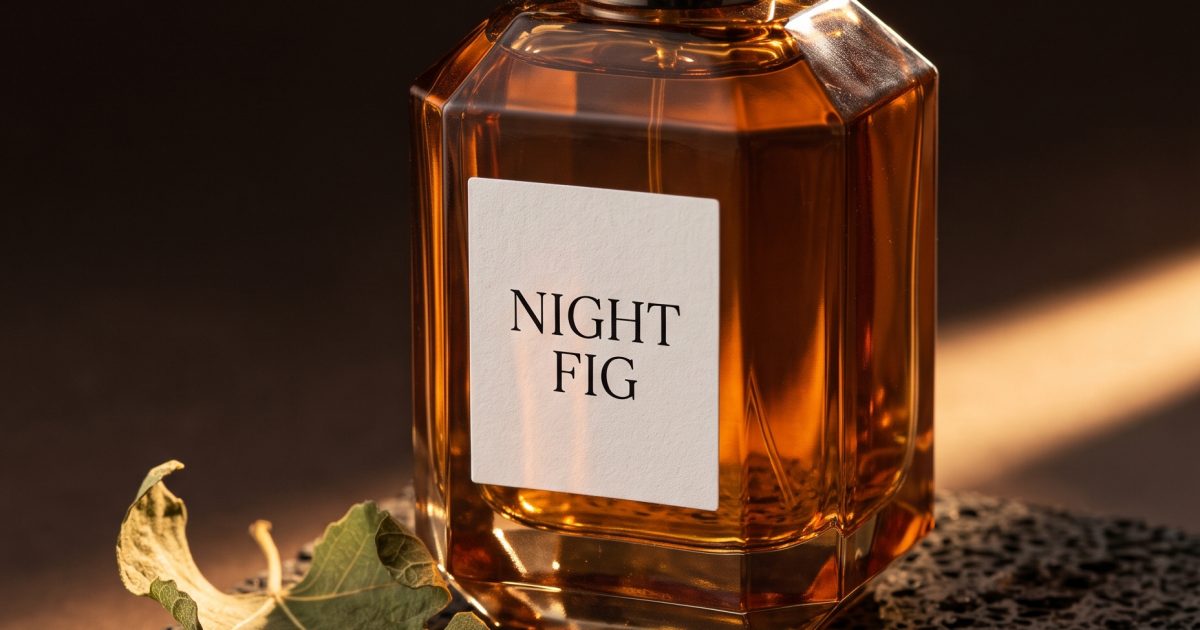
This Scent Bottle Nano Banana 2.1 prompt makes a dark fragrance still life with legible label text, glass detail, and a controlled pool of warm light. Use it for campaign mockups, mood boards, or a sharp product-post cover.
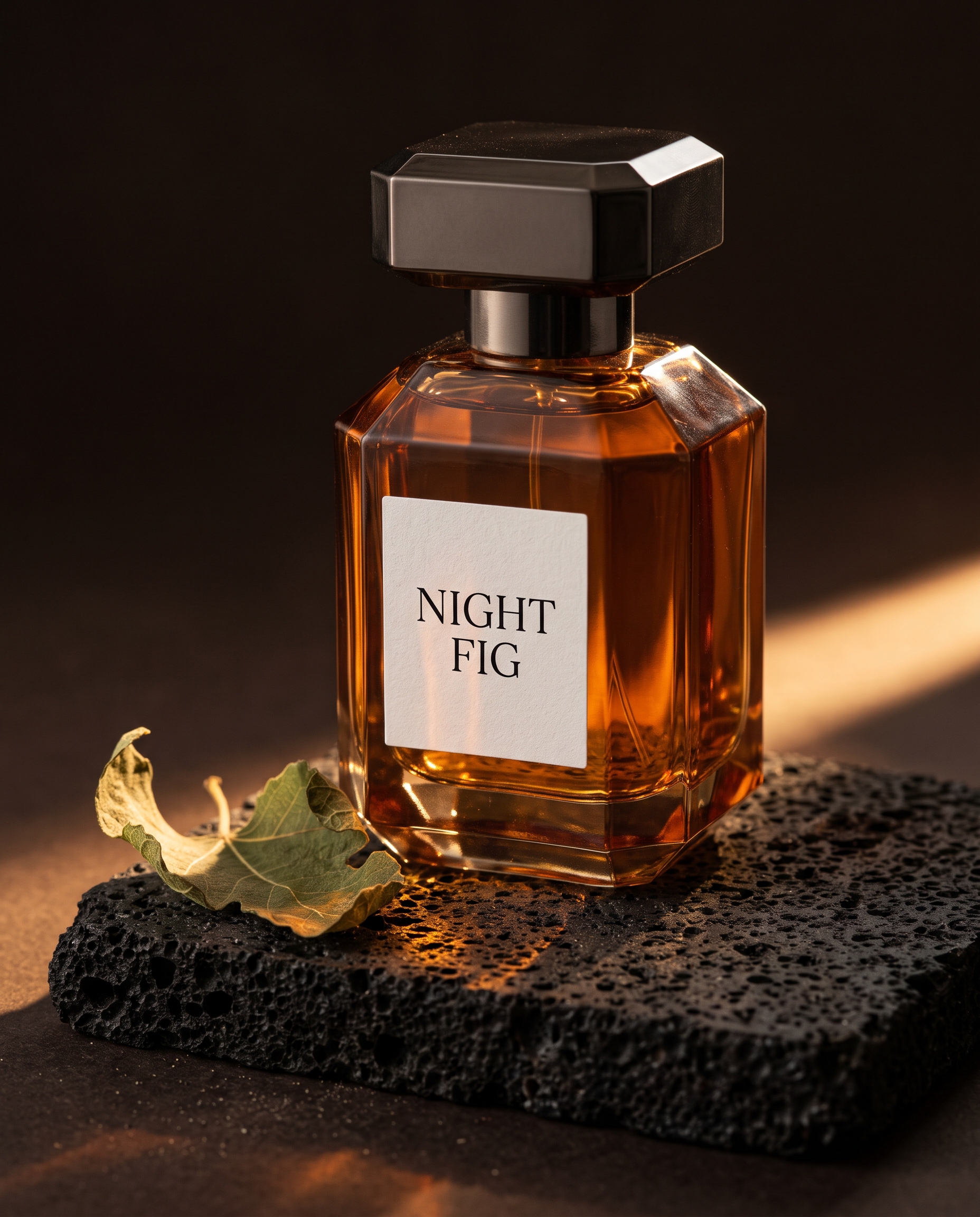
Night Fig Bottle
High-end studio still life of a faceted amber glass perfume bottle on black volcanic stone, with a single curled fig leaf and a narrow band of warm sunset light. The label is clean and legible with the exact words NIGHT FIG. Deep espresso background, delicate reflections, 85mm macro lens, realistic glass and cap, no people, no brand logo.Settings: Google Nano Banana 2.1, 4:5, 2K, JPEG, text-to-image.
Variations
Cobalt Glass Bottle
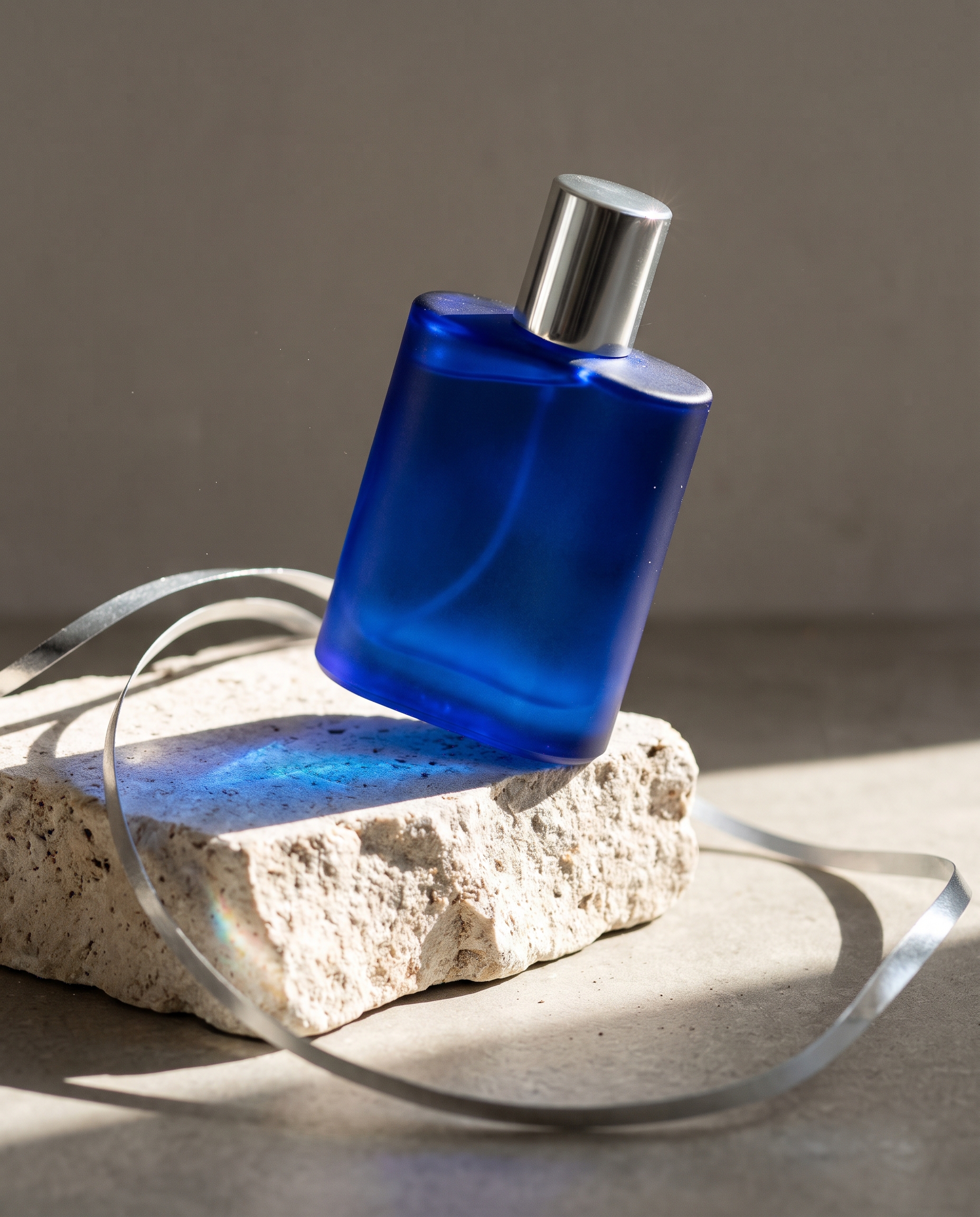
High-end studio still life of a frosted cobalt-blue perfume bottle balanced on a rough pale stone block. A silver ribbon curls through the frame and hard midday sunlight makes a blue shadow. Minimal editorial composition, 85mm macro lens, realistic glass and cap, no people, no brand logo, no text.Settings: Google Nano Banana 2.1, 4:5, 2K, JPEG, text-to-image.
Violet Hour Bottle
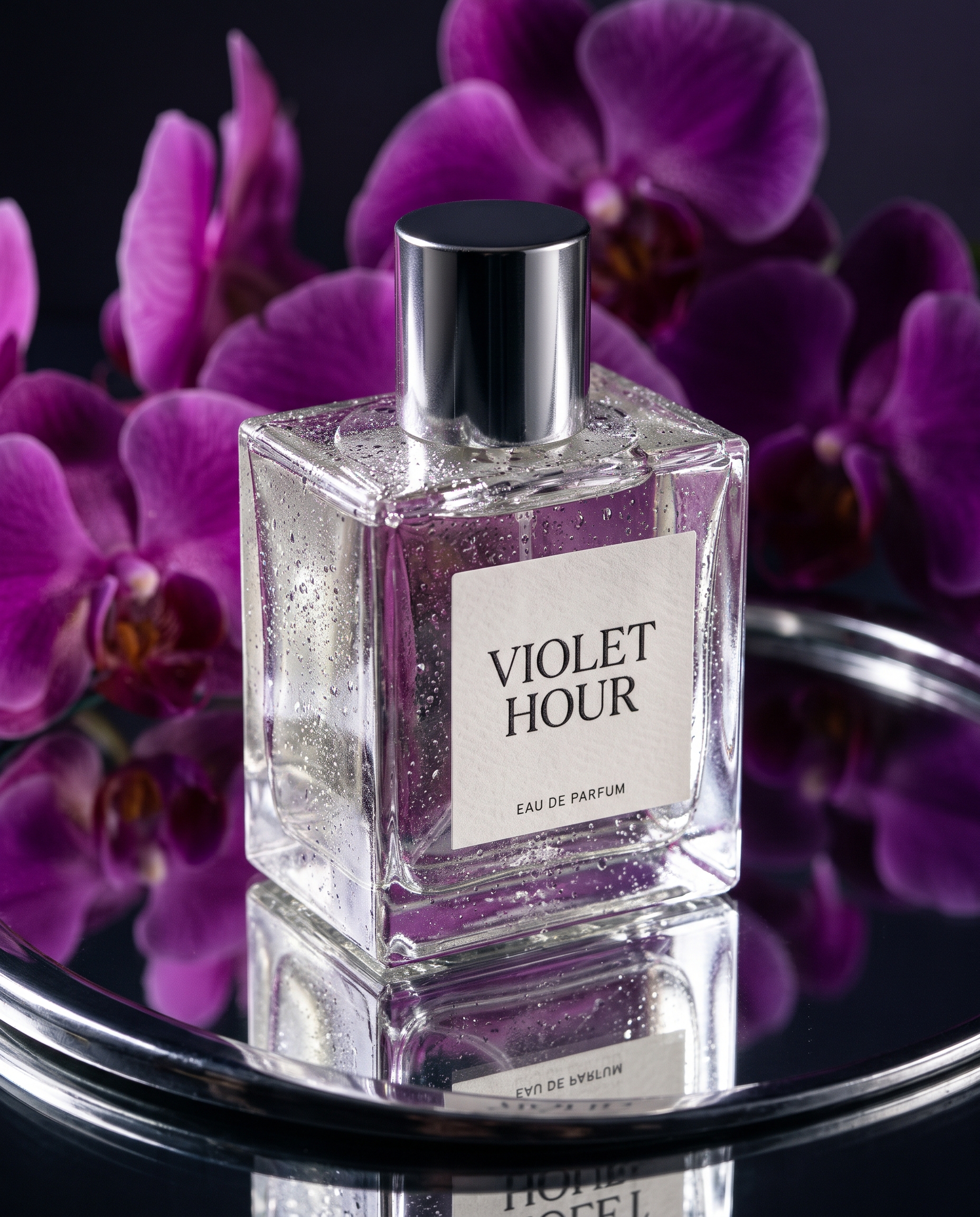
High-end studio still life of a clear square perfume bottle on mirrored chrome with violet orchids reflected behind it. The bottle label has sharp readable serif text saying VIOLET HOUR. Low-key cinematic lighting, fine condensation on the glass, 85mm macro lens, no people, no brand logo.Settings: Google Nano Banana 2.1, 4:5, 2K, JPEG, text-to-image.
Why this Scent Bottle Nano Banana 2.1 prompt works
- It gives the bottle a defined shape, material, and camera distance before adding mood.
- The dark stone and fig leaf make the scene specific without competing with the product.
- A narrow light band describes where the highlight should fall on the glass.
- The small label request tests readable type in a place where imperfect text is easy to spot.
- Macro-lens direction holds focus on the bottle while the background stays quiet.
Nano Banana 2.1 creates and edits images with better text rendering and composition control than the prior Nano Banana 2 release. Read the official Nano Banana 2.1 documentation for its image settings and capabilities.
How to adjust the result
Keep the bottle shape, lens, and background color in the prompt when testing a new scent story. Those details establish the campaign language. Then change one accent at a time: switch the fig leaf for citrus peel, change the stone from black to pale, or move the key light from sunset to a hard noon beam. This makes it easier to spot which visual choice actually improves the composition.
Text on a generated bottle can look convincing at a glance, but it should not replace approved packaging artwork. Use a short phrase to test placement and hierarchy, then apply final type in a design file. The cobalt variation shows how a pale set changes the bottle’s feel without needing extra props. The violet version adds reflected flowers and chrome, which suits a more dramatic editorial frame. Both retain a single product as the focal point.
More Nano Banana 2.1 prompts
Browse the Nano Banana 2.1 prompt collection for more tested examples. For another product-image direction, visit Nano Banana Pro prompts.
Run this prompt yourself
Every example above was generated on Wiro. Paste the prompt, pick the model, and get your own result.