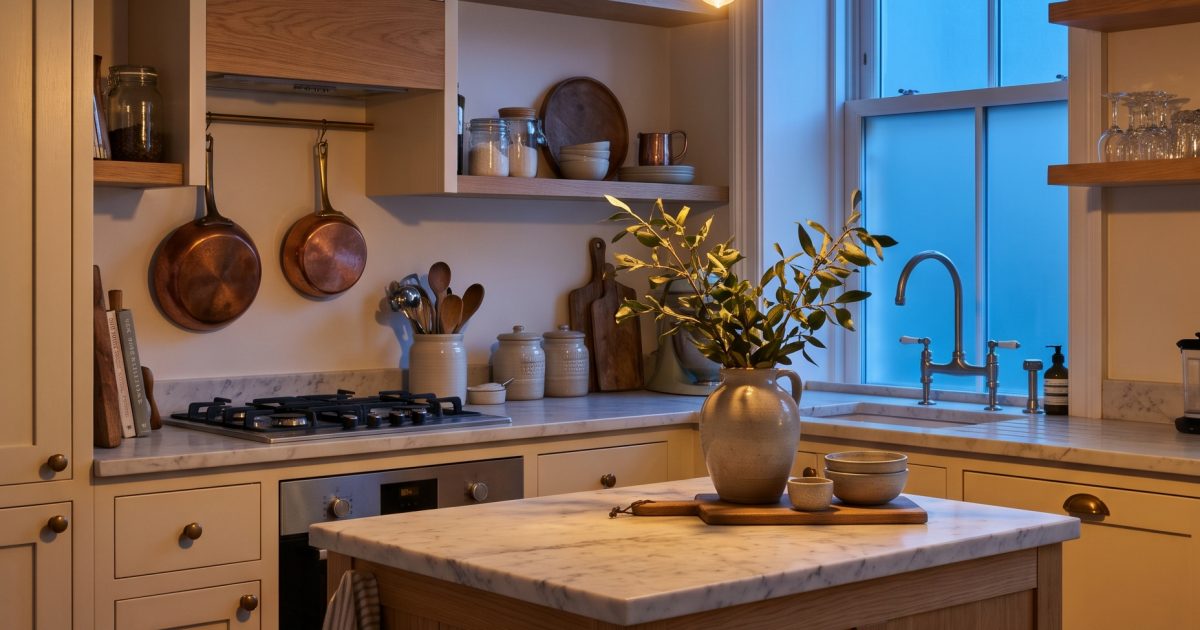
This Kitchen Relight Nano Banana 2.1 prompt turns an ordinary kitchen brief into a believable blue-hour interior. Use it for editorial interiors when the feeling of the light matters as much as the room.
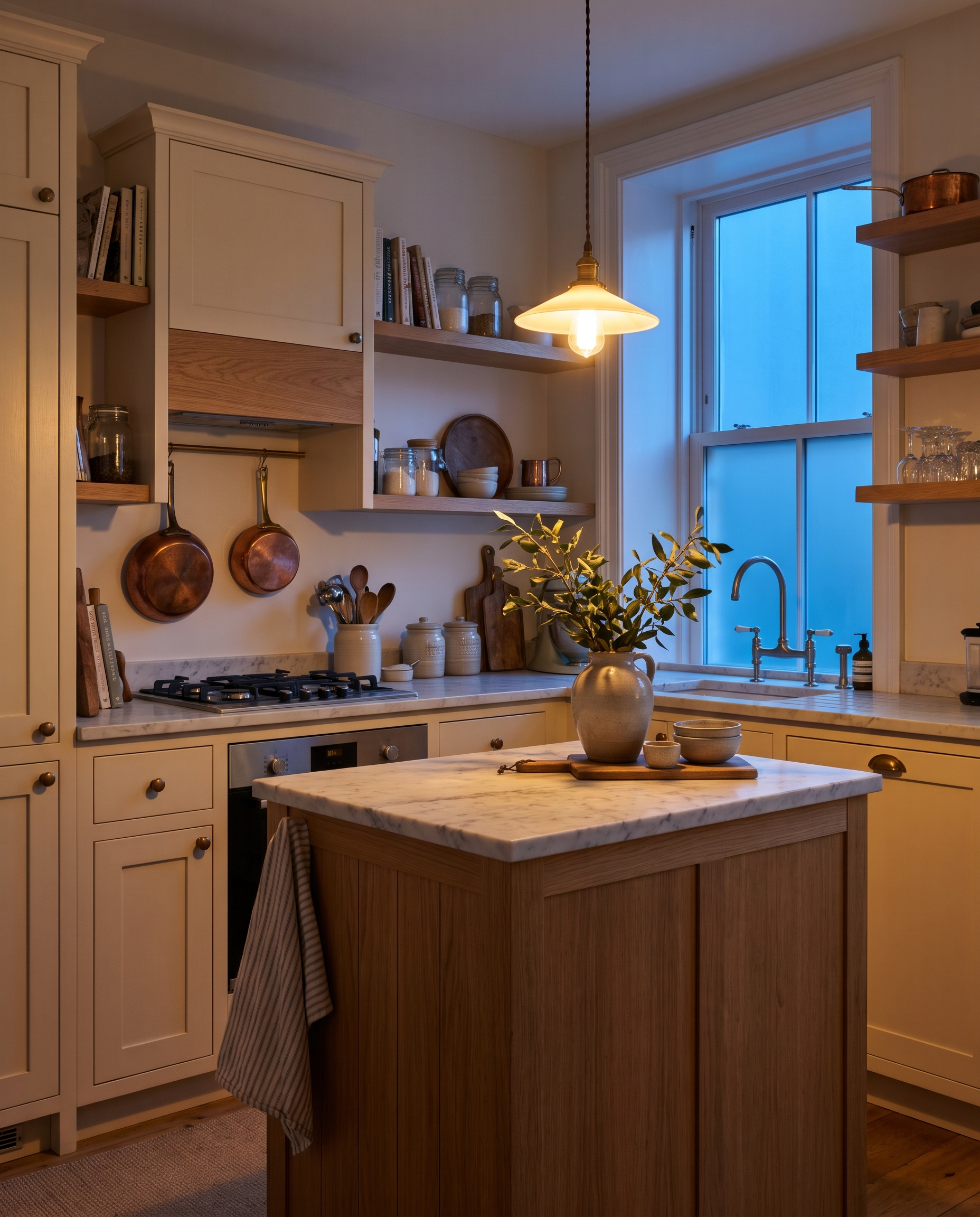
Blue Hour Kitchen
Photoreal interior editorial of a compact cream-and-oak kitchen at blue hour, relit by one warm pendant above a marble island and a cool strip of evening window light. Copper pans, a striped dish towel, and a vase of branches add lived-in detail. Balanced exposure, realistic cabinet edges and reflections, 28mm lens, no people, no logos, no text.Settings: Google Nano Banana 2.1, 4:5, 2K, JPEG, text-to-image.
Variations
Rainy Morning Kitchen
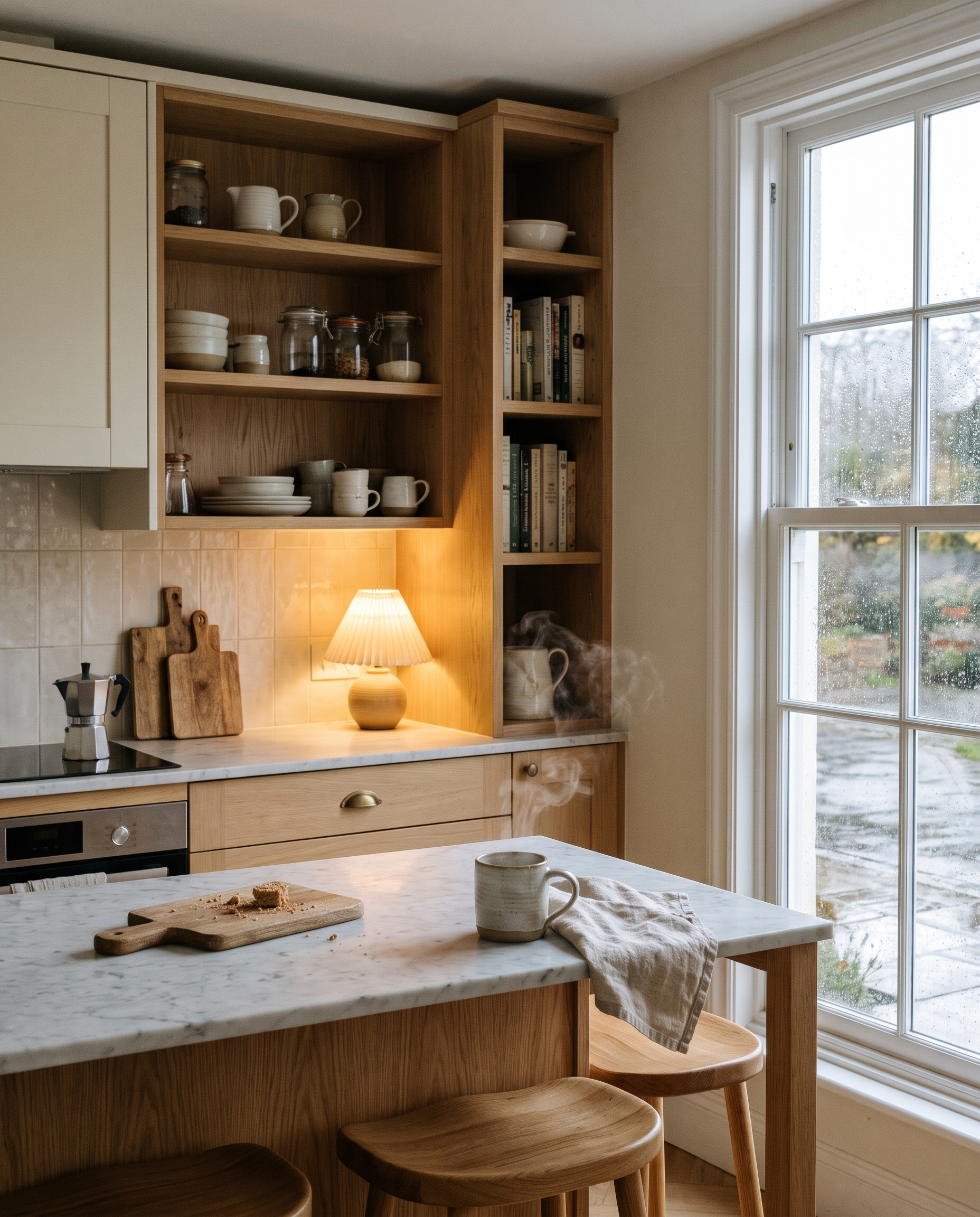
Photoreal interior editorial of the same compact cream-and-oak kitchen in soft rainy morning light. Steam rises from a ceramic mug on the marble island, a single small lamp glows under an open shelf, wet pavement reflects in the window. Natural textures, soft contrast, 35mm lens, no people, no logos, no text.Settings: Google Nano Banana 2.1, 4:5, 2K, JPEG, text-to-image.
Sunday Sun Kitchen
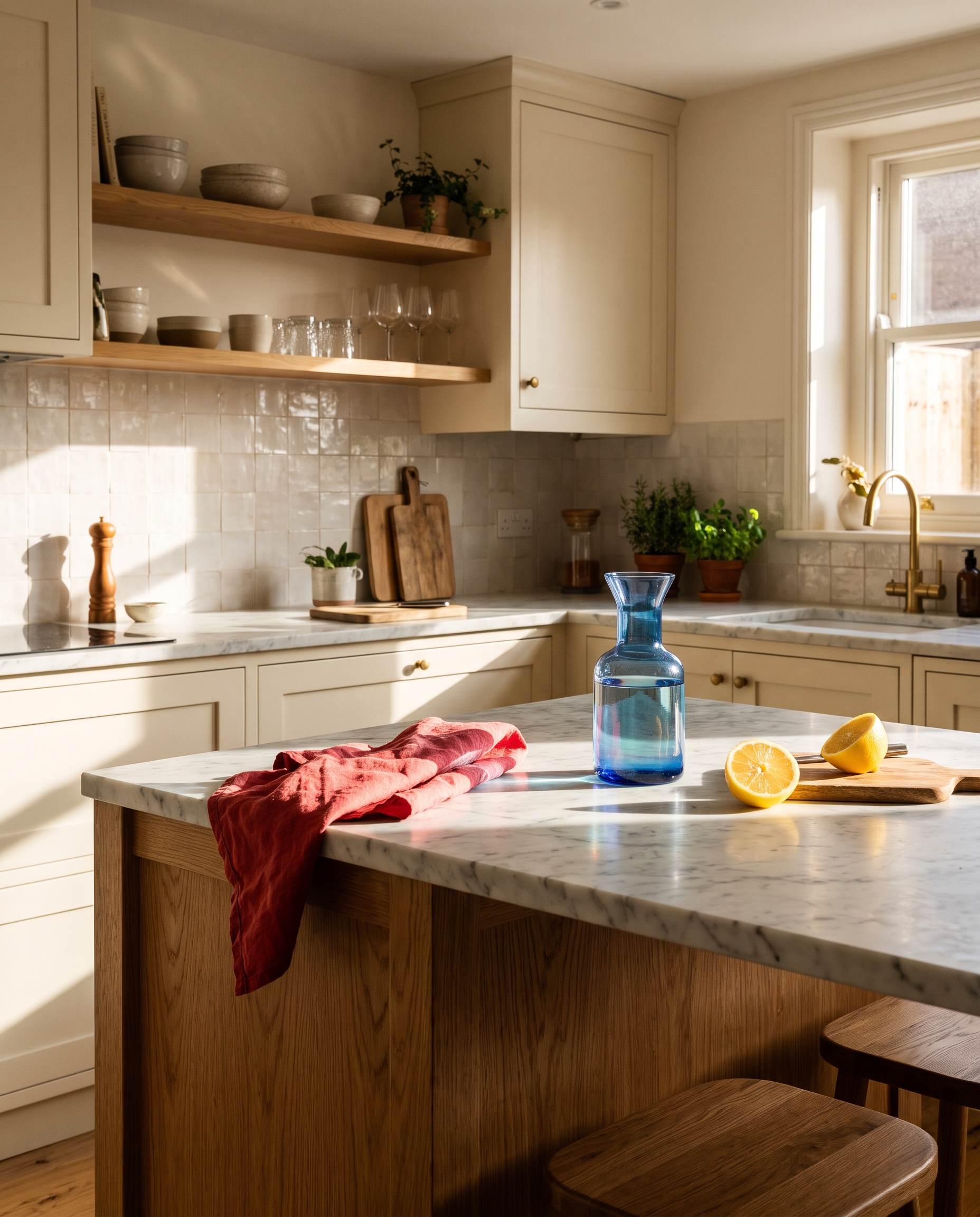
Photoreal interior editorial of a compact cream-and-oak kitchen flooded by sharp Sunday sunlight. A cut lemon, a blue glass carafe, and a folded red tea towel sit on the marble island. Bright warm highlights and deep crisp shadows, realistic wood and stone, 28mm lens, no people, no logos, no text.Settings: Google Nano Banana 2.1, 4:5, 2K, JPEG, text-to-image.
Why this Kitchen Relight Nano Banana 2.1 prompt works
- Two light sources give the room a clear color contrast.
- The prompt lists a few real objects, so the kitchen feels used without becoming cluttered.
- Blue hour is paired with exact warm and cool sources, which makes the time of day easier to read.
- Material notes protect the marble, oak, metal, and window reflections from becoming generic texture.
- The lens cue helps keep the kitchen compact while showing the island and light sources.
Nano Banana 2.1 is Google’s efficient image generator and editor, with stronger visual quality and prompt adherence across its output sizes. The official Nano Banana 2.1 documentation covers its supported image workflows.
How to adjust the result
Use the main version when a room needs an evening mood but still has to show its materials clearly. The pendant gives the island a warm anchor, while the window keeps the far side of the room cool. To adapt it, change only one time cue at a time: the weather, the window color, or the lamp style. Keeping the cabinet finish and marble description stable makes comparisons easier.
For a brighter interior campaign, the Sunday version is the better starting point. It uses strong directional sunlight, so it suits a crisp editorial layout. The rainy version works when a softer, quieter image is needed. It has smaller highlights and more reflection, which keeps attention on the atmosphere. Avoid adding people until the room itself looks right. A person changes the balance, depth, and lighting logic of a compact kitchen quickly.
More Nano Banana 2.1 prompts
Browse the Nano Banana 2.1 prompt collection for more tested examples. For a related photo style, explore Nano Banana Pro prompts.
Run this prompt yourself
Every example above was generated on Wiro. Paste the prompt, pick the model, and get your own result.