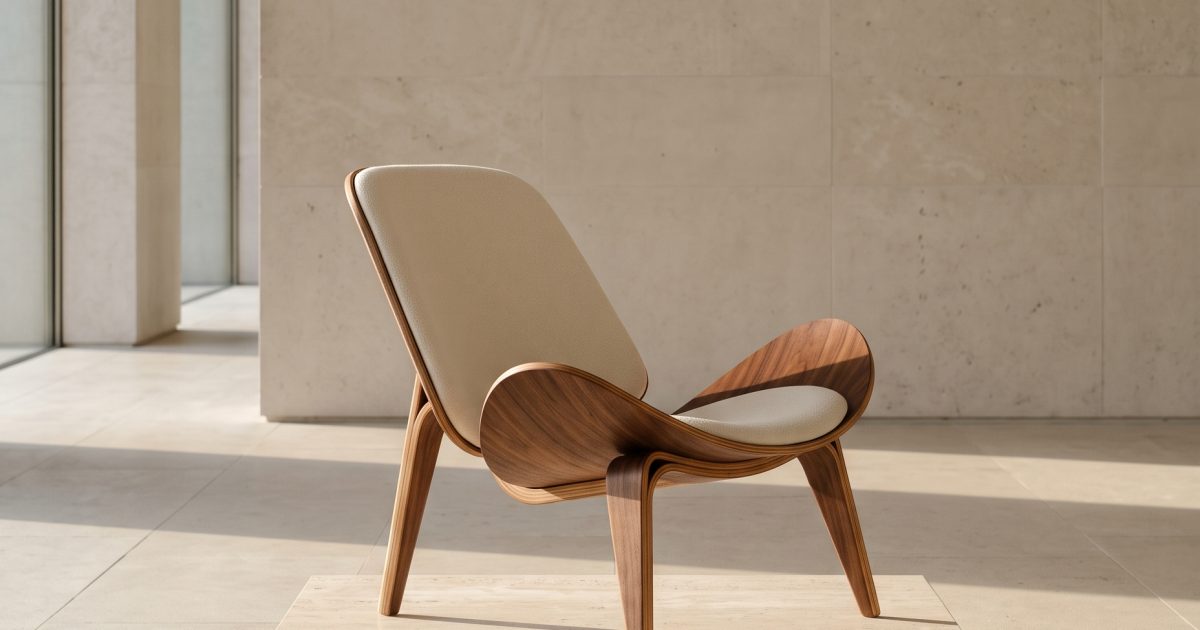
This Gallery Chair Nano Banana 2.1 prompt makes a clean furniture campaign image with readable wall type, believable wood, and a gallery-lighting setup. Use it when a product needs more than a plain studio background.
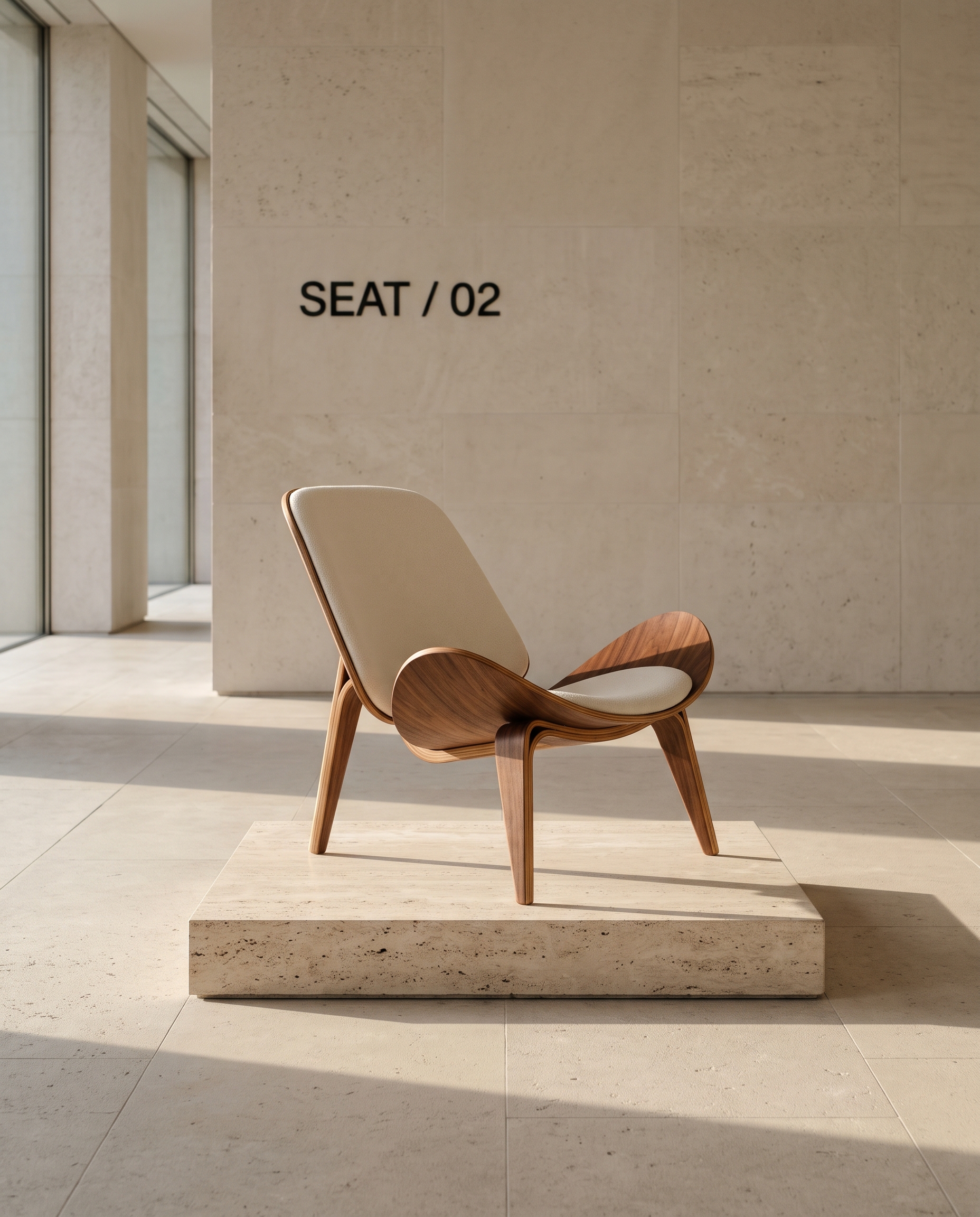
Gallery Chair
Premium editorial product photograph of a sculptural bentwood lounge chair in a quiet limestone gallery. The chair sits alone on a low travertine plinth, late-afternoon window light casts long clean shadows, warm walnut grain, matte ivory upholstery, 50mm lens, restrained Scandinavian art direction. On the gallery wall, sharp readable black sans-serif lettering says SEAT / 02. Realistic materials, precise chair legs, no people, no logo.Settings: Google Nano Banana 2.1, 4:5, 2K, JPEG, text-to-image.
Variations
Cobalt Chair
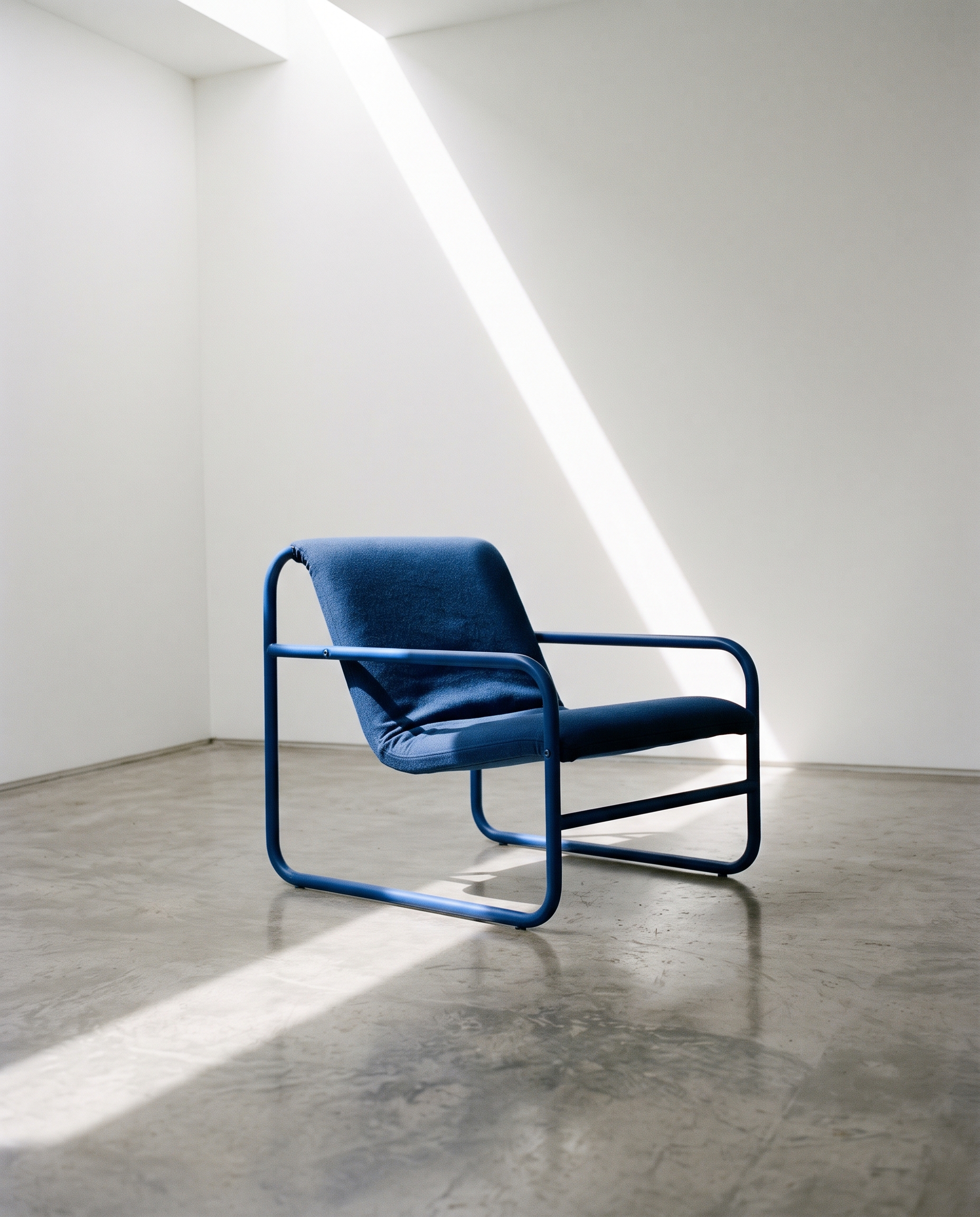
Editorial furniture photograph of a cobalt-blue tubular steel lounge chair on a polished concrete floor in a small white gallery. A narrow skylight creates one diagonal beam of daylight and a precise geometric shadow. 35mm lens, subtle film grain, clean composition, realistic metal joins and upholstery, no people, no logos, no text.Settings: Google Nano Banana 2.1, 4:5, 2K, JPEG, text-to-image.
Chair Color Study
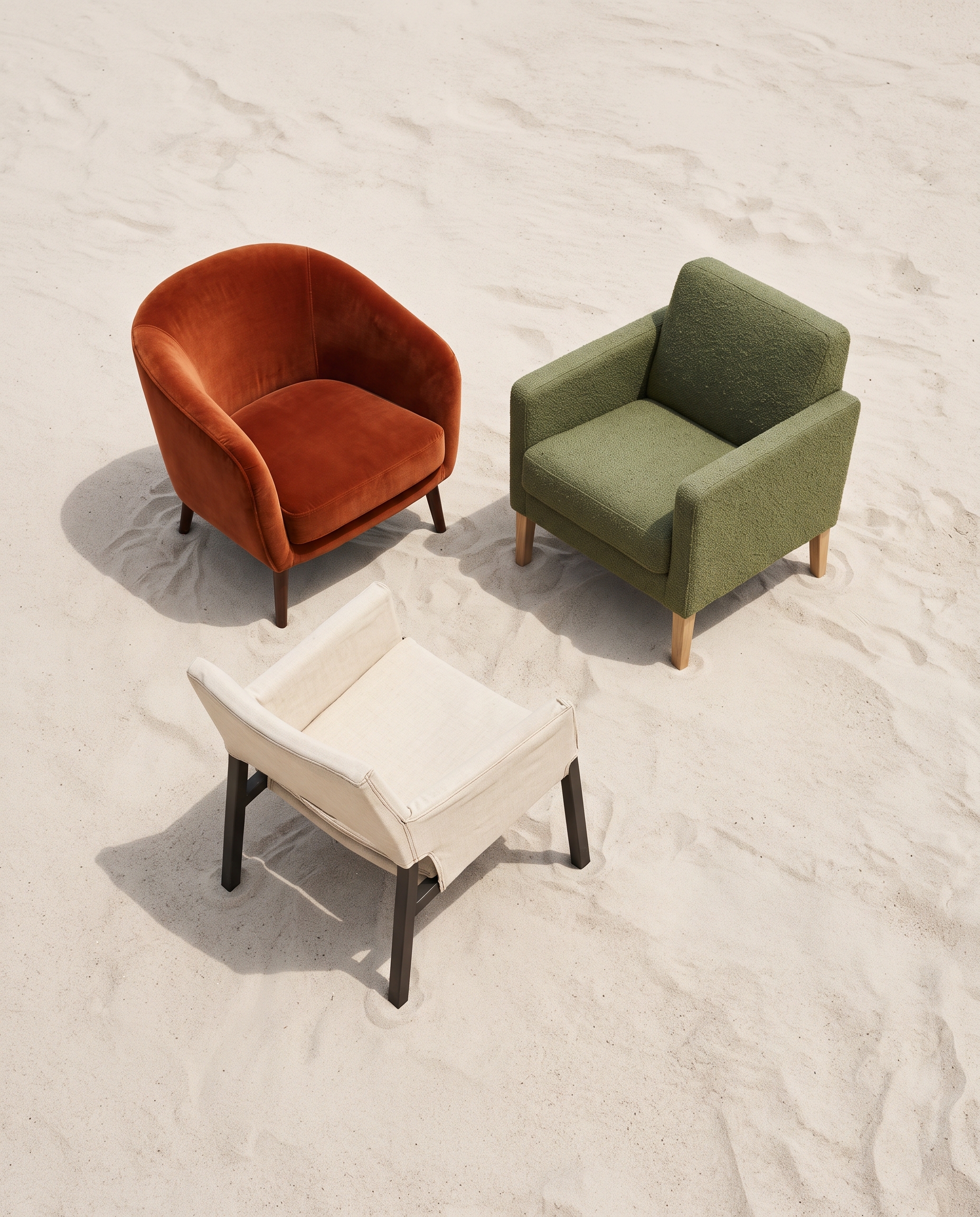
Top-down editorial photograph of three different small lounge chairs arranged like a color study on a pale sand floor: rust velvet, moss green wool, and cream canvas. Each chair has accurate four-legged construction and visible fabric texture. Soft noon light, crisp shadows, 50mm studio photography, no people, no branding, no text.Settings: Google Nano Banana 2.1, 4:5, 2K, JPEG, text-to-image.
Why this Gallery Chair Nano Banana 2.1 prompt works
- It gives the chair a clear role: one object, one plinth, one room.
- Materials are named separately, so walnut, upholstery, stone, and glass don’t blur together.
- The lighting direction sets the shadow shape instead of asking for a vague cinematic look.
- The requested wall lettering tests the model’s improved text handling without making text carry the whole image.
- The lens and styling notes keep the image closer to an editorial product shoot than a showroom render.
Nano Banana 2.1 handles image generation and editing with stronger prompt following, text rendering, and multi-image consistency. See the official Nano Banana 2.1 documentation for the model details.
How to adjust the result
Start with the main prompt when the chair must read as a premium hero object. Keep the plinth and the one-wall setup if clean negative space matters. Change the upholstery and wood species together, not one at a time, when the color mood needs to shift. For a wider campaign crop, swap 4:5 for 3:2 and ask for more floor around the plinth. If the wall type needs to be exact for a real campaign, add it later in a design tool. The generated lettering is useful as an art-direction test, not final packaging artwork.
Furniture images often fail when the prompt gives too many competing objects. The three variations solve that in different ways. One uses a single steel chair and a skylight. Another uses three chairs but gives them one overhead viewpoint. Keep that same discipline when testing a sofa, lamp, table, or speaker. One main subject plus a defined light source produces a stronger image than a long list of props.
More Nano Banana 2.1 prompts
Browse the Nano Banana 2.1 prompt collection for more tested examples. For another product-photography approach, see Nano Banana Pro prompts.
Run this prompt yourself
Every example above was generated on Wiro. Paste the prompt, pick the model, and get your own result.