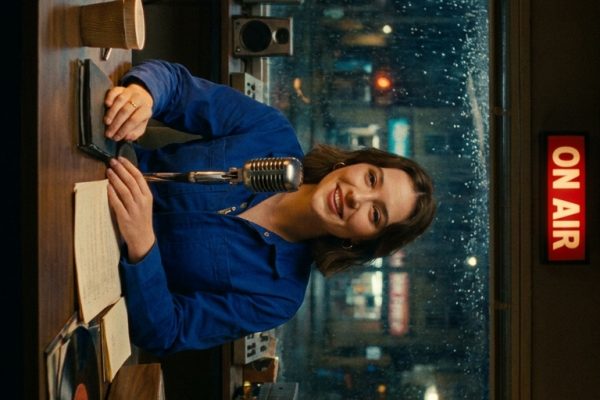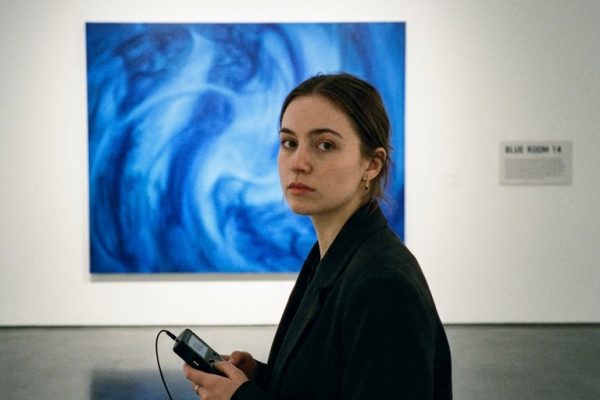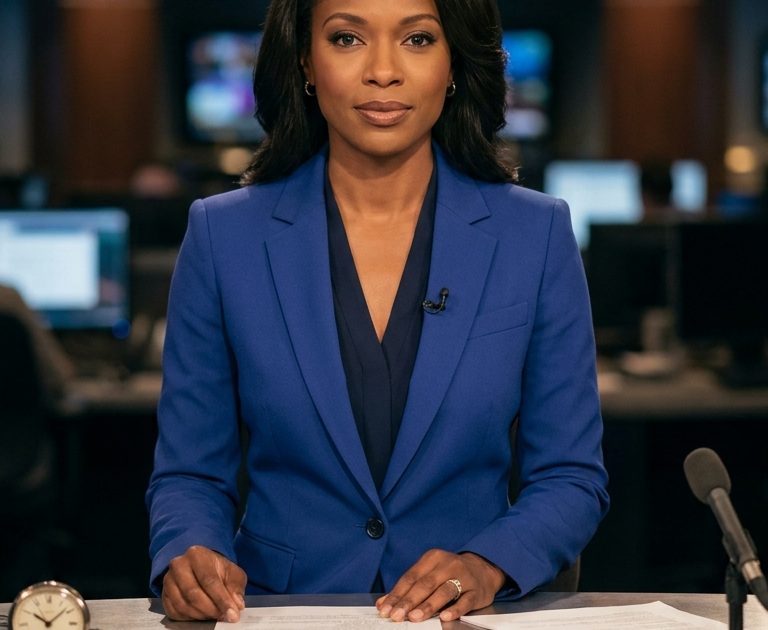
This Late Night Anchor Happy Horse 1.1 prompt makes a tight vertical news update with spoken audio, matched lips, and a controlled camera move. Use it when a scripted presenter clip needs to feel like a real broadcast rather than a silent avatar.
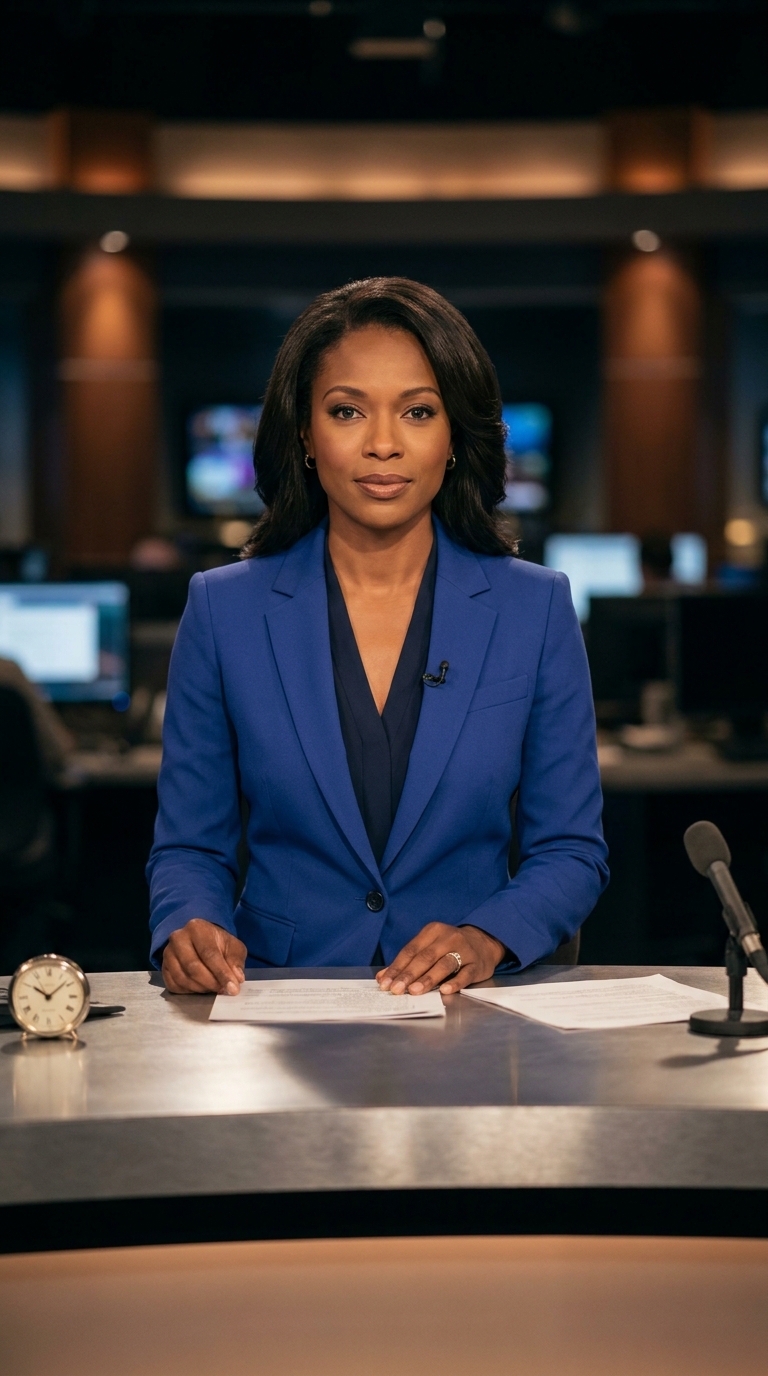
Late night anchor
Five-second vertical newsroom take. The anchor looks into camera, lifts one hand naturally and says in clear English: Good evening, the city stays awake. Her lips match every word. A quiet studio hum sits under the voice. Keep the cobalt suit, midnight studio lighting, desk, notes and analogue clock from the first frame. Slow 50mm camera push-in, restrained broadcast delivery, realistic skin texture.Settings: alibaba/happyhorse-1-1, image-to-video, 9:16 input frame, 5 seconds, 720P, watermark false. Try this prompt on Wiro.
Variations
Last train update
Five-second vertical breaking-news update from the same first frame. The anchor glances down at her notes, then returns to camera and says in clear English: The last train leaves at midnight. Accurate lip-sync, low studio ambience, no music. Keep her cobalt suit and the midnight set consistent. Locked 50mm camera, one small hand gesture, calm professional pace.Settings: alibaba/happyhorse-1-1, image-to-video, 9:16 input frame, 5 seconds, 720P, watermark false. Try this prompt on Wiro.
Why this Late Night Anchor Happy Horse 1.1 prompt works
- The first frame fixes the wardrobe, desk, lighting, and framing before motion starts. That gives the model less scene design to invent.
- The spoken line is short. Five seconds leaves room for a natural pause, a gesture, and a clean ending.
- “Clear English” and “lips match every word” set an explicit audio and lip-sync target without overloading the scene.
- The camera instruction is modest. A slow push-in keeps the delivery readable on a phone screen.
- Small physical actions, such as lifting one hand or checking notes, make the presenter feel occupied instead of frozen.
The prompt works best with a prepared portrait frame. Keep one subject, one line, and one camera intention. Adding a second presenter, a ticker, a complicated backdrop, or a long paragraph of dialogue makes a five-second take work too hard. The analogue clock and paper notes give the anchor a believable environment, but they do not need to carry readable information. For a different language, replace only the quoted line and say the language plainly. That lets the scene, wardrobe, and camera remain stable while the delivery changes.
Happy Horse 1.1 is especially useful here because it creates the voice and motion in the same clip. That matters for a presenter. A silent talking-head render often needs a separate dubbing step, then another pass to make mouth motion fit. This prompt asks for the whole moment in one pass. The simple studio hum also protects the voice from feeling like it was recorded in a vacuum. Keep background sound quiet when the words matter.
For social cuts, the portrait frame does the practical work. The 9:16 composition leaves room for the face, hand gesture, and desk without shrinking the anchor. The locked variation is a good option for a headline card or a clip that needs a steadier look. The push-in version feels more immediate and suits a night bulletin, a fictional local station, or a product announcement delivered by a host.
More Happy Horse 1.1 prompts
Browse the full Happy Horse 1.1 prompts collection for more clips. For another vertical video workflow, see Veo 3.1 prompts. Alibaba’s model page is the best place to run this exact setup.
For the maker’s own notes on this model, see Alibaba Cloud's HappyHorse 1.1 announcement.
Run this prompt yourself
Every example above was generated on Wiro. Paste the prompt, pick the model, and get your own result.