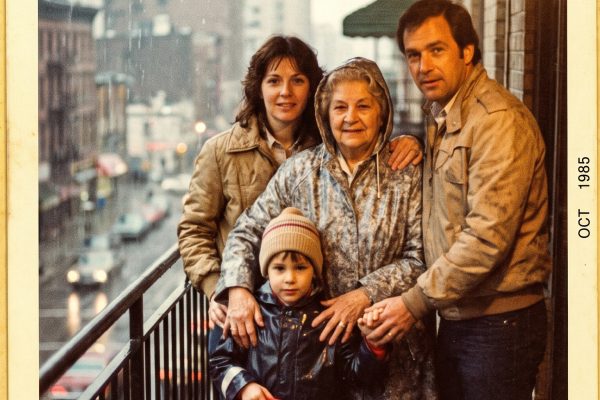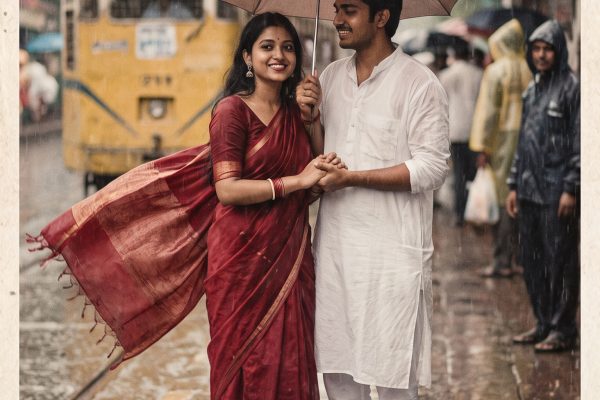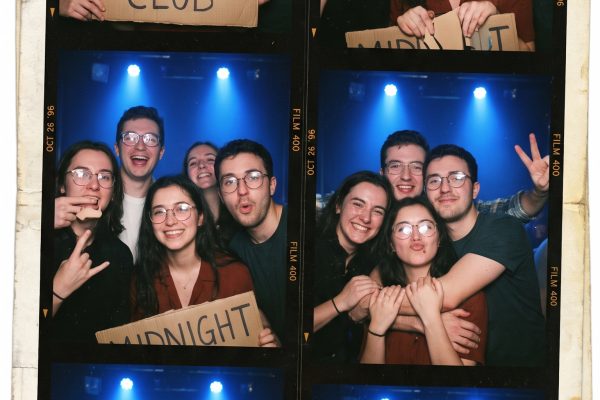
This rooftop couple Gemini AI photo prompt turns a neutral generated portrait into a blue-hour city frame while retaining both people, their expressions and their hands.
Before and after
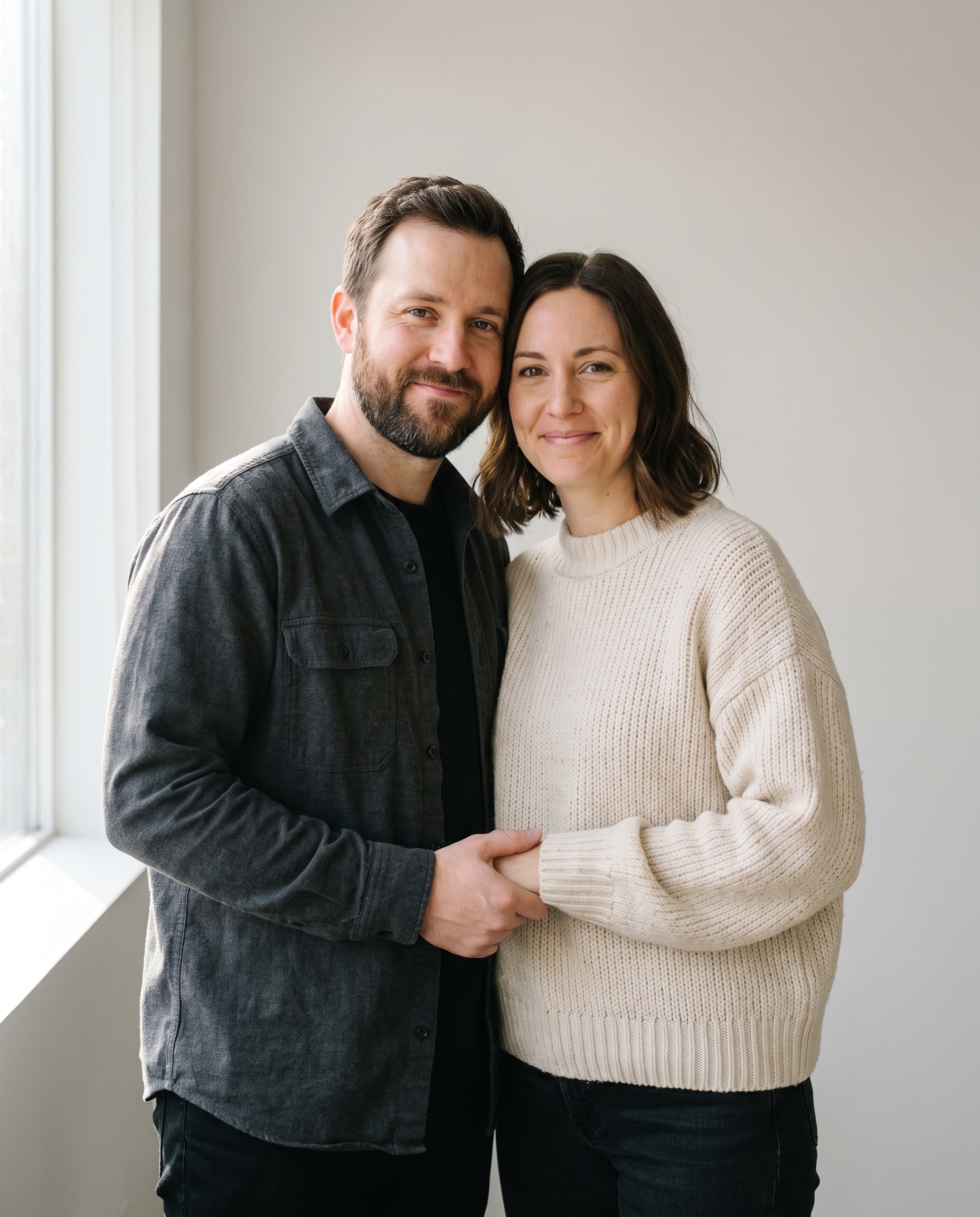
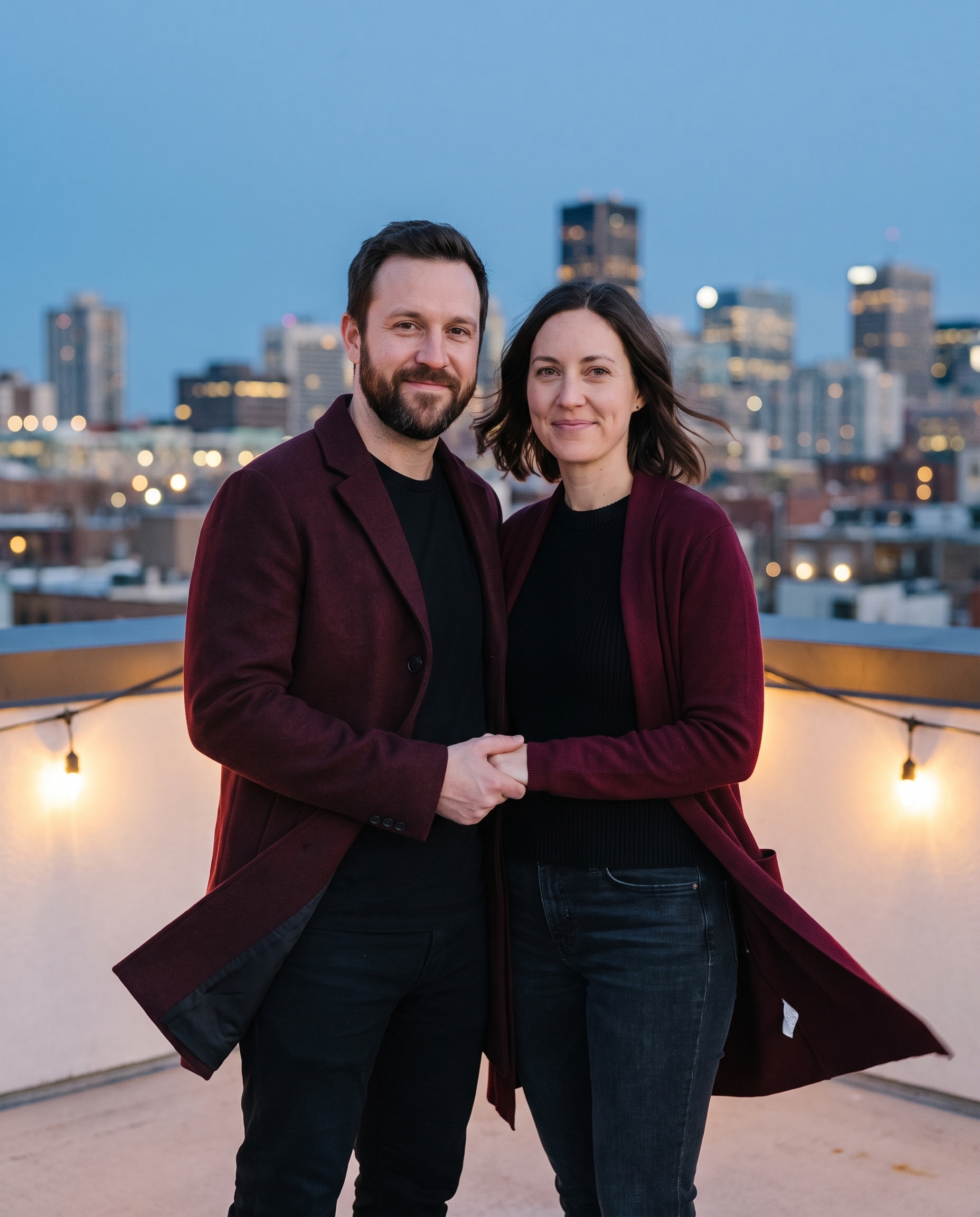
Rooftop couple Gemini AI photo prompt
Edit the input portrait into a cinematic rooftop couple photo at blue hour. Keep both faces, expressions, body proportions and visible hands unchanged. Dress them in coordinated black and burgundy evening layers. Add a city skyline softly out of focus, wind moving the coat fabric, practical string lights, intimate but natural spacing, 50mm film photography, realistic skin texture, no text or logos.Protecting faces, expressions, proportions and hands before the set change makes this rooftop couple Gemini AI photo result read like a single photographed moment. Blue hour gives the frame cool color; string lights add small warm points. The limited wardrobe colors make the styling feel intentional.
Variations
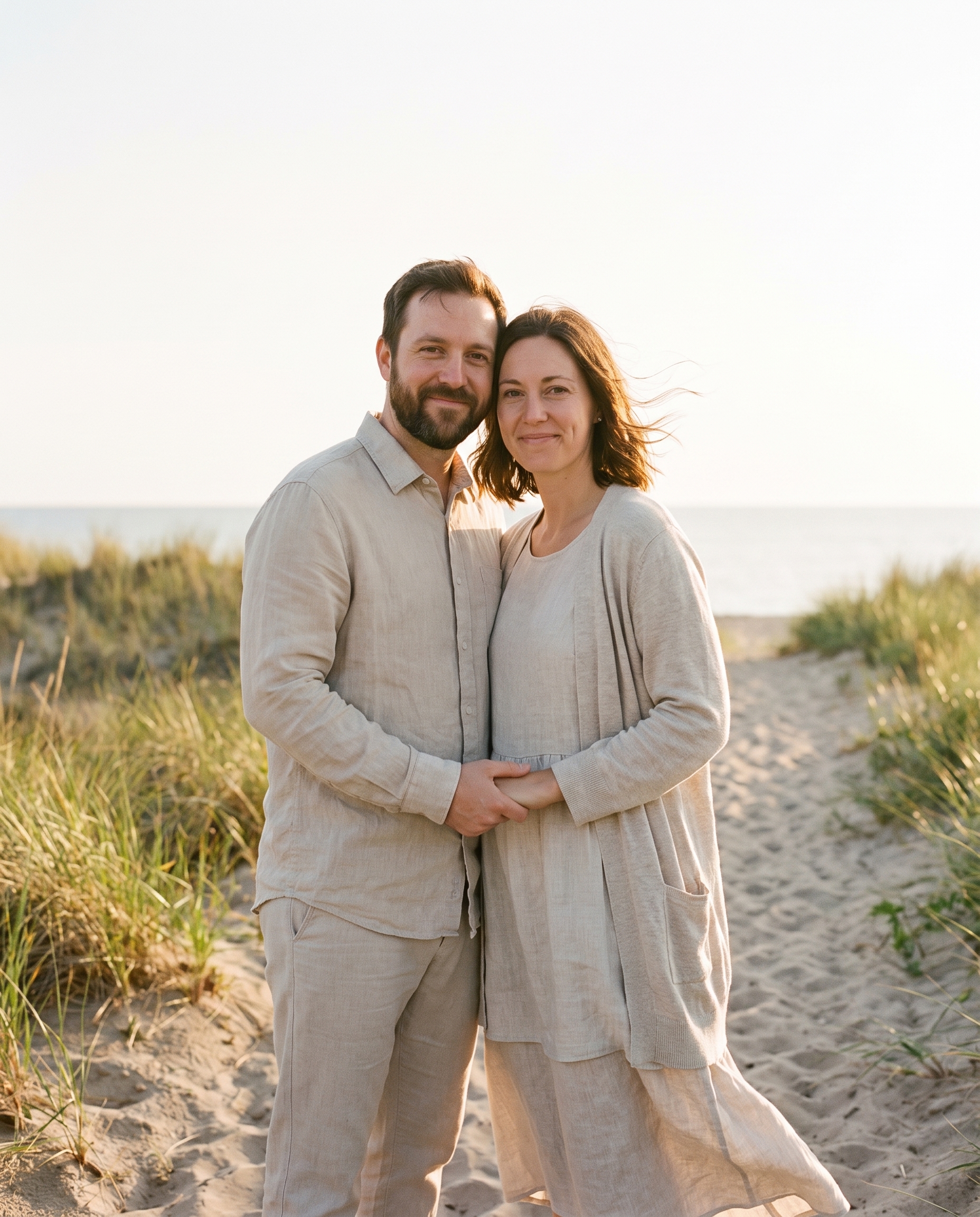
Edit the input portrait into a golden-hour coastal couple photo. Keep both faces, expressions, body proportions and hands unchanged. Dress them in relaxed linen layers and place them on a quiet dune path with sea grass and a distant pale horizon. Warm backlight, gentle wind, candid editorial framing, 35mm film texture, no text or logos.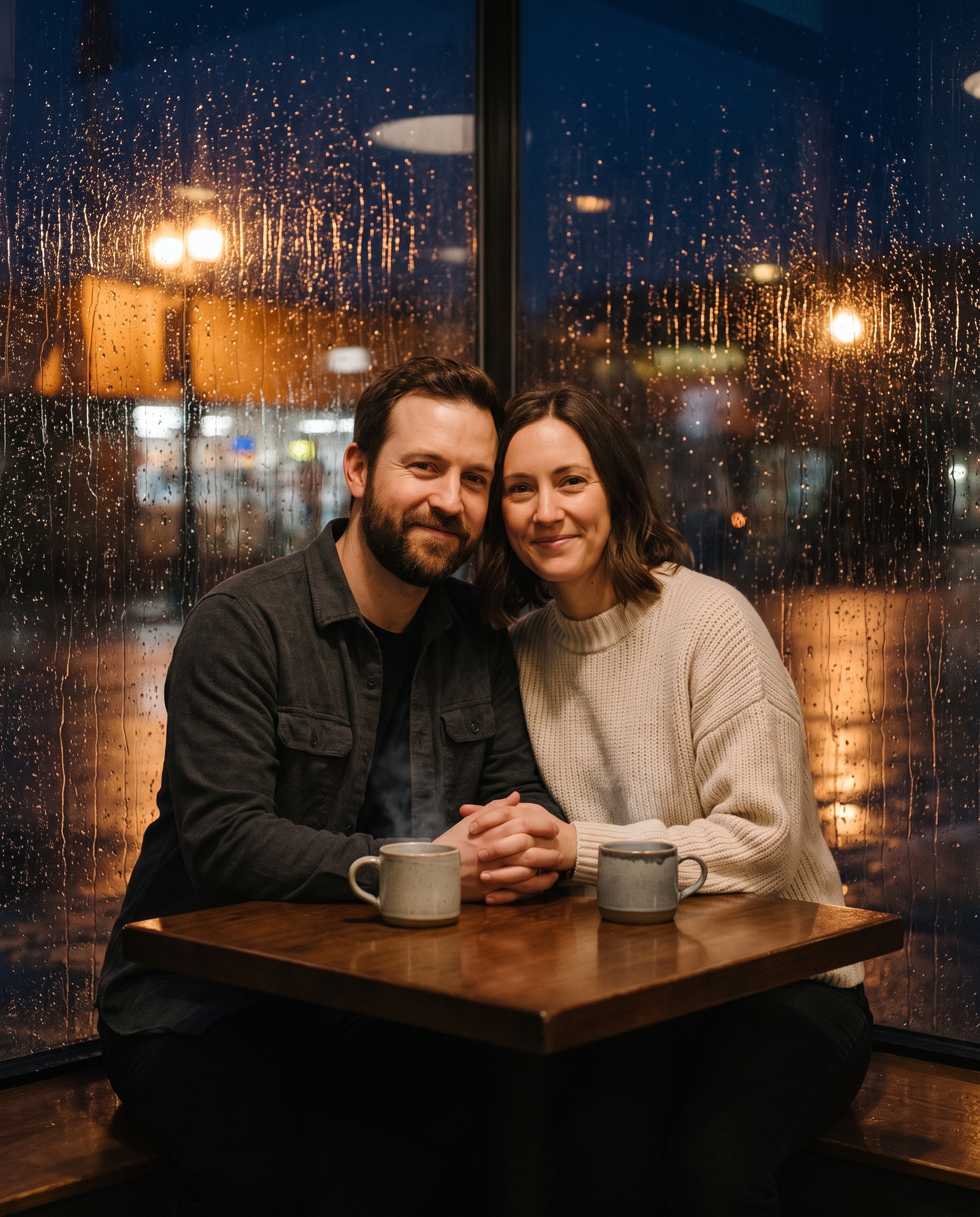
Edit the input portrait into a rainy-night cafe couple photo. Keep both faces, expressions, body proportions and hands unchanged. Add a small corner table, two steaming cups, rain streaks on the window and reflected amber streetlight. Deep navy and warm tungsten color palette, documentary 50mm photography, natural closeness, no text or logos.Why this Rooftop Couple Gemini AI Photo prompt works
- Fixed-subject directions arrive before the scene.
- Visible hands are explicitly preserved.
- Black and burgundy give the wardrobe a clear system.
- 50mm framing stays intimate without distortion.
More Gemini AI Photo prompts
Browse Gemini AI Photo Prompts. For images without an input, see Nano Banana Pro Prompts. Google documents image editing in its official guide.
Run this prompt yourself
Every example above was generated on Wiro. Paste the prompt, pick the model, and get your own result.