Tea tin GPT Image 2 prompt makes a premium product mockup with readable label copy. Use it when a tea concept needs a believable package, a clear product hierarchy and enough surrounding detail to feel like an editorial shoot.
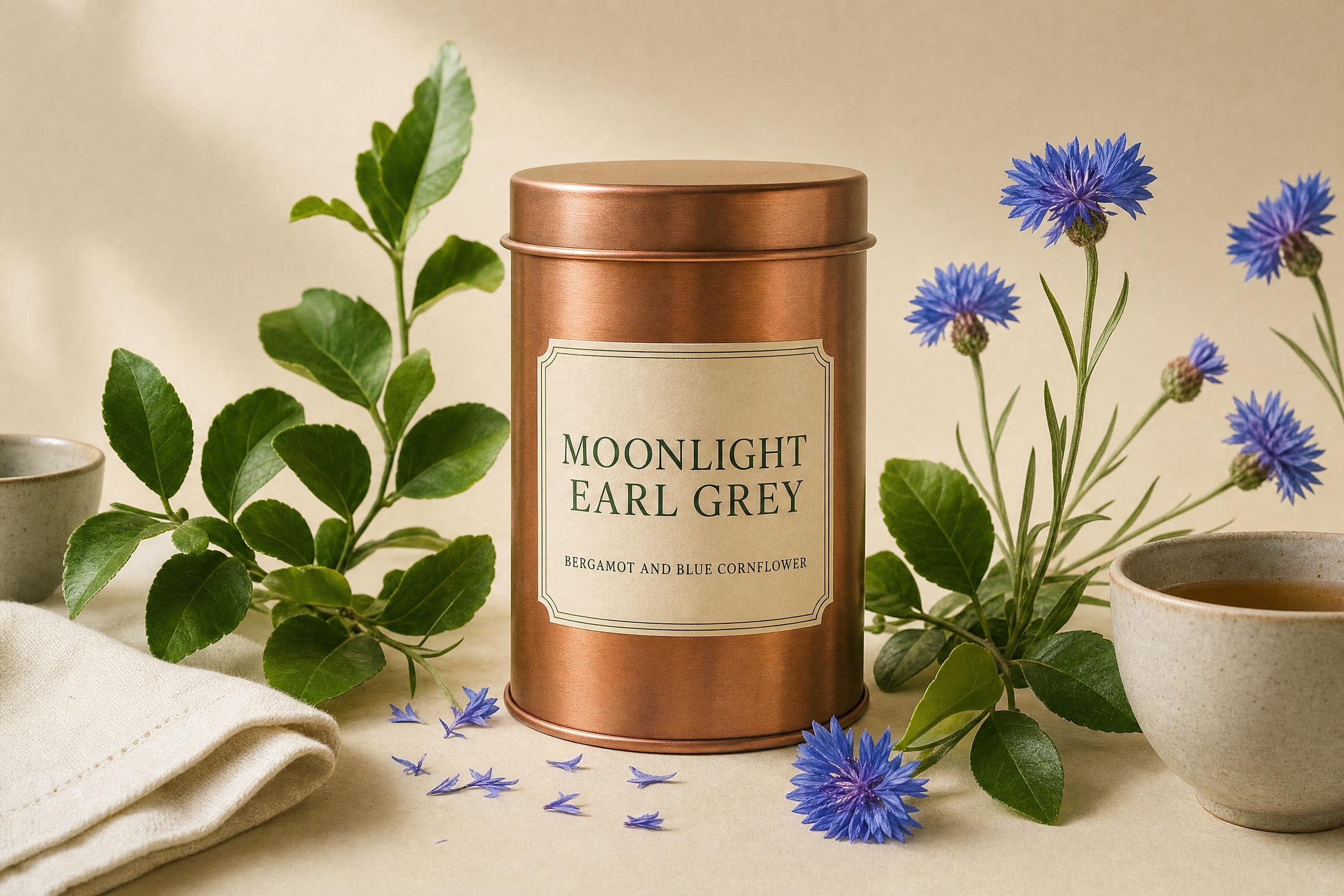
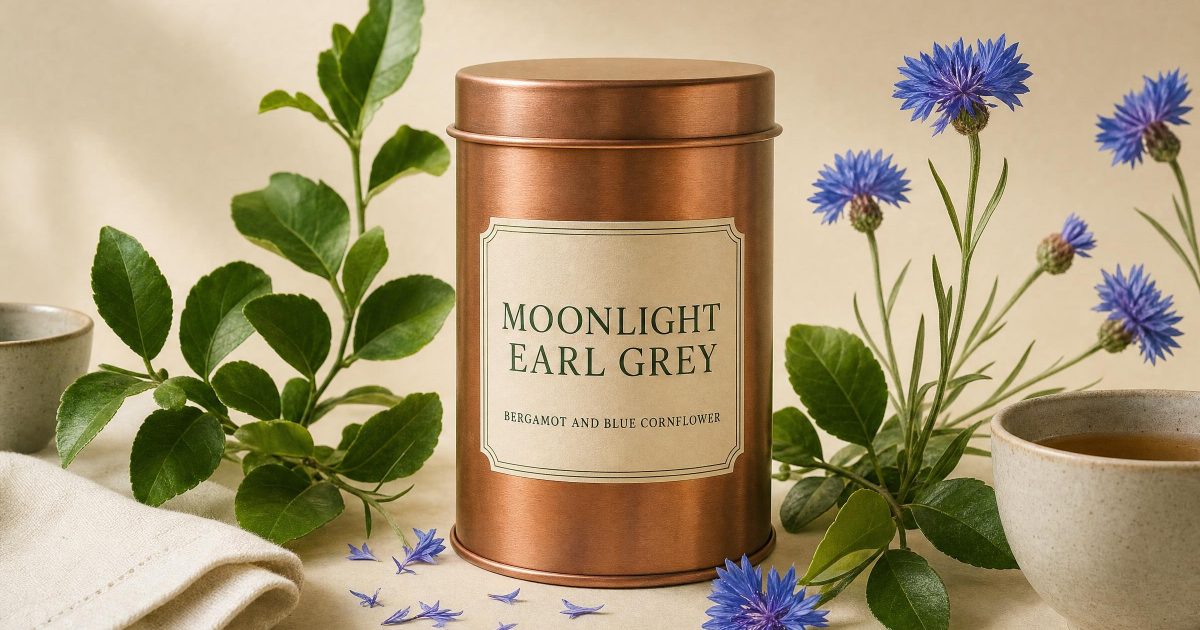
Moonlight Earl Grey tin
Premium loose leaf tea in a cylindrical brushed copper tin, centered on warm cream studio paper. The front label has crisp, readable deep green serif lettering that says MOONLIGHT EARL GREY, with a small line below that says BERGAMOT AND BLUE CORNFLOWER. Botanical bergamot leaves and blue cornflowers frame the tin, a folded ivory tea towel and two ceramic cups at the edges, soft directional morning light, restrained editorial product photography, 85mm lens, fine paper texture, no logos beyond the specified label text.Settings: openai/gpt-image-2, 3:2, 2k, high quality, opaque background, JPEG.
Variations
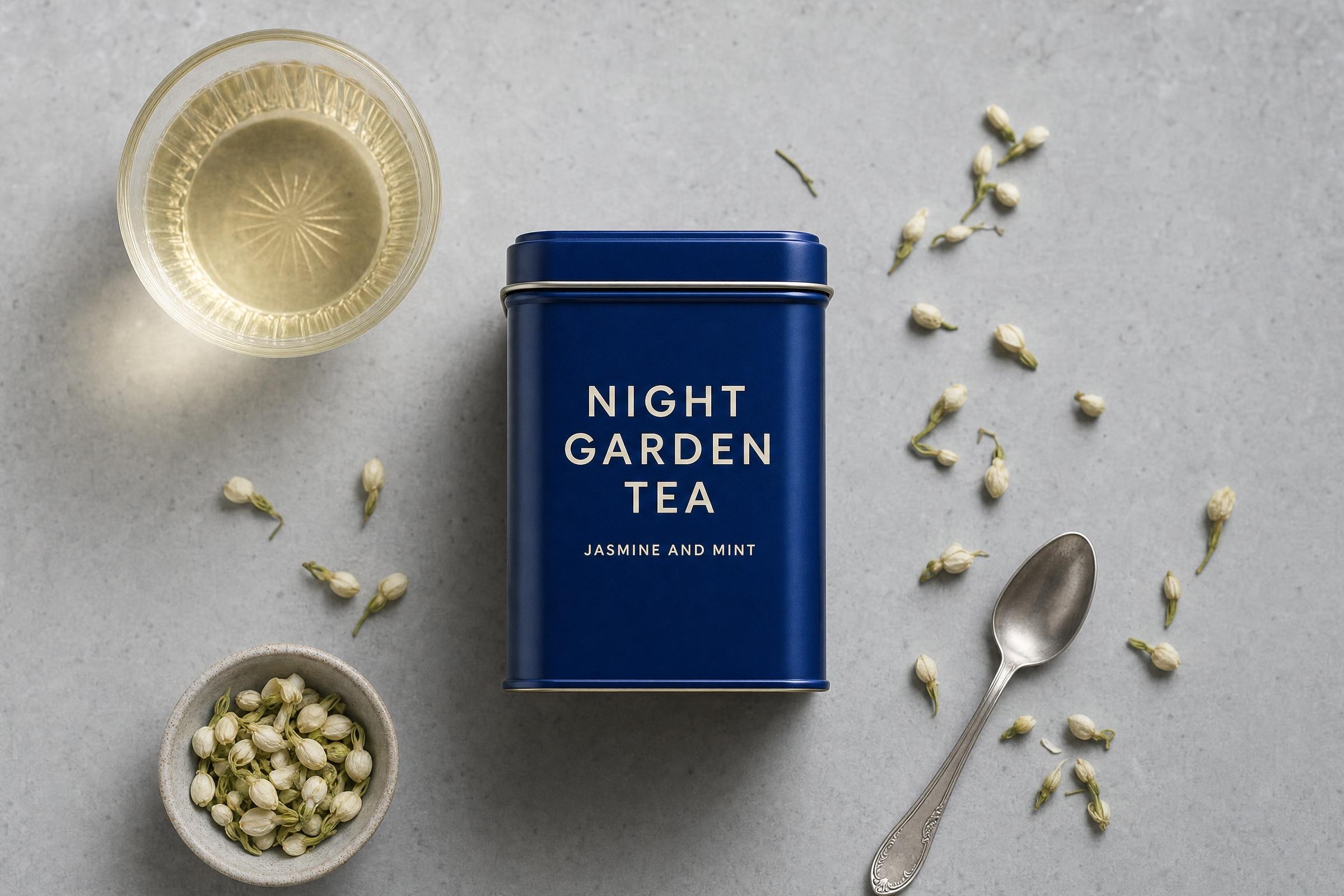
Night Garden tin
A cobalt blue tea tin on a cool pale grey stone surface. The front label uses crisp readable cream sans serif lettering: NIGHT GARDEN TEA, then JASMINE AND MINT in smaller type. A single glass cup of pale tea, scattered jasmine buds and a small silver teaspoon create a clean luxury still life. Overhead editorial product photograph, controlled softbox shadows, subtle grain, no logos beyond the specified label text.Settings: openai/gpt-image-2, 3:2, 2k, high quality, opaque background, JPEG.
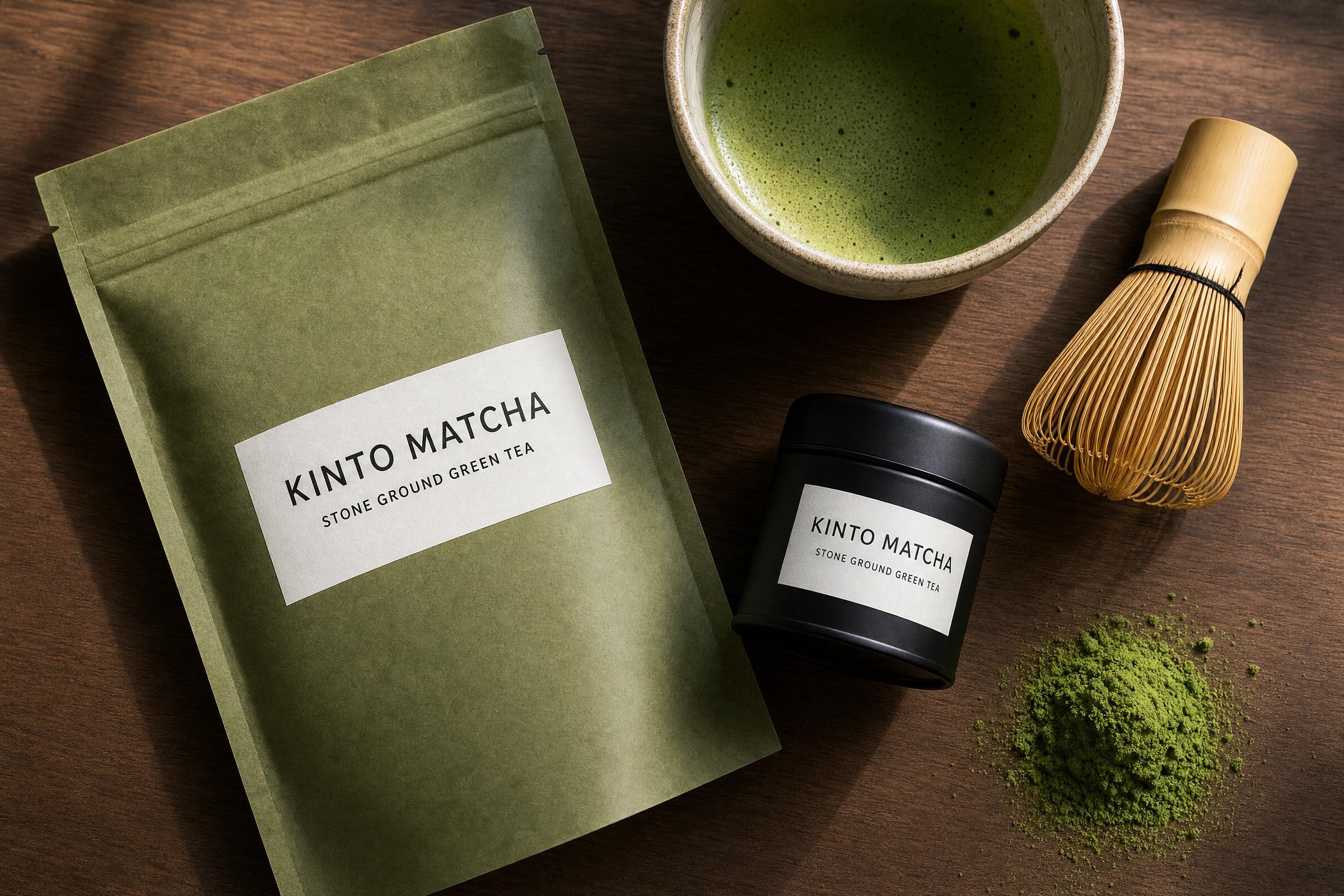
Craft matcha package
An artisan matcha tea pouch and a small matte black tea tin on a walnut counter. The label is a precise white rectangle with crisp readable black lettering: KINTO MATCHA, then STONE GROUND GREEN TEA. A bamboo whisk, ceramic bowl and a small spill of vivid matcha powder surround the package. Top down still life, late afternoon window light, tactile craft packaging photography, no logos beyond the specified label text.Settings: openai/gpt-image-2, 3:2, 2k, high quality, opaque background, JPEG.
Why this Tea Tin GPT Image 2 prompt works
- The deliverable appears first, keeping the picture centered on one package.
- Label words, color and type style are stated as visible constraints.
- Botanicals and cups give the product context without hiding it.
- Light, lens and surface establish an editorial finish.
- The logo constraint makes the output useful for concept work.
The prompt separates product details from styling details. That order gives the tin a stable role in the image, then supplies the scene around it. The label copy is short and the requested placement is obvious. This matters when testing typography in a generated product shot.
For iteration, keep the package shape and product name fixed. Change the palette, surface or prop set in the next run. Small changes make comparisons easier and help identify the direction that fits a real campaign. A warmer paper surface gives a small-batch look. Stone and softbox light move the same idea toward a more modern retail image.
Specific objects also keep the scene from turning into a generic beverage photograph. Bergamot leaves, blue cornflowers, a towel and ceramic cups all point toward tea, but the tin still receives the strongest visual emphasis. The 85mm instruction supports a calm product-photo feel rather than a wide lifestyle scene.
For more detail on the approach, see the official OpenAI image prompting guide.
More GPT Image 2 prompts
Browse the GPT Image 2 prompt collection. For a newer generation workflow, see GPT Image 2.5 prompts.
Run this prompt yourself
Every example above was generated on Wiro. Paste the prompt, pick the model, and get your own result.