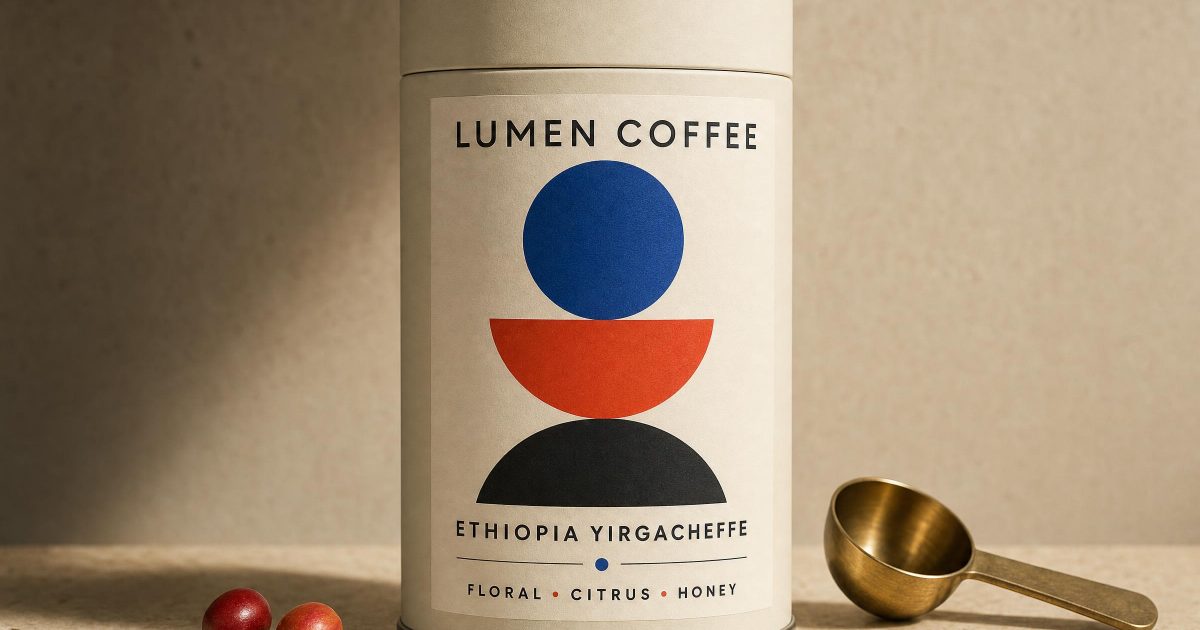
This Bauhaus Coffee Label GPT Image 2 Prompt makes a polished coffee-packaging concept with readable hierarchy, useful for a pitch deck, portfolio mockup, or early shelf-design direction.
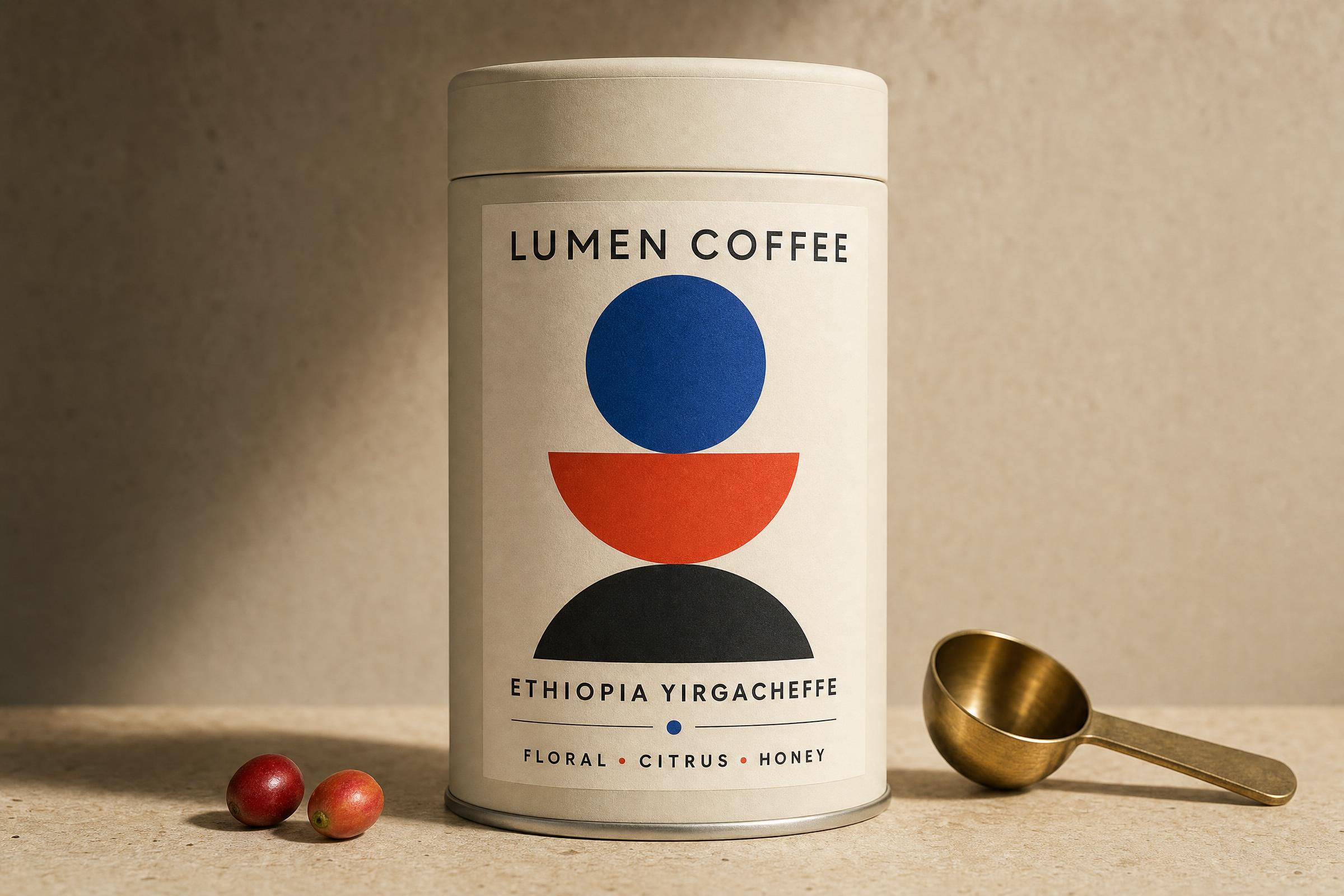
Main coffee tin label
Create a premium retail coffee tin label and product shot for a fictional roaster called Lumen Coffee. A tall matte cream tin stands on warm travertine beside two coffee cherries and a small brass scoop. The front label has crisp, correctly spelled text: LUMEN COFFEE at top, ETHIOPIA YIRGACHEFFE below, and FLORAL • CITRUS • HONEY at the bottom. Bauhaus geometry in cobalt blue, vermilion, and black, restrained layout, centered front view, studio side light, 85mm product photography, tactile paper grain, no extra words, no logo marks beyond the requested label text.Settings: openai/gpt-image-2, 3:2, 2k, high quality, opaque background, JPEG.
Variations
Harbor Light coffee bag
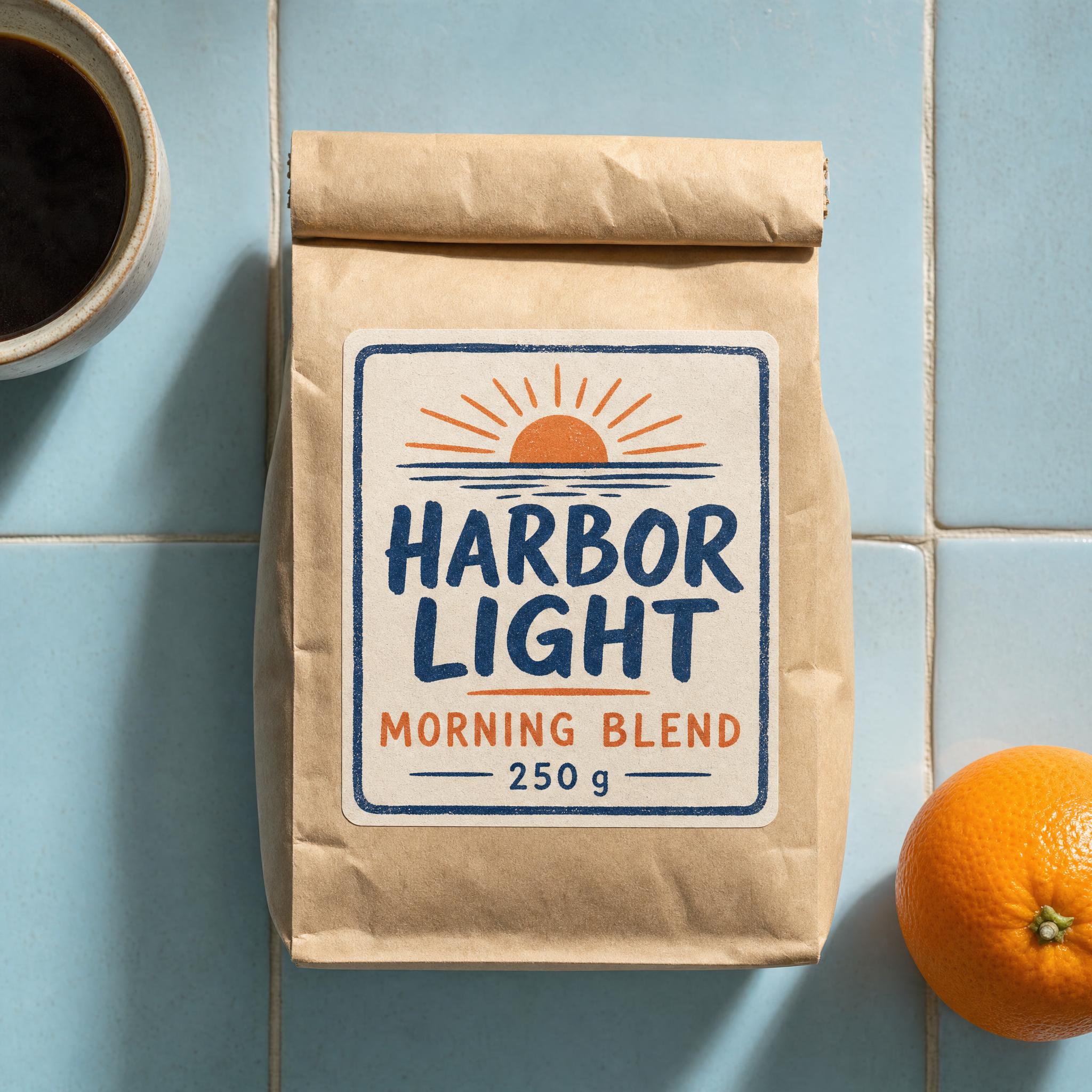
Design a square coffee bag label for a fictional roaster called Harbor Light. The kraft-paper bag sits against pale blue tile with a single orange and a ceramic cup. The label uses clean hand-painted lettering that reads HARBOR LIGHT, MORNING BLEND, and 250 g. Add a small sunrise icon, navy and orange ink, offset-print texture, top-down editorial product photograph, believable folds and shadows, all requested text sharp and correctly spelled, no other text.Settings: openai/gpt-image-2, 1:1, 2k, high quality, opaque background, JPEG.
Night Shift cold brew
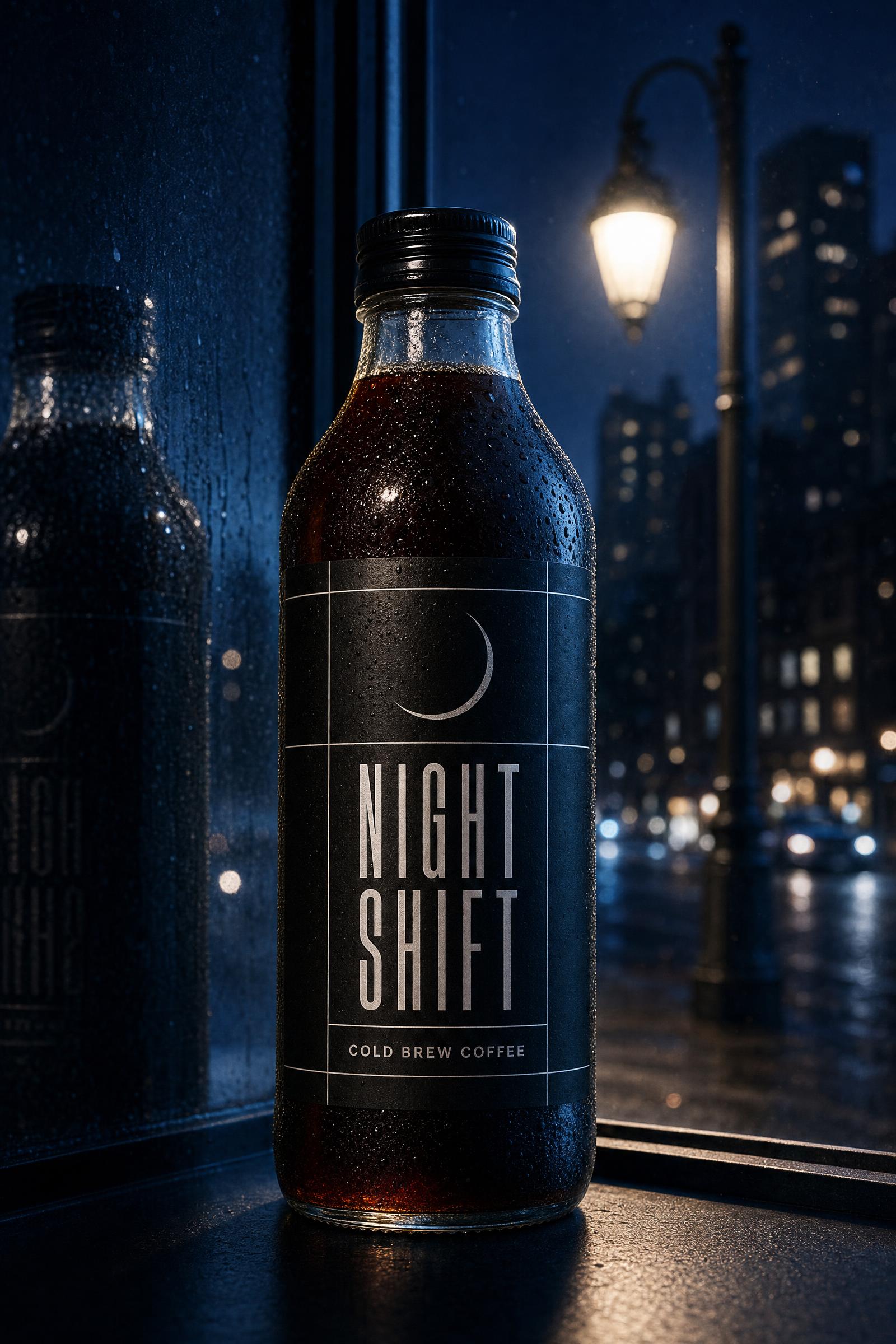
Make a vertical editorial illustration for a fictional cold brew bottle called NIGHT SHIFT. The bottle stands in a midnight-blue city window with reflections from a streetlamp. Its black label has large clean condensed text NIGHT SHIFT and smaller text COLD BREW COFFEE. Add a thin silver moon and precise white grid lines, cinematic rim light, real glass condensation, sophisticated magazine art direction, all requested words legible and correctly spelled, no other typography.Settings: openai/gpt-image-2, 2:3, 2k, high quality, opaque background, JPEG.
Why this Bauhaus Coffee Label GPT Image 2 Prompt works
- It names the deliverable first, so the image has a clear job: a retail label and a product shot.
- The text is supplied exactly, then paired with its placement. That gives the model fewer chances to invent a second hierarchy.
- Specific materials such as matte tin, travertine, paper grain, and brass create useful surface contrast.
- The camera instruction keeps the label front-facing instead of turning the tin into an abstract still life.
- The no-extra-words constraint is important when a concept needs a clean presentation surface.
For a different roast, keep the layout instructions and replace the origin, flavor notes, and accent colors. Change one design system at a time. That makes it easier to see whether the result still reads like a real package rather than a poster pasted onto a cylinder.
The test also shows why short text groups work well here. A brand name, origin line, and three flavor words establish a believable information ladder without making the label crowded. Use a longer brief only when the product needs required claims, nutrition information, or legal copy added later in a design tool.
More GPT Image 2 prompts
Browse more examples in GPT Image 2 Prompts. For a related printed-object concept, see Planetarium Poster GPT Prompt and Tea Tin GPT Prompt. For another product-image workflow, browse Nano Banana Pro Prompts.
OpenAI’s image announcement gives useful context on the newer image family and its focus on more precise generation workflows.
Run this prompt yourself
Every example above was generated on Wiro. Paste the prompt, pick the model, and get your own result.



1 Comment