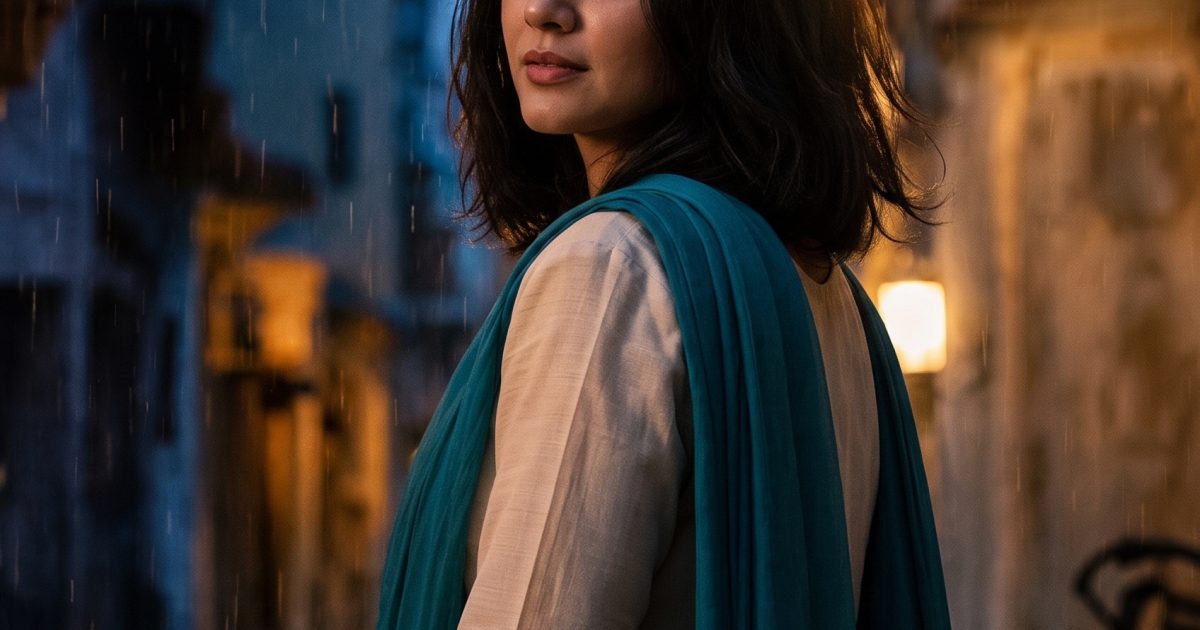
Festival Lantern Gemini AI Photo Prompt turns a plain portrait into a rain-lit evening scene without losing the person at the center. It starts with an original AI-generated reference photo, then uses Nano Banana Pro as the editor. The result keeps the cream kurta, teal scarf, face and pose while changing the atmosphere around them.
Before and after
Before: original portrait reference
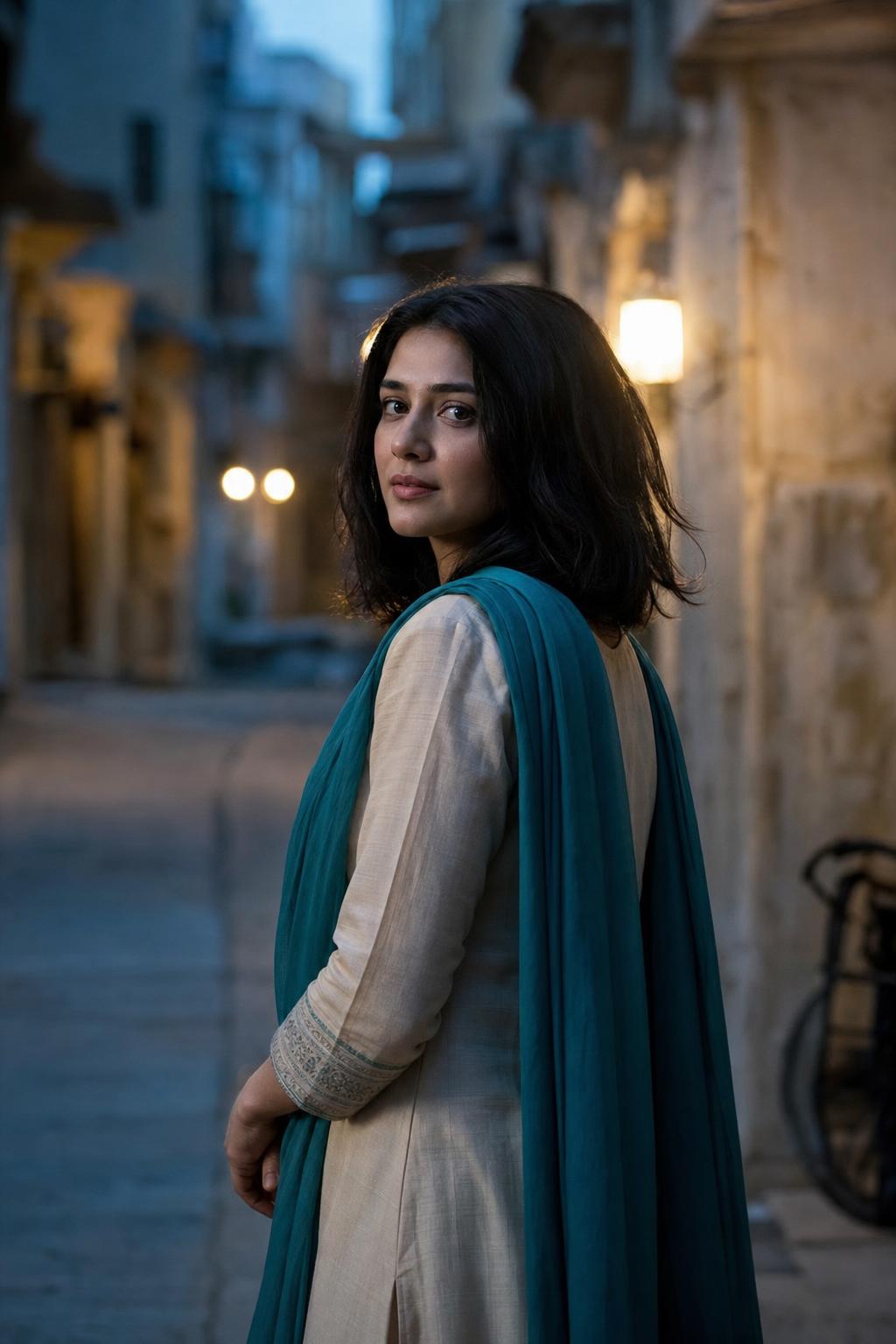
This starting image is deliberately simple. A clean pose, readable clothing and a quiet background give the editor clear details to preserve. It also avoids using a real or identifiable person as the reference.
After: cinematic lantern editorial
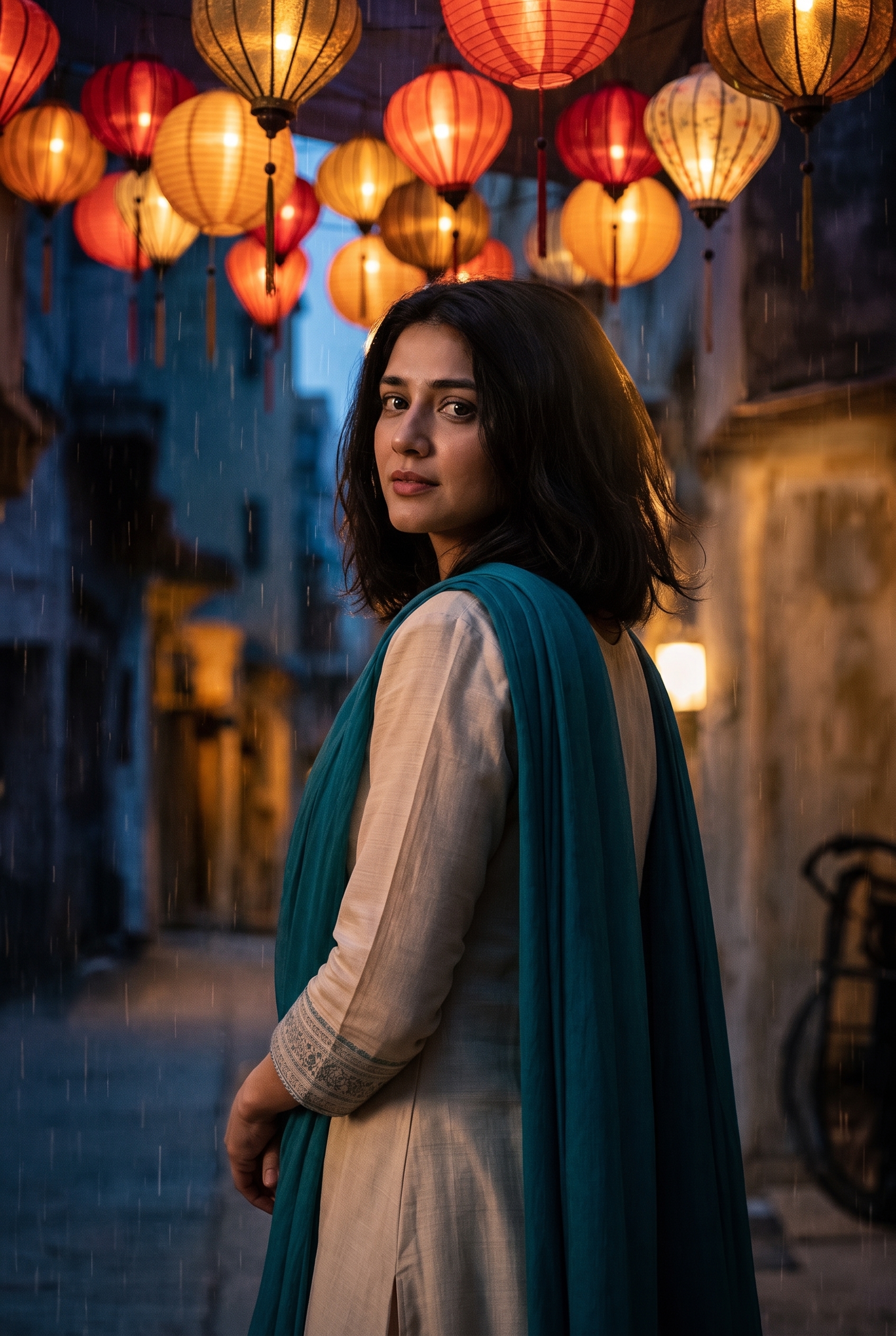
Transform the input portrait into a cinematic festival-lantern editorial. Keep the same fictional adult subject, face, pose, cream kurta and teal scarf. Add a dense canopy of warm paper lanterns above the old city lane, soft amber light across the face, light drizzle catching the light, deep indigo evening shadows, 50mm film still, natural skin texture, rich but believable color, no text, no logos.Settings: Google Nano Banana Pro, image edit, input image supplied, 2:3 aspect ratio, 2K resolution, safety setting OFF.
Variations
Sunlit market version
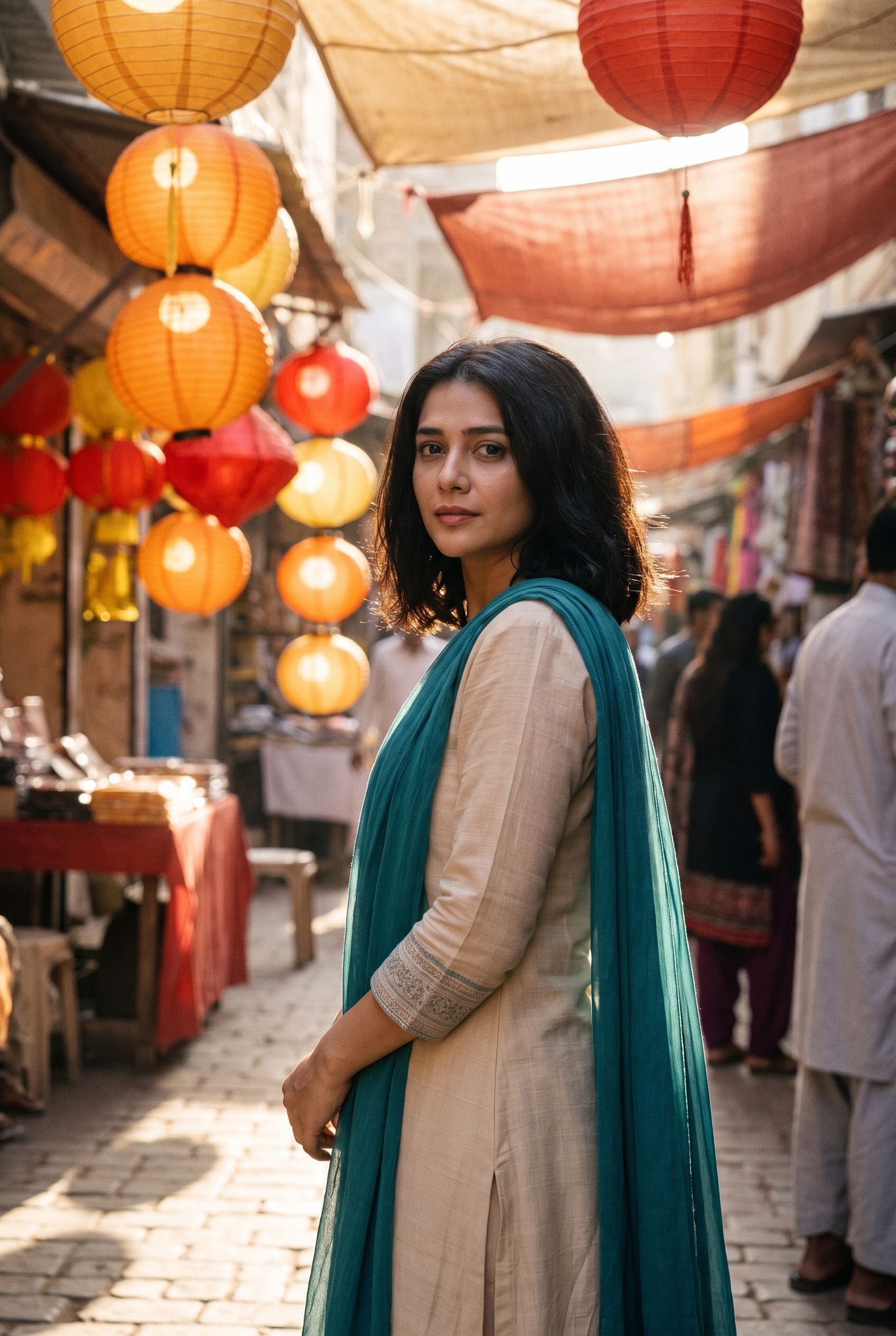
Edit the input portrait into a sunlit lantern-market travel photo. Preserve the same fictional adult subject, face, pose, cream kurta and teal scarf. Replace the lane with a daytime market of saffron and crimson paper lanterns, dappled sun through fabric awnings, subtle 35mm grain, candid documentary framing, natural skin and textile detail, no text, no logos.Settings: Google Nano Banana Pro, image edit, same input image, 2:3 aspect ratio, 2K resolution, safety setting OFF.
Riverfront lantern release
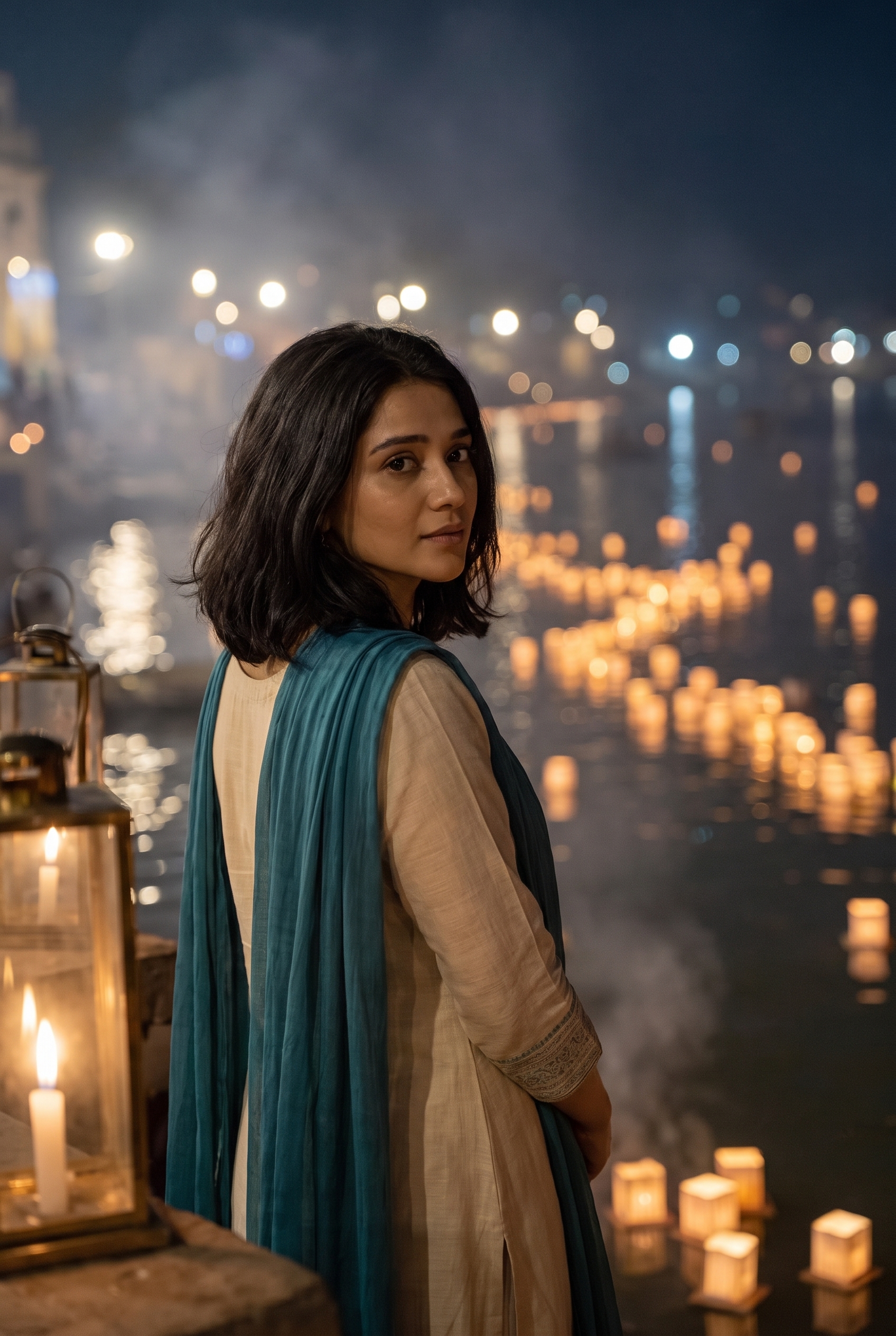
Turn the input portrait into a quiet night festival portrait. Keep the same fictional adult subject, face, pose, cream kurta and teal scarf. Place her beside a riverfront lantern release, hundreds of tiny warm lanterns floating in the distance, soft candlelight and mist, 85mm portrait, gentle bokeh, muted gold and blue palette, realistic photographic detail, no text, no logos.Settings: Google Nano Banana Pro, image edit, same input image, 2:3 aspect ratio, 2K resolution, safety setting OFF.
Why this Festival Lantern Gemini AI Photo Prompt works
- It names the details that must survive the edit: face, pose, kurta and scarf.
- It gives the new setting a clear hierarchy: lantern canopy first, then rain, then evening color.
- Lens language keeps the result photographic instead of illustrative.
- The no-text instruction prevents stray signage from becoming the visual focus.
Photo edits respond best when the prompt separates identity preservation from scene replacement. Here, the clothing colors act as useful anchors. The lanterns add the trend-led festival look, but the image still reads like a portrait rather than a costume change. For another look, swap the time of day and keep the preservation sentence intact.
Use an original portrait with an unobstructed face and clear shoulders. Busy source photos can make the model guess which details belong to the subject. A single person also gives the edit more room to build light around the edges of the frame.
More Gemini AI Photo Prompts
Browse the full Gemini AI Photo Prompts collection for more edits. Related examples include 90s Film Portrait, Golden Hour Headshot and Garden Birthday Portrait. For original image creation rather than an edit, see Nano Banana Pro Prompts.
Google Nano Banana Pro is the editing model used for every after image here. The official model page on Wiro lists the available image-edit settings.
For the maker’s own notes on this model, see Nano Banana Pro (Gemini 3 Pro Image) on Google DeepMind.
Run this prompt yourself
Every example above was generated on Wiro. Paste the prompt, pick the model, and get your own result.