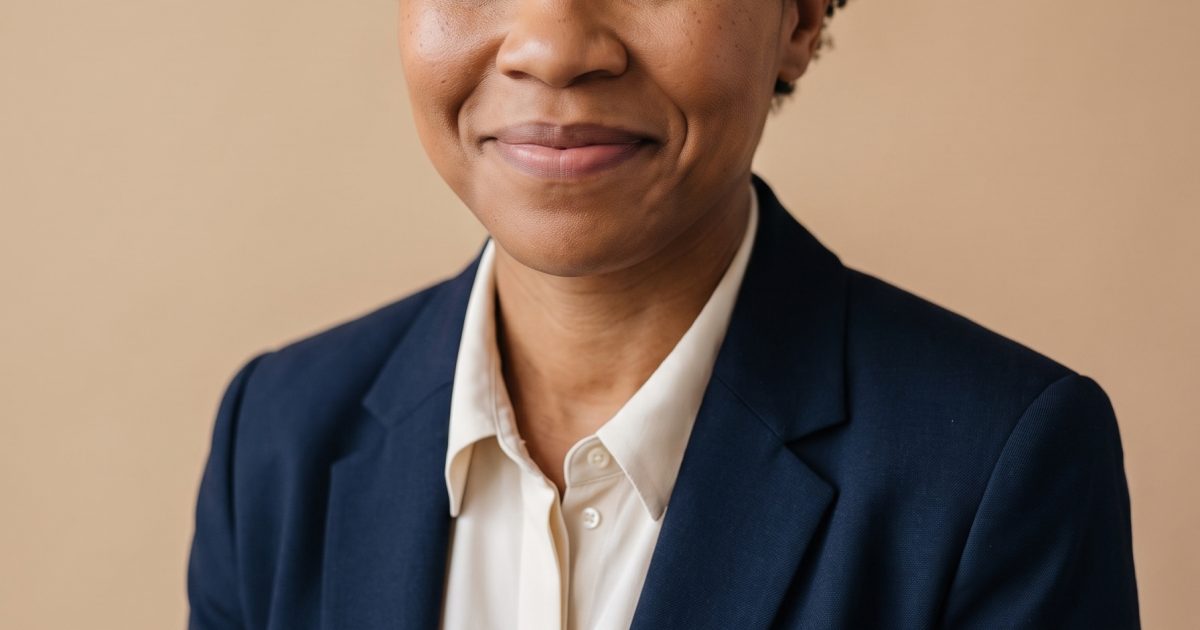
This Golden Hour Headshot Gemini AI Photo Prompt turns a simple studio portrait into a polished creative-director image without changing the subject’s identity. Use it when a profile photo needs a quieter, warmer finish than a standard corporate headshot.


Main edit
Edit the input portrait into a polished professional headshot for a creative director. Keep her face, expression, body proportions, hairstyle and natural skin texture unchanged. Replace the outfit with a tailored midnight-blue blazer and ivory shirt. Use a warm beige studio backdrop, soft butterfly lighting, subtle catchlights, clean 85mm editorial photography, realistic fabric detail, no text or logos.Settings: Google Nano Banana Pro, image edit, 3:4 aspect ratio, 2K resolution, safety setting OFF. Try this prompt on Wiro.
The input is an original fictional portrait, not a real person’s photo. The edit asks the model to hold onto the details that make a headshot believable: the expression, hair, proportions and natural skin texture. It then gives the model only a few clear changes: clothes, backdrop, light and lens language.
Variations
Library founder

Edit the input portrait into an approachable founder headshot. Keep her face, expression, body proportions, hairstyle and natural skin texture unchanged. Dress her in a forest-green knit top under a charcoal blazer. Place her in a softly lit modern library with a blurred walnut shelf, gentle side-window light, 50mm editorial photography, realistic skin and fabric, no text or logos.Settings: Google Nano Banana Pro, image edit, 3:4, 2K. Try this prompt on Wiro.
Paper-backdrop contributor

Edit the input portrait into a clean magazine contributor headshot. Keep her face, expression, body proportions, hairstyle and natural skin texture unchanged. Add a soft black turtleneck and an off-white paper backdrop with a narrow band of sunlight. Natural directional light, 85mm lens, restrained editorial color, realistic detail, no text or logos.Settings: Google Nano Banana Pro, image edit, 3:4, 2K. Try this prompt on Wiro.
Why this Golden Hour Headshot Gemini AI Photo Prompt works
- It names the identity details to preserve before it asks for styling changes.
- The wardrobe and backdrop are concrete, so the result does not drift into a generic office portrait.
- Butterfly lighting and an 85mm lens set a familiar portrait language without asking for heavy retouching.
- The no-text instruction keeps the output ready for a profile, portfolio or speaker page.
A good photo edit prompt separates what must stay from what can change. Here, the first group is the subject. The second is the visual treatment. That order makes the request easy to adjust. Swap the blazer color, background or lighting style while keeping the preservation sentence intact.
For a real account photo, start with an image you have permission to edit. Keep the preservation line specific, then describe one setting and one lighting setup. That keeps the edit grounded instead of turning it into a new face. Google documents image generation and editing features through its official Gemini image generation guide.
More Gemini AI Photo Prompts
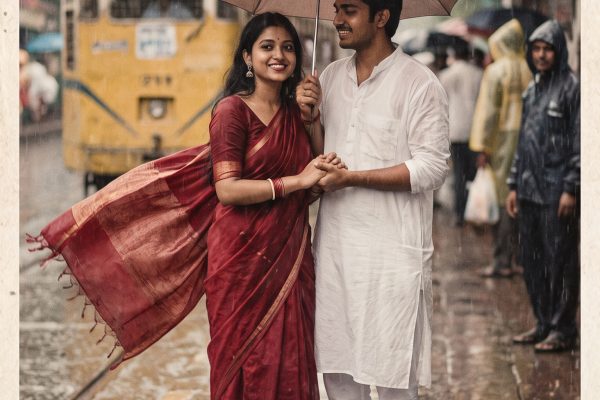
Browse Gemini AI Photo Prompts for more edits. For a cinematic two-person edit, see Rooftop Couple Gemini AI Photo Prompt. For a fashion-led portrait, see Monsoon Saree Gemini AI Photo Prompt. Product scenes need a different setup, so explore Nano Banana Pro Prompts.
Run this prompt yourself
Every example above was generated on Wiro. Paste the prompt, pick the model, and get your own result.



2 Comments