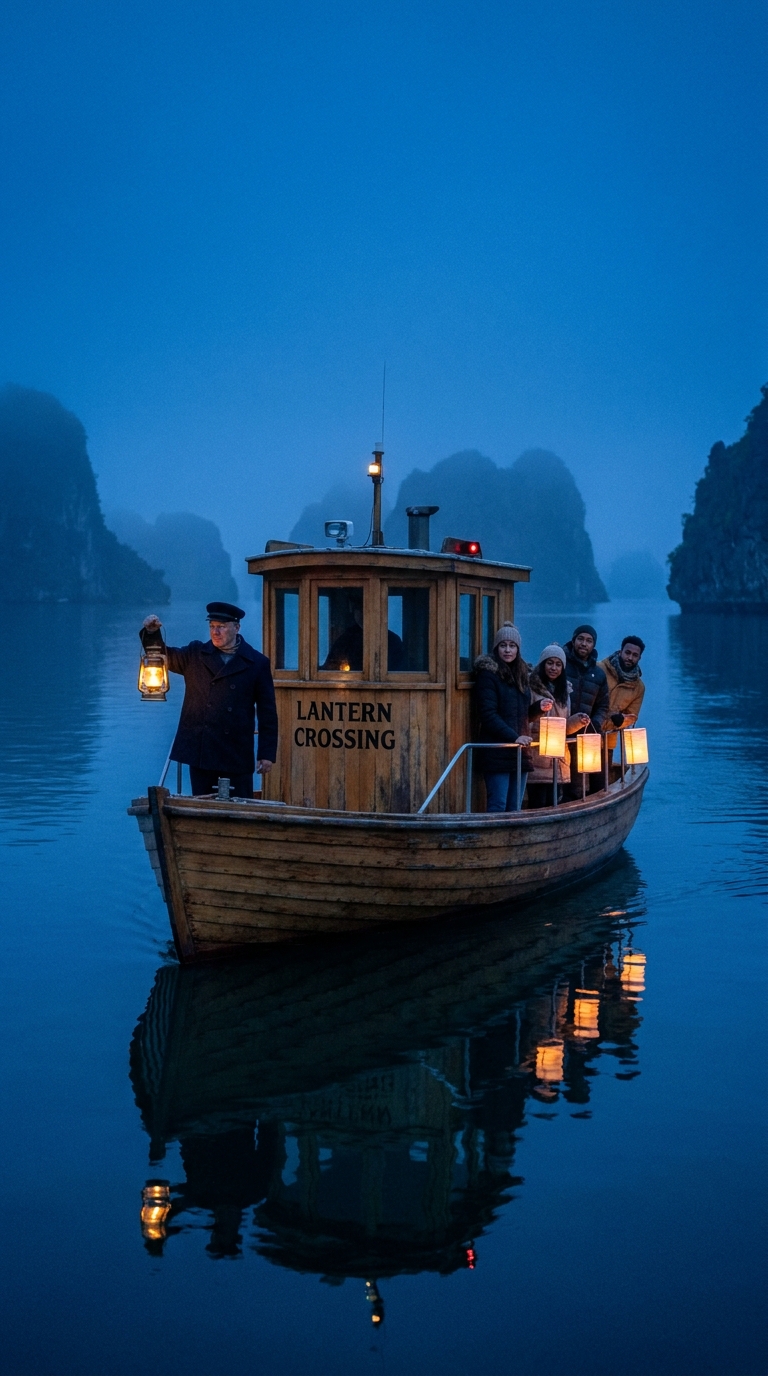
This Lantern Ferry Crossing Grok Imagine Video 1.5 Prompt makes a calm blue-hour travel clip with readable signage, lantern light, and a controlled bow-level camera move. Use it when a still needs to become a short atmospheric reel without losing the composition that made the first frame work.
Lantern ferry main take
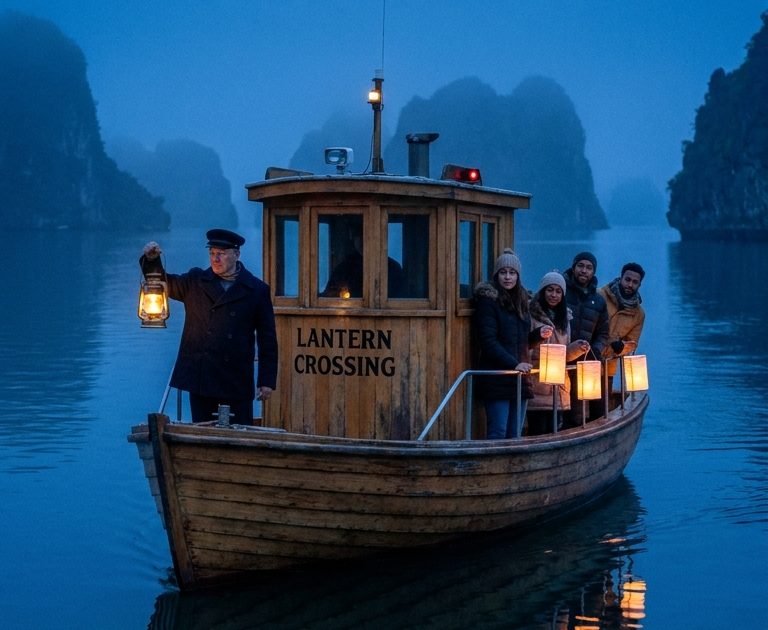
The cedar ferry moves slowly through the channel as the ferryman lifts the brass lantern and turns toward the passengers. The four paper lanterns sway in a light sea breeze, reflections lengthen across the water, and the camera makes a smooth low dolly-in from the bow. Keep the LANTERN CROSSING cabin sign legible, preserve the blue-hour palette, natural hands and gentle motion, quiet water and distant gulls.Settings: xai/grok-imagine-video-1-5, image-to-video, 9:16, 5 seconds, 720p. Input image.
Variations
Rising shoreline view
The ferry passes close to camera while the ferryman lowers the lantern and a passenger points toward the islands. Paper lanterns flutter, soft mist travels across the water, and the camera rises in a slow crane move to reveal the limestone shoreline. Keep LANTERN CROSSING readable, soft golden lamps against indigo dusk, realistic hand gestures, gentle engine hum and gulls.Settings: xai/grok-imagine-video-1-5, image-to-video, 9:16, 5 seconds, 720p. Input image.
Why this Lantern Ferry Crossing Grok Imagine Video 1.5 Prompt works
- The input frame locks the ferry, passengers, lanterns, and island geography before motion starts.
- One clear action for the ferryman gives the five-second shot a focal beat.
- The prompt separates foreground movement, water reflections, and camera direction, so each has a job.
- Readable text gets an explicit instruction instead of being treated as background decoration.
- Sound cues support the quiet travel mood without competing with the visual action.
Grok Imagine Video 1.5 works best when the frame already carries the cast, lighting, and layout. This first frame gives it a simple scene to animate: lift a lantern, let the paper lamps sway, and move the camera forward. The motion prompt then names the direction of travel and the objects that should react. That keeps the clip from becoming a generic moving postcard.
The main take uses a low dolly-in because the ferry bow creates a natural leading line. The variation keeps the same still but changes the camera to a rising crane. Reusing the frame makes the difference easy to judge: the subject remains stable while the shot language changes. For a vertical social clip, 9:16 also leaves room for the lantern reflections and the shoreline reveal.
Text is a useful stress test here. The LANTERN CROSSING sign is visible in the source, then called out again in the motion direction. It may not be pixel-perfect in every render, but naming it gives the model a better chance to preserve it. The official xAI video generation documentation also shows why an image-led setup is a practical way to guide a scene.
More Grok Imagine Video 1.5 prompts
Browse the full Grok Imagine Video 1.5 Prompts collection for more clips.
- Desert Kite Festival Grok Imagine Video 1.5 Prompt
- Sunrise Bakery Sign Grok Imagine Video 1.5 Prompt
- Midnight Flower Auction Grok Imagine Video 1.5 Prompt
For another short-form motion study, see MiniMax H3 Prompts.
Run this prompt yourself
Every example above was generated on Wiro. Paste the prompt, pick the model, and get your own result.