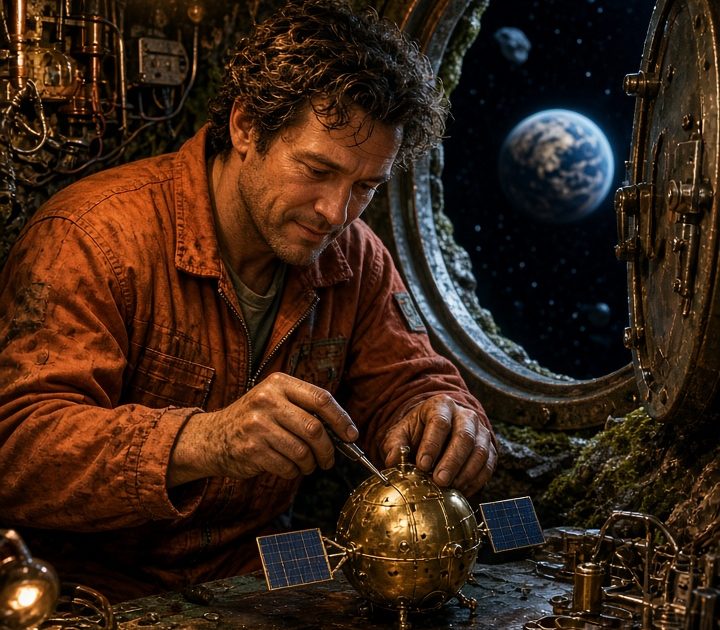
This Pocket Planet Repair Grok Imagine Video 1.5 prompt makes a tactile vertical repair scene where both hands, a tiny orbit rig, and a moving camera all have a simple job. Use it for a science-fiction product reveal, a maker-style clip, or a playful space reel.
Main prompt
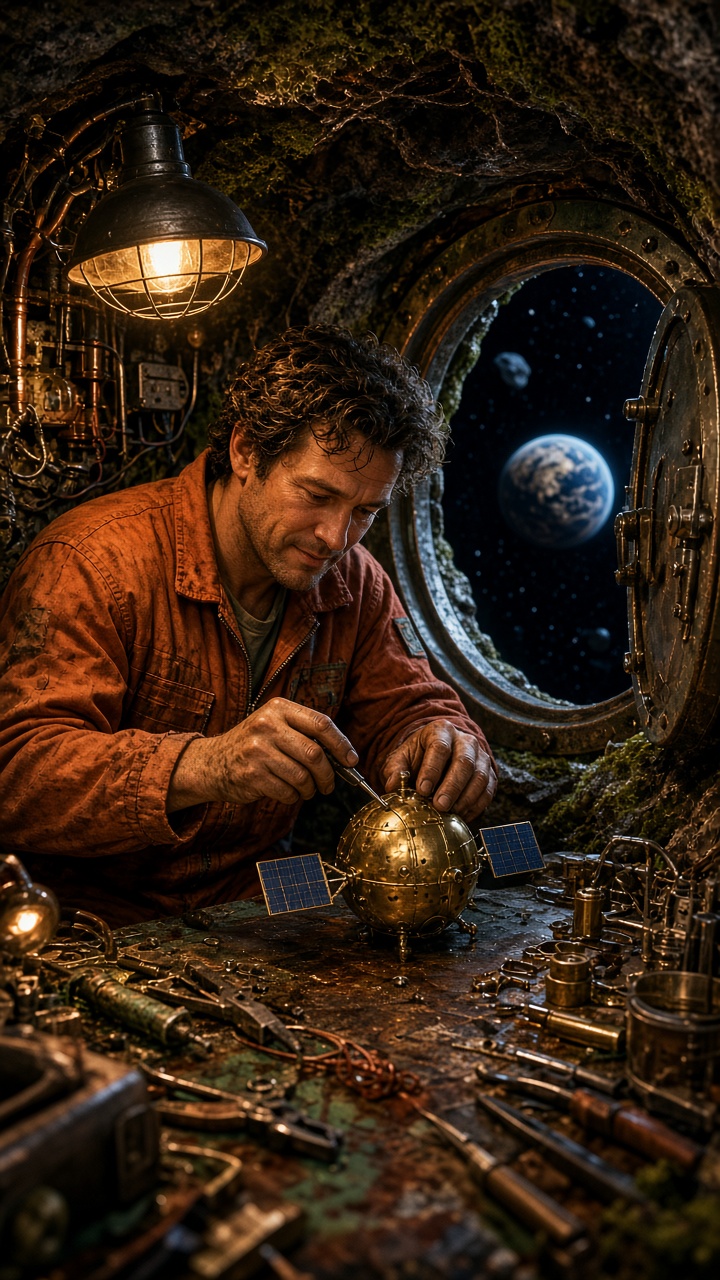
The mechanic carefully turns the tiny satellite wheel, then looks through the hatch as the miniature blue planet rotates below. The camera slides sideways across the workbench. Small tools rattle, a servo whirs, and a distant radio crackles.Settings: xai/grok-imagine-video-1-5, image-to-video, 9:16, 5 seconds, 720p. Try this prompt on Wiro.
Variations
Moon rig release

The mechanic eases the glowing moon into the orbit rig and releases it. It spins smoothly while blue work lights sweep across the bay. The camera arcs around the rig. Servo clicks, a low electrical hum, and one satisfied breath.Settings: xai/grok-imagine-video-1-5, image-to-video, 9:16, 5 seconds, 720p. Try this prompt on Wiro.
Why this Pocket Planet Repair Grok Imagine Video 1.5 prompt works
- The first frame establishes the tools and the miniature scale before any motion starts.
- Both hands work on one object, which makes the action easier to read in a short clip.
- The sideways slide reveals the hatch and planet without losing the workbench.
- Mechanical sounds match visible objects, so the audio feels attached to the scene.
A small working action is the point of this prompt. The mechanic does not build a spacecraft from scratch. They turn one wheel, look up, and let the camera uncover the view. That limit makes the five seconds feel deliberate. The generated input frame also gives the model a strong map of the coat, bench, hatch, and tiny planet before it needs to animate the hands.
Hands are a useful stress test for image-to-video. Keep them visible, make their task physical, and avoid a chain of unrelated gestures. The main prompt uses a wheel because rotation is easy to judge against the bench. The variation changes the object and the camera path, but it keeps the same logic: guide, release, then reveal the result. That is enough motion for a compact vertical shot.
Sound can add scale fast. A servo click suggests machinery. Loose tools add a small foreground layer. The distant radio makes the repair bay feel larger than the frame. These details should remain short and literal. If the clip needs dialogue, make it the only extra layer and reduce the other audio requests. For this scene, the object sounds carry the story better.
More Grok Imagine Video 1.5 prompts
Browse the full Grok Imagine Video 1.5 Prompts collection. For more clips, try Desert Kite Festival, Sunrise Bakery Sign, and Neon Ramen Window. For another camera-led video workflow, see Seedance 2.5 Prompts.
More on the model itself: xAI's Grok Imagine video docs.
Run this prompt yourself
Every example above was generated on Wiro. Paste the prompt, pick the model, and get your own result.