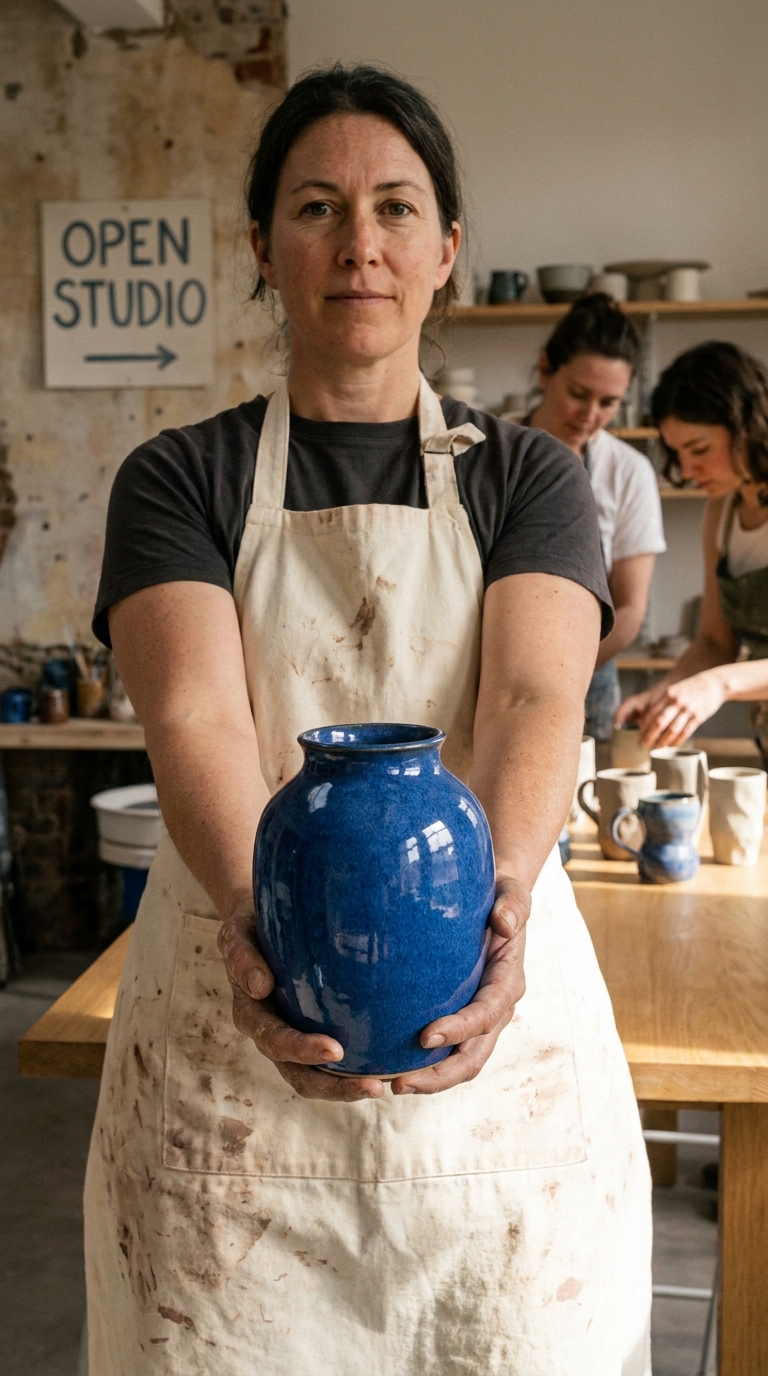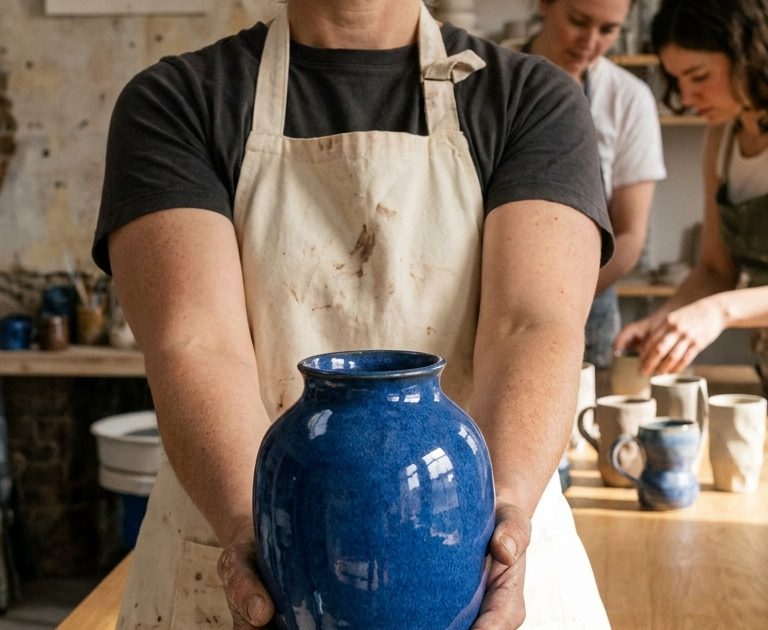
This Ceramic Studio Reveal Grok Imagine Video 1.5 Prompt turns a carefully staged workshop still into a short product-focused clip with believable hands, tactile glaze, and a clean camera push-in. Use it for a maker reel, a launch teaser, or any small collection that needs motion without changing the scene.
Cobalt vase main take
The potter slowly rotates the cobalt-blue vase toward the window light as an assistant slides a row of cups into place. Fine dust drifts in the sunbeam and the camera makes a steady shoulder-height push-in across the oak table. Keep OPEN STUDIO legible on the wall card, preserve tactile glaze and clay detail, natural fingers, quiet studio sounds and a soft ceramic clink.Settings: xai/grok-imagine-video-1-5, image-to-video, 9:16, 5 seconds, 720p. Input image.
Variations
Tabletop orbit reveal
The potter sets the cobalt vase on the oak table while both assistants lift two sculptural cups for a quick reveal. The camera makes a slow half-orbit around the table, catching sunlight across the glaze and floating clay dust. Keep OPEN STUDIO readable, realistic hands and subtle fabric motion, warm workshop ambience, delicate ceramic taps.Settings: xai/grok-imagine-video-1-5, image-to-video, 9:16, 5 seconds, 720p. Input image.
Why this Ceramic Studio Reveal Grok Imagine Video 1.5 Prompt works
- The source image already fixes the vase shape, cup placement, and window-light direction.
- Each person gets a small, separate action instead of competing choreography.
- The camera instruction stays simple: push in for the main clip, half-orbit for the variation.
- Material details such as glaze, clay dust, and ceramic taps give the motion a physical feel.
- The OPEN STUDIO card makes a useful readable-text test without filling the frame with copy.
Product motion gets better when the starting image does most of the art direction. Here, the cobalt vase sits at the center, the cups frame it, and the afternoon light already defines the mood. Grok Imagine Video 1.5 only needs to animate a rotation, a slide across the table, and drifting dust. That is a tight brief for a five-second clip.
The prompt gives the main subject a clear priority. The potter rotates the vase first, then an assistant moves the cups. This order helps the model avoid making every object compete for attention. It also gives the camera a reason to push in: the viewer gets closer as the glaze catches the light. The variation swaps that forward move for a half-orbit and makes the cups part of a compact reveal.
Natural hands matter in a craft scene, so the prompt calls for fingers and subtle fabric motion rather than a large gesture. Surface detail matters too. Asking to preserve tactile glaze and clay keeps the clip tied to the first frame rather than turning it into a glossy generic ad. The official xAI video generation documentation is a helpful reference for an image-guided workflow like this one.
More Grok Imagine Video 1.5 prompts
Find more real outputs in the Grok Imagine Video 1.5 Prompts category.
- Neon Ramen Window Grok Imagine Video 1.5 Prompt
- Tidal Observatory Grok Imagine Video 1.5 Prompt
- Rainy Record Shop Grok Imagine Video 1.5 Prompt
For another maker-led motion concept, browse Happy Horse 1.1 Prompts.
Run this prompt yourself
Every example above was generated on Wiro. Paste the prompt, pick the model, and get your own result.