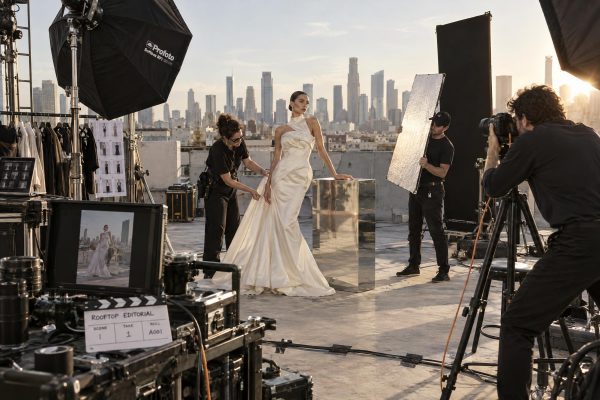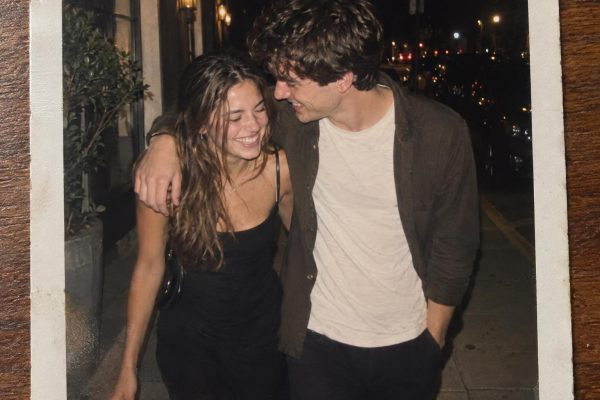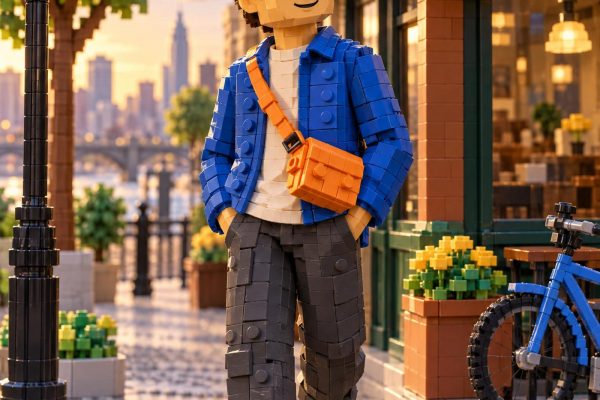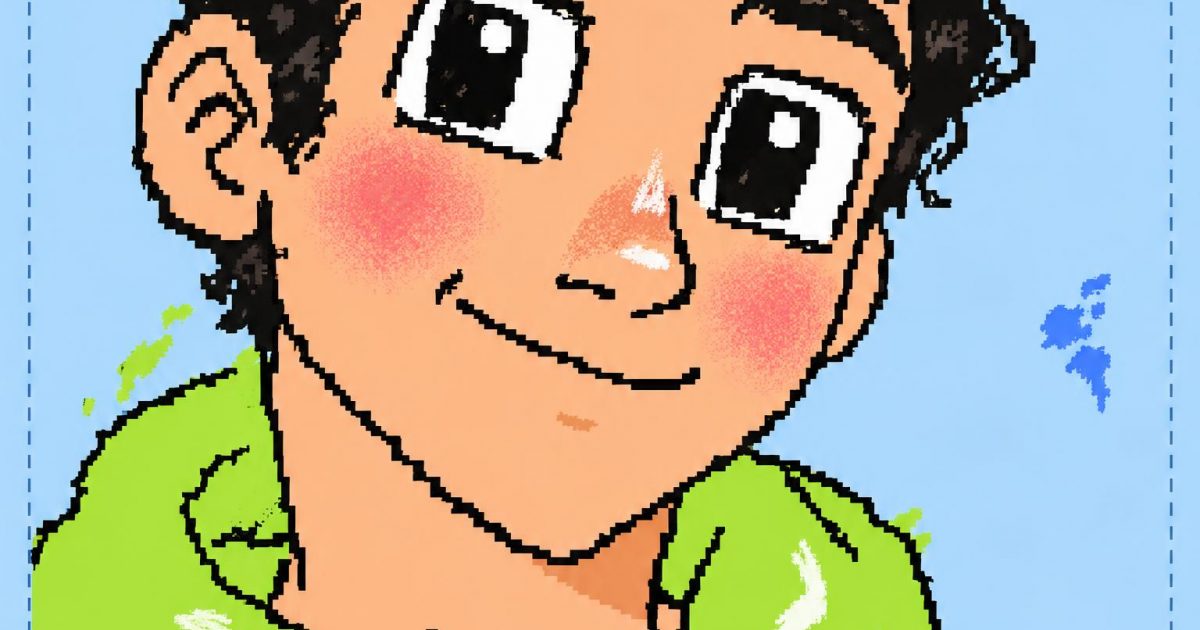
This MS Paint Photo Remake GPT Image 2.5 prompt turns a polished selfie-style portrait into charmingly clumsy mouse-drawn art. It is built for the deliberately low-fi MS Paint remake look now circulating in viral AI-effects reels: recognizable faces, jagged contours, flat fills and the happy accidents of old desktop drawing software. GPT Image 2.5 Flare is a quick fit for the trend because it can follow style constraints while keeping an expressive face readable.
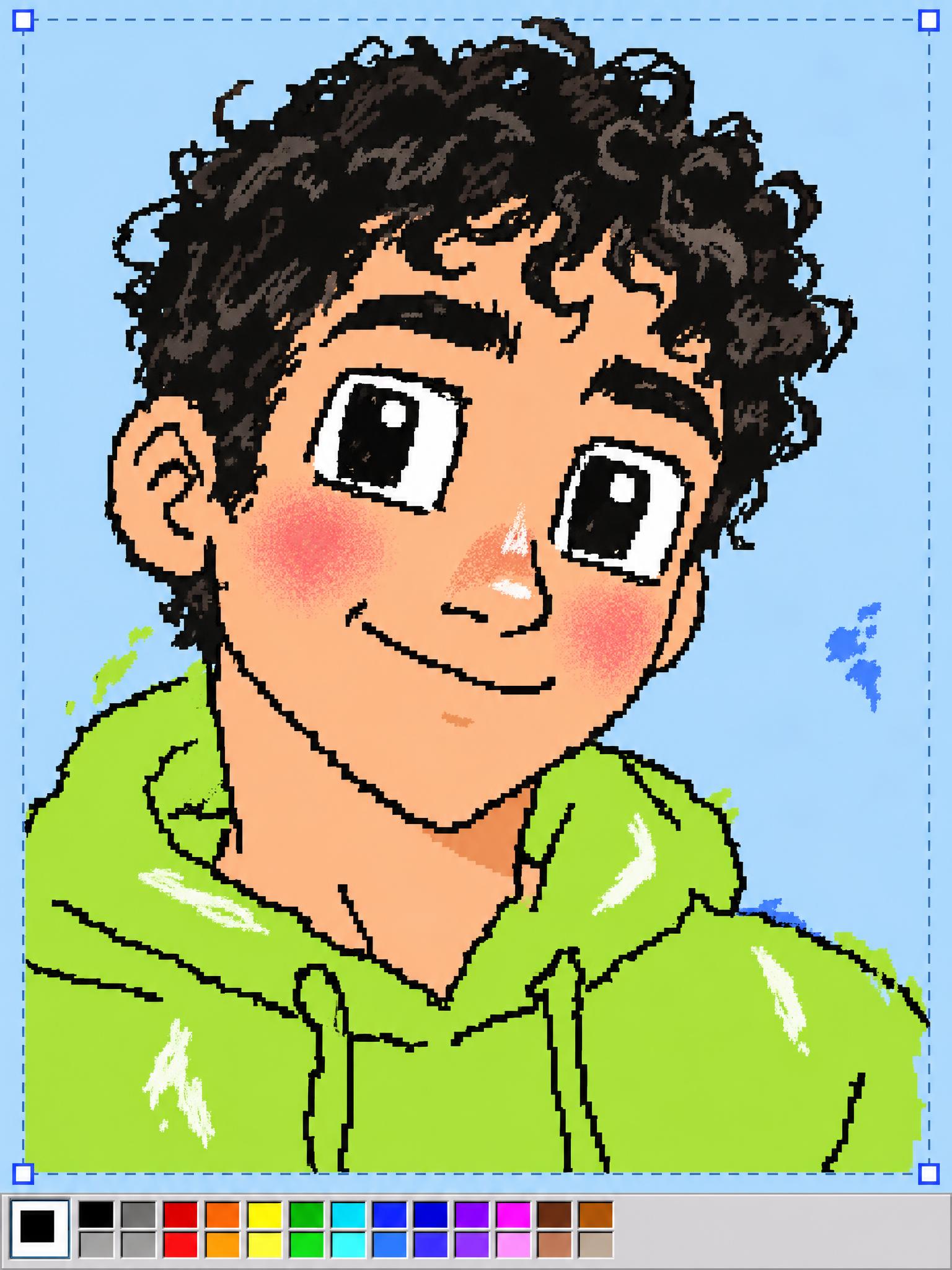
Classic Paint Selfie
Create a vertical 3:4 portrait of a fictional young adult with short curly dark hair, a lime-green hoodie, and a friendly half-smile, posed like a casual phone selfie against a pale blue wall. Rebuild the entire portrait as deliberately crude classic MS Paint mouse art: jagged black pixel-ish outlines, shaky freehand curves, flat bucket-fill colors, rough airbrush blush, oversized square eyes, uneven paintbrush highlights, a few accidental color spills, visible selection-box corners, and a small Paint-style palette strip at the bottom edge. Keep the face clearly recognizable and expressive, but make every mark charmingly amateur and intentionally low-tech. No text, no watermark.Settings: OpenAI GPT Image 2.5 Flare, 3:4, 2K, high quality, opaque background, JPEG, 1 sample.
Variations
Rainy Corner-Shop Remake
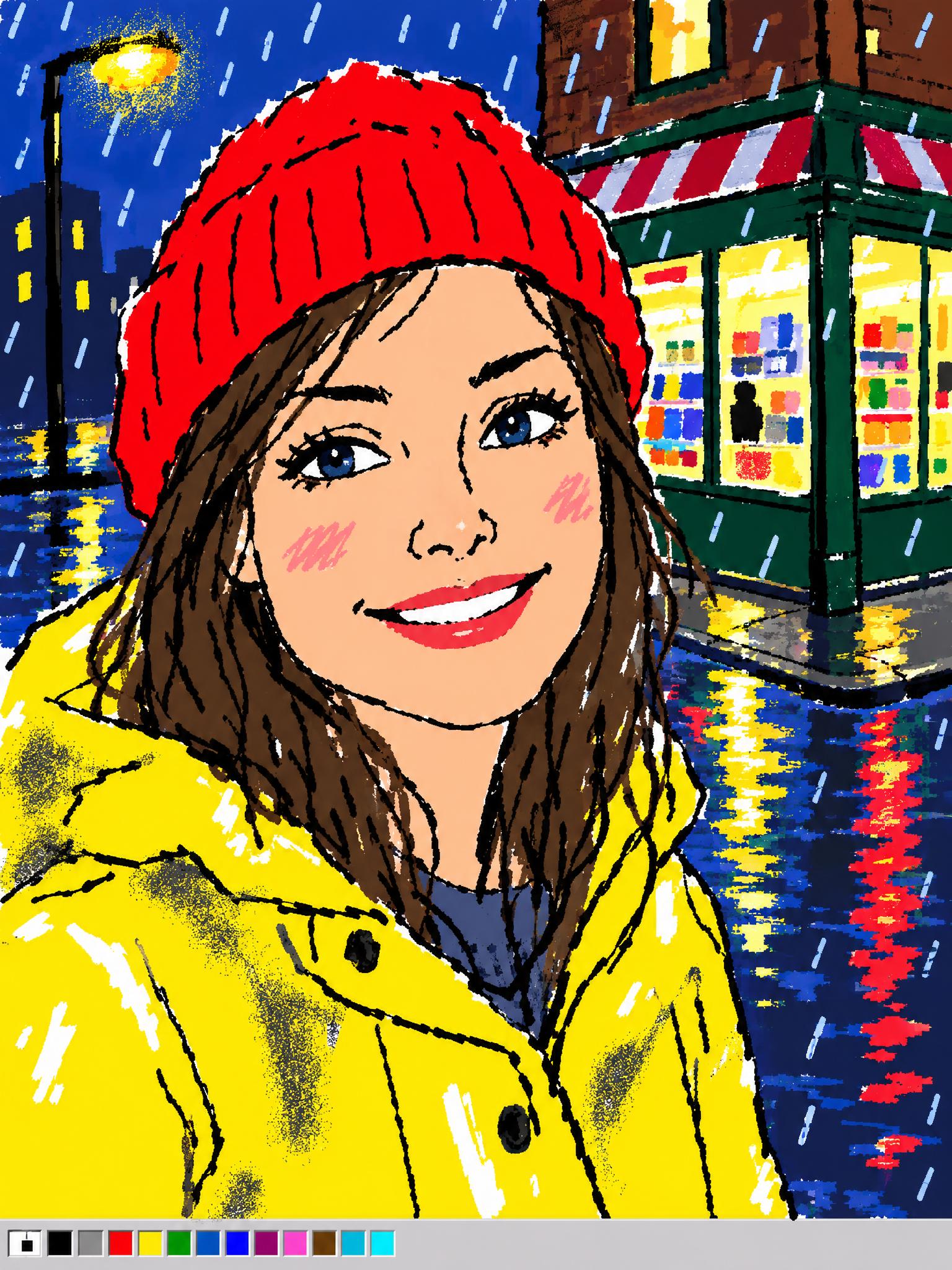
Create a vertical 3:4 close-up portrait of a fictional woman in a red knit beanie and yellow raincoat, smiling outside a corner shop on a rainy evening. Render it as intentionally clumsy classic MS Paint mouse art: wobbly black outlines, flat neon color fills, blocky rain marks, messy spray-can shadows, hard-edged reflections, visible white eraser gaps, uneven handwritten-looking shapes but no readable words, and a tiny retro Paint palette along the lower edge. The face should remain clearly recognizable while the drawing looks handmade with a cheap mouse. No text, no watermark.Settings: OpenAI GPT Image 2.5 Flare, 3:4, 2K, high quality, opaque background, JPEG, 1 sample.
Sunny Park Remake
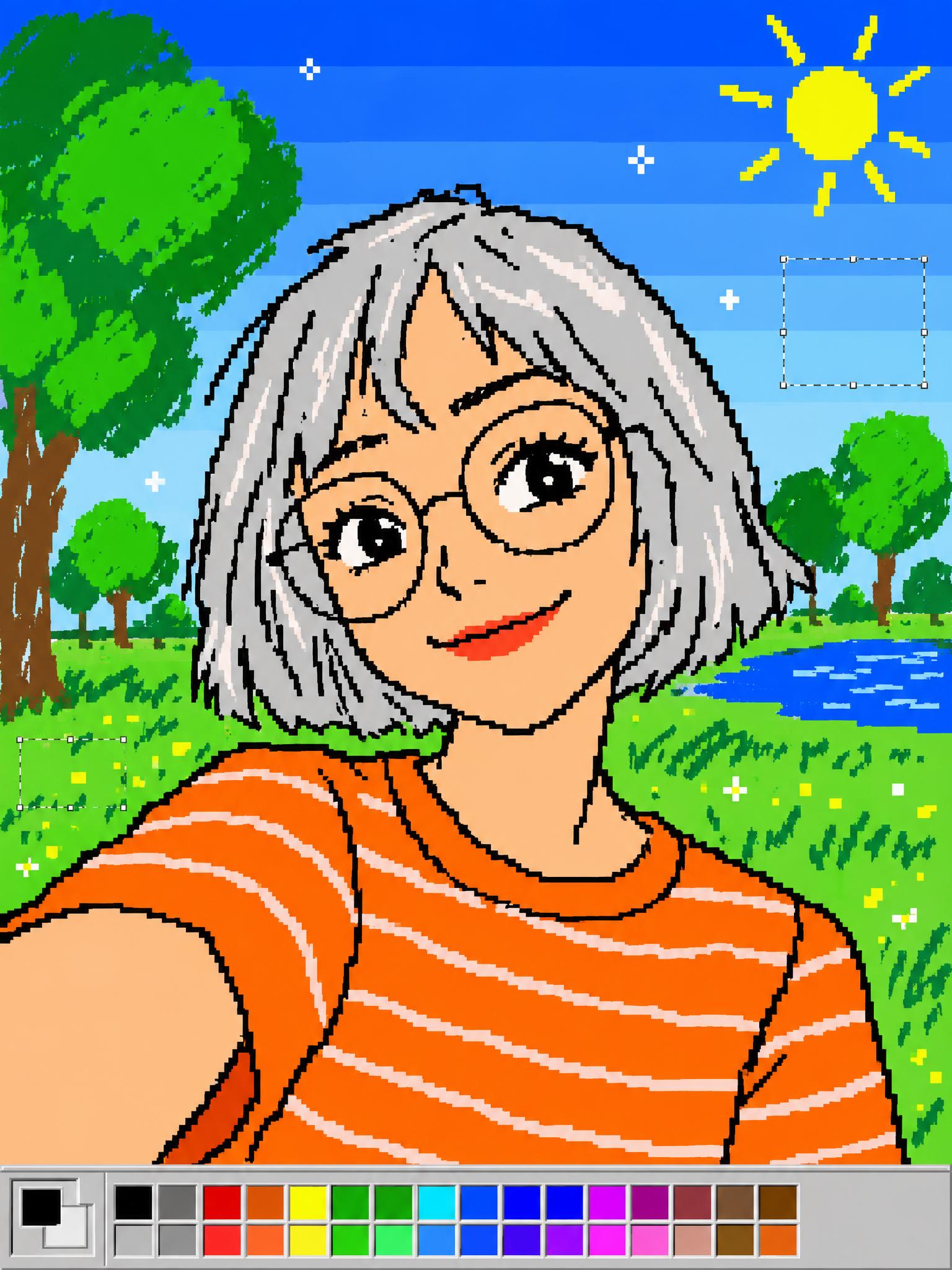
Create a vertical 3:4 portrait of a fictional person with a silver bob haircut, round glasses, and a striped orange shirt, taking a sunny park selfie. Redraw it as playful 1990s MS Paint mouse art: angular black contour lines, flat primary-color fills, a crude blue-sky gradient made of bands, lumpy green tree circles, pixel-like sparkle dots, imperfect freehand strokes, faint selection marquee marks, and a simple old Paint color palette at the bottom edge. Preserve an expressive, recognizable face while making the artwork deliberately rough and charming. No text, no watermark.Settings: OpenAI GPT Image 2.5 Flare, 3:4, 2K, high quality, opaque background, JPEG, 1 sample.
Why this MS Paint Photo Remake GPT Image 2.5 prompt works
- It specifies the face, clothing and pose before the style, so the portrait has something recognizable to preserve.
- Concrete tool artifacts such as selection corners, bucket fills and eraser gaps give the model a clearer target than simply asking for bad art.
- The prompt pairs flat fills with shaky outlines and airbrush marks, which creates the layered, mouse-made look rather than generic pixel art.
- Calling for no readable text prevents accidental captions from distracting from the fake-software aesthetic.
For more control over subject preservation and editing, see the OpenAI image prompting guide. The trend reference is this viral AI effects reel, which includes MS Paint among its featured looks.
More GPT Image 2.5 prompts
Browse all GPT Image 2.5 Prompts, then try GTA Style Portrait GPT Image 2.5 Prompt, Rainy Arcade Portrait GPT Image 2.5 Prompt, and VHS Family Portrait GPT Image 2.5 Prompt. For another portrait-focused model, explore Nano Banana Pro Prompts.
Run this prompt yourself
Every example above was generated on Wiro. Paste the prompt, pick the model, and get your own result.