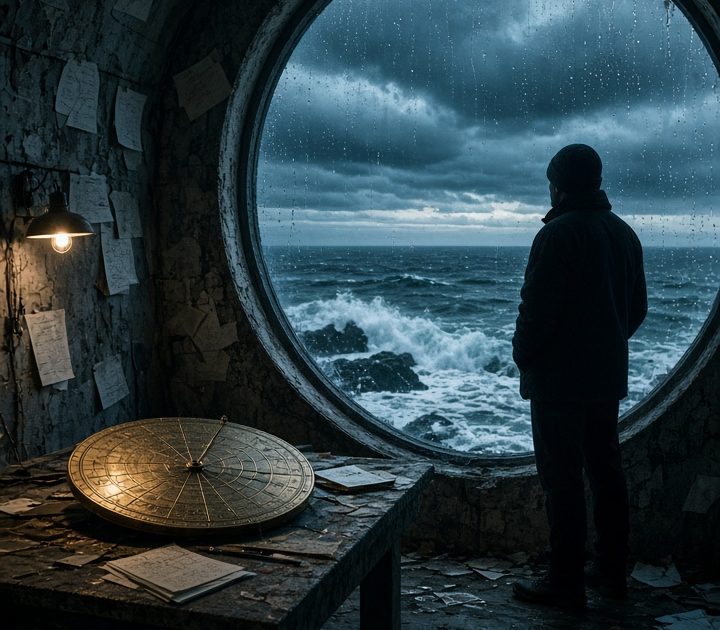
This Tidal Observatory Grok Imagine Video 1.5 prompt builds a storm-lit coastal scene with physical paper, rain, waves, and a measured camera arc. Use it when a science, travel, or atmospheric short needs motion that feels tied to the location.
Tidal Observatory Grok Imagine Video 1.5 prompt
Storm window study
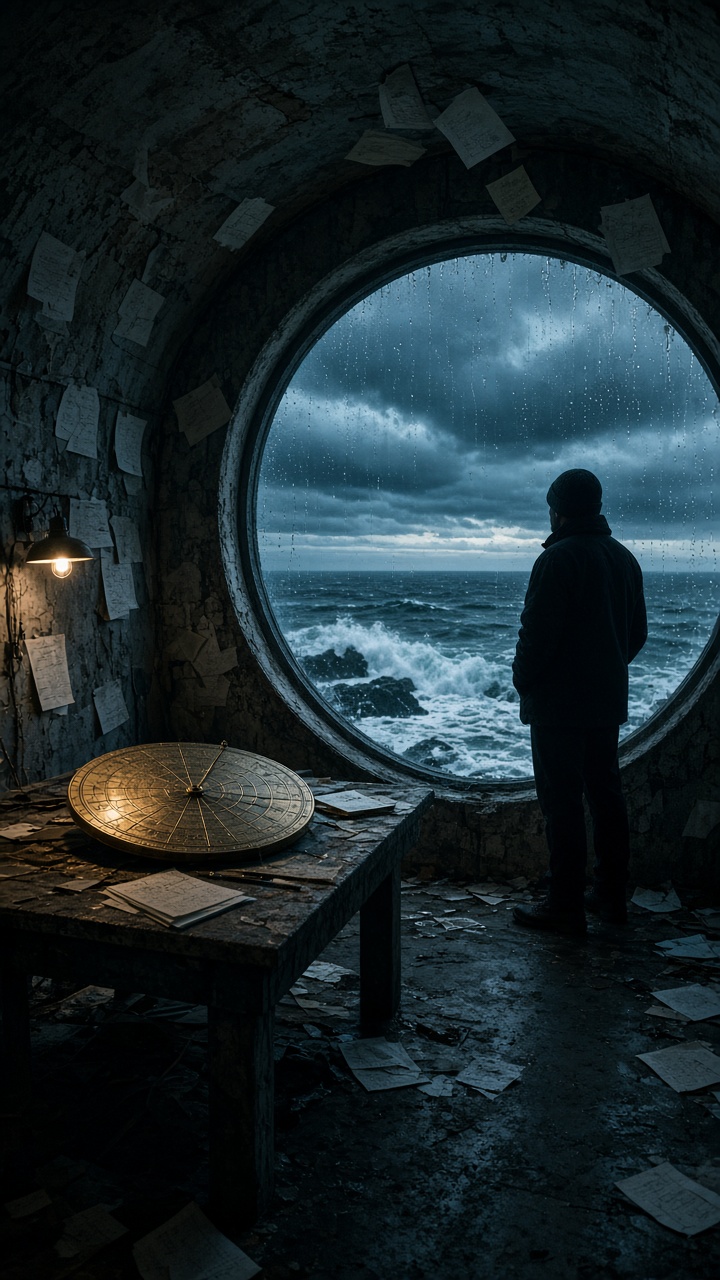
Start with a slow arc around the astronomer toward the circular ocean window. Wind lifts the paper notes and the brass star chart rotates a few degrees. A distant wave strikes below, followed by a low rumble. Keep the teal storm light, warm desk lamp, rain on glass, and believable physical motion.Settings: xai/grok-imagine-video-1-5, image-to-video, 9:16, 5 seconds, 720p. Input image: the observatory frame above.
Variations
Roof telescope reveal
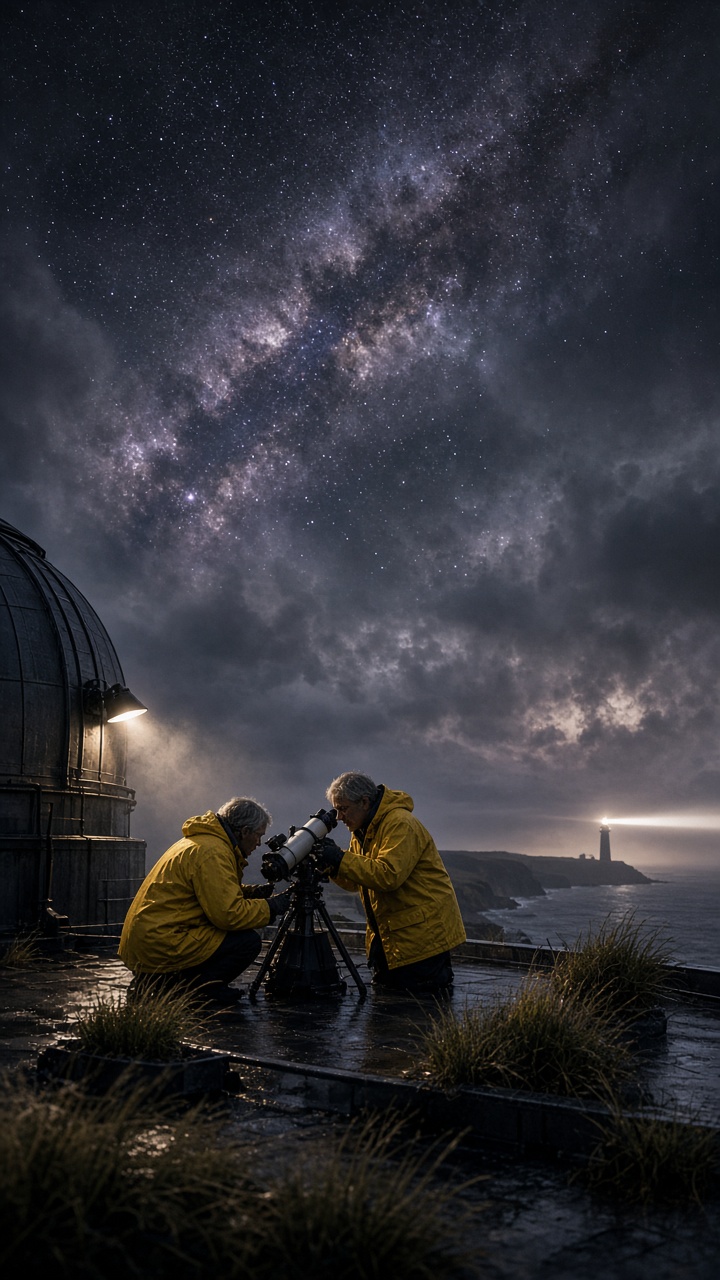
Use a restrained crane rise behind the two researchers as they adjust the telescope. Clouds slide aside to reveal the Milky Way. The lighthouse beam sweeps across the wet roof and their jackets flap in the wind. Hold realistic night exposure, wet surfaces, and crisp telescope mechanics.Settings: xai/grok-imagine-video-1-5, image-to-video, 9:16, 5 seconds, 720p. Input image: the rooftop frame above.
Why this Tidal Observatory Grok Imagine Video 1.5 prompt works
- The first frame establishes the observatory layout, window shape, props, and low-light exposure.
- A single arc gives the camera a clear path through a compact location.
- Notes, a chart, rain, and a wave each have a distinct action, so the shot has layered motion.
- Teal daylight and the warm lamp describe a stable lighting contrast the clip can preserve.
- The variation changes the viewpoint and subject count while keeping one controlled vertical reveal.
Motion prompts work best when they describe what changes and what must remain stable. The official xAI video documentation covers duration, aspect ratio, resolution, and asynchronous rendering.
The frame carries the hard details before the animation begins. The round window, brass chart, lamp, rain, and ocean horizon already have their place. The video direction can focus on the arc, the fluttering notes, and the distant wave. This division makes the scene easier to control than asking a motion model to invent both the set and the action at once.
Keep the camera move short enough to finish. A slow arc has a clear start, middle, and end in five seconds. The main prompt also holds the exposure steady, which matters in a scene with a bright lamp and dark ocean. If the clip feels too busy, remove one moving prop before changing the camera direction.
The rooftop variation tests a different kind of reveal. Two people and a telescope create a stronger foreground, while clouds opening and a lighthouse sweep provide depth. The prompt does not ask the telescope to transform or the sky to change all at once. It gives each element a simple, physical job that can read cleanly on a phone screen.
More Grok Imagine Video 1.5 prompts
See every example in Grok Imagine Video 1.5 Prompts. For another short scene built around a moving camera, visit Night Train Arrival Sora 2 Prompt.
Run this prompt yourself
Every example above was generated on Wiro. Paste the prompt, pick the model, and get your own result.





1 Comment