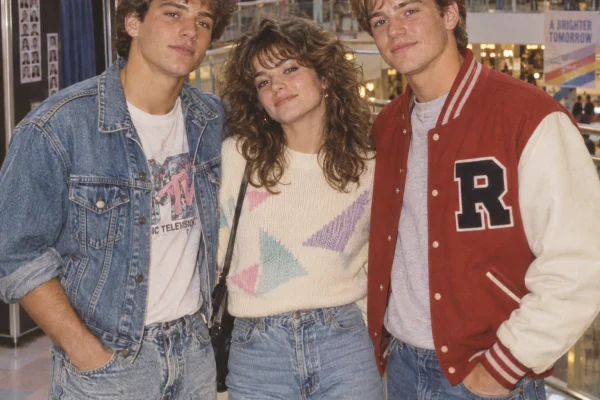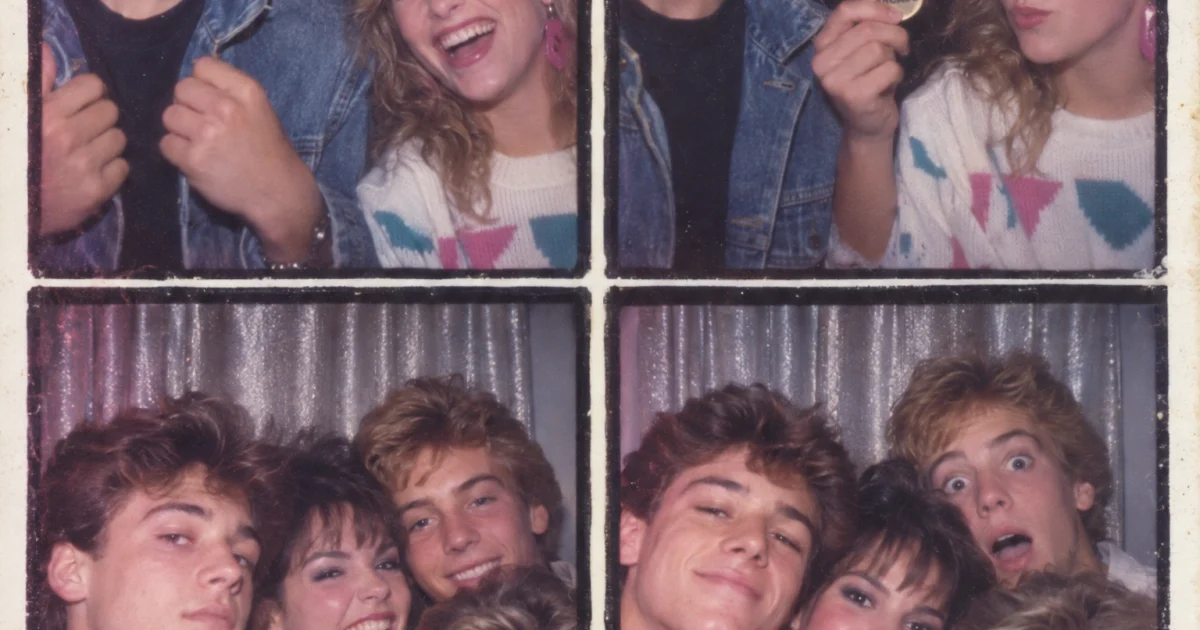
This Mall Photo Booth GPT Image 2.5 prompt turns a plain group photo into a strip that feels torn from a 1987 mall kiosk. Use it for retro social portraits, throwback family cards, and cover art that needs flash, grain, and awkward real smiles.
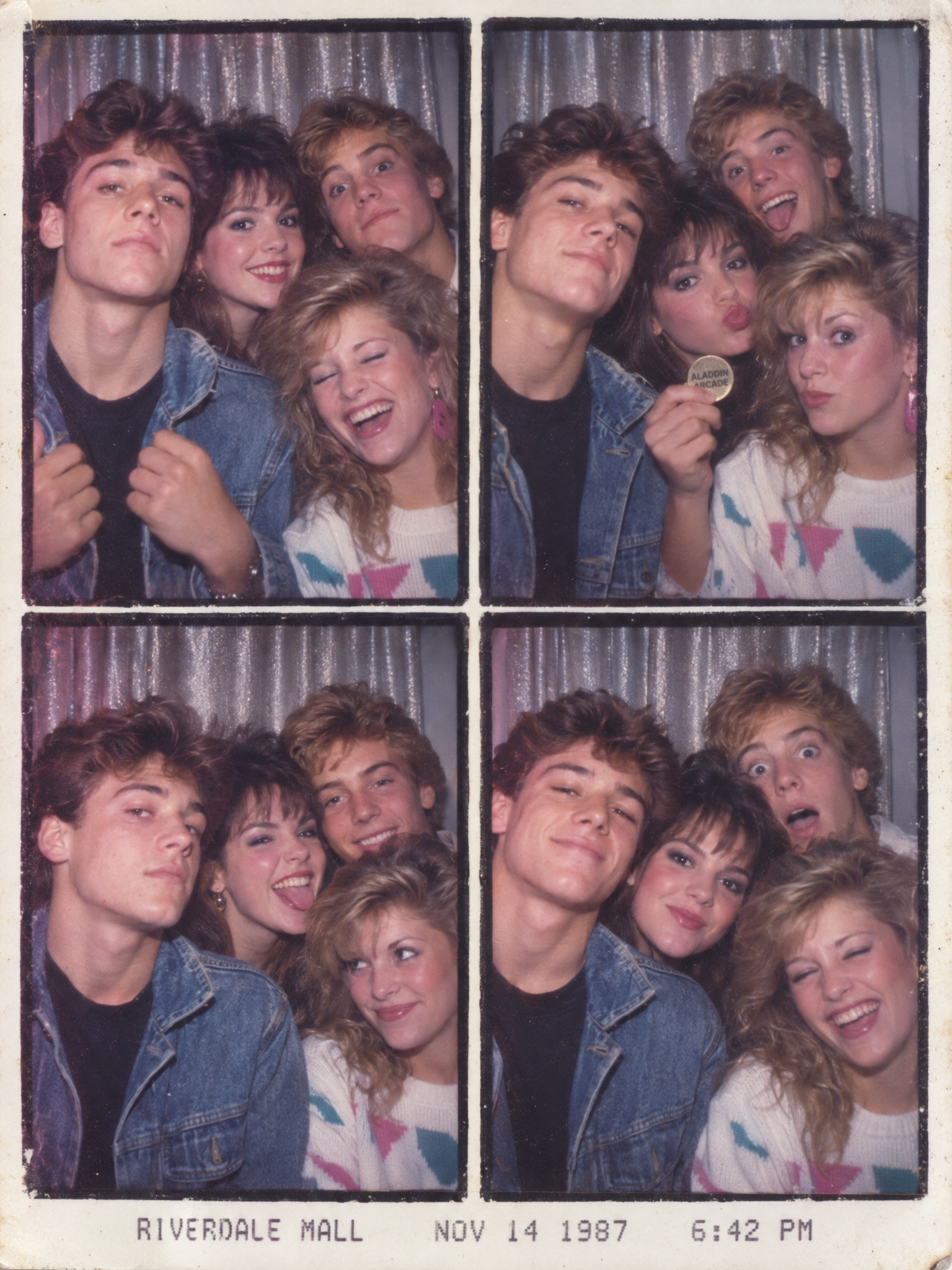
Mall Photo Booth GPT Image 2.5 prompt
The prompt stays narrow on purpose. GPT Image 2.5 does better when the booth size, clothing, lighting, and print style are all named. The result feels like a scanned strip, not a generic retro filter.
1987 mall photo booth strip of four friends squeezed into a silver curtain booth, fast flash, soft blur, one girl laughing mid-blink, one boy adjusting a denim jacket with both hands visible, one person holding a plastic arcade token, printed booth timestamp at the bottom, faded magenta and cyan color cast, authentic 1980s suburban mall lighting, realistic skin texture, no modern phones, no extra fingers, square photobooth frames, scanned film grain.Variations
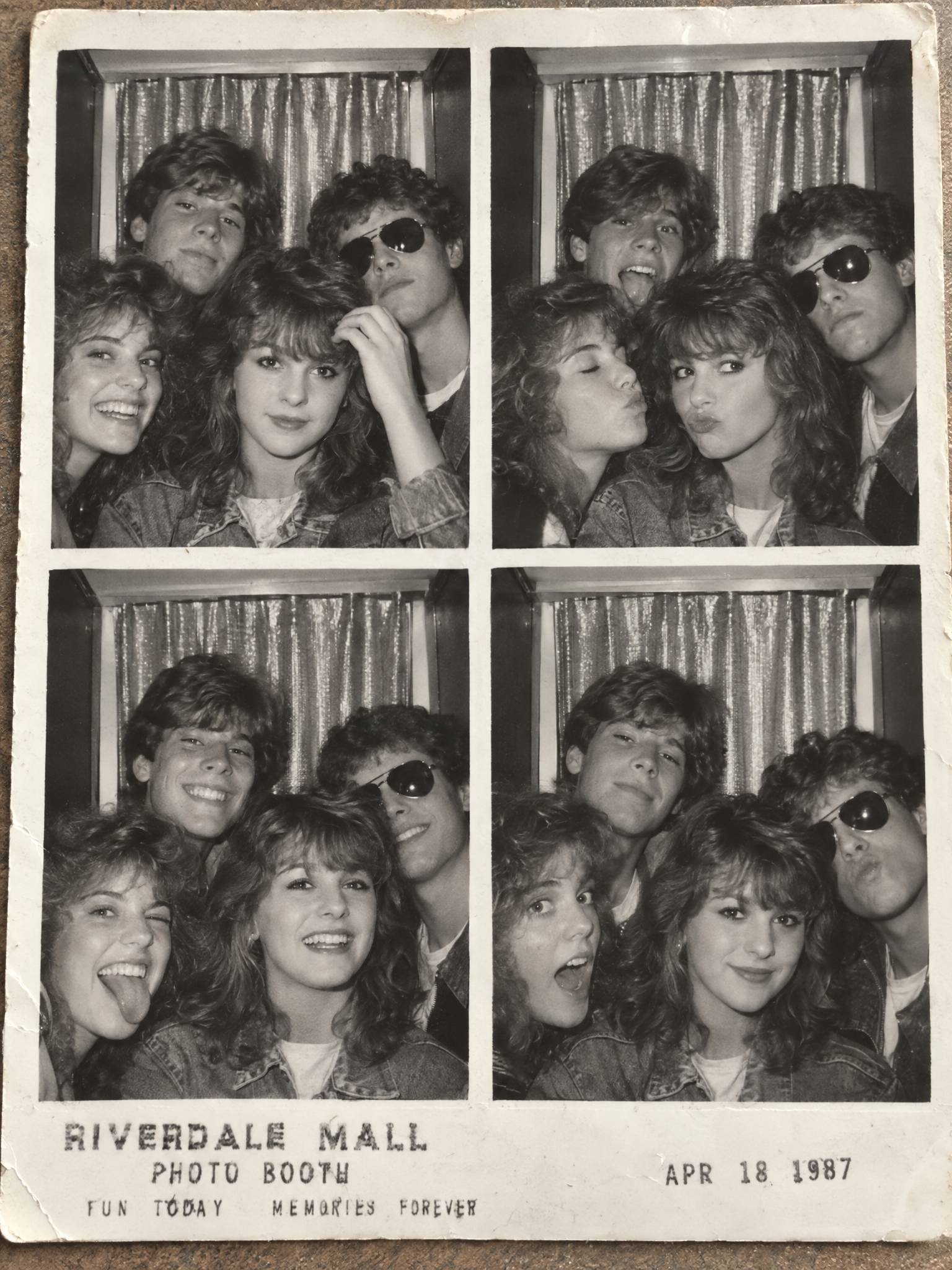
1987 mall photo booth strip of four friends, this time in black and white, with a cleaner central face, one hand raised to fix bangs, one person leaning into frame, silver curtain booth, visible booth corners, slight flash bloom, printed text that looks like a real mall receipt label, authentic 1980s suburban mall vibe, realistic hands, no modern objects.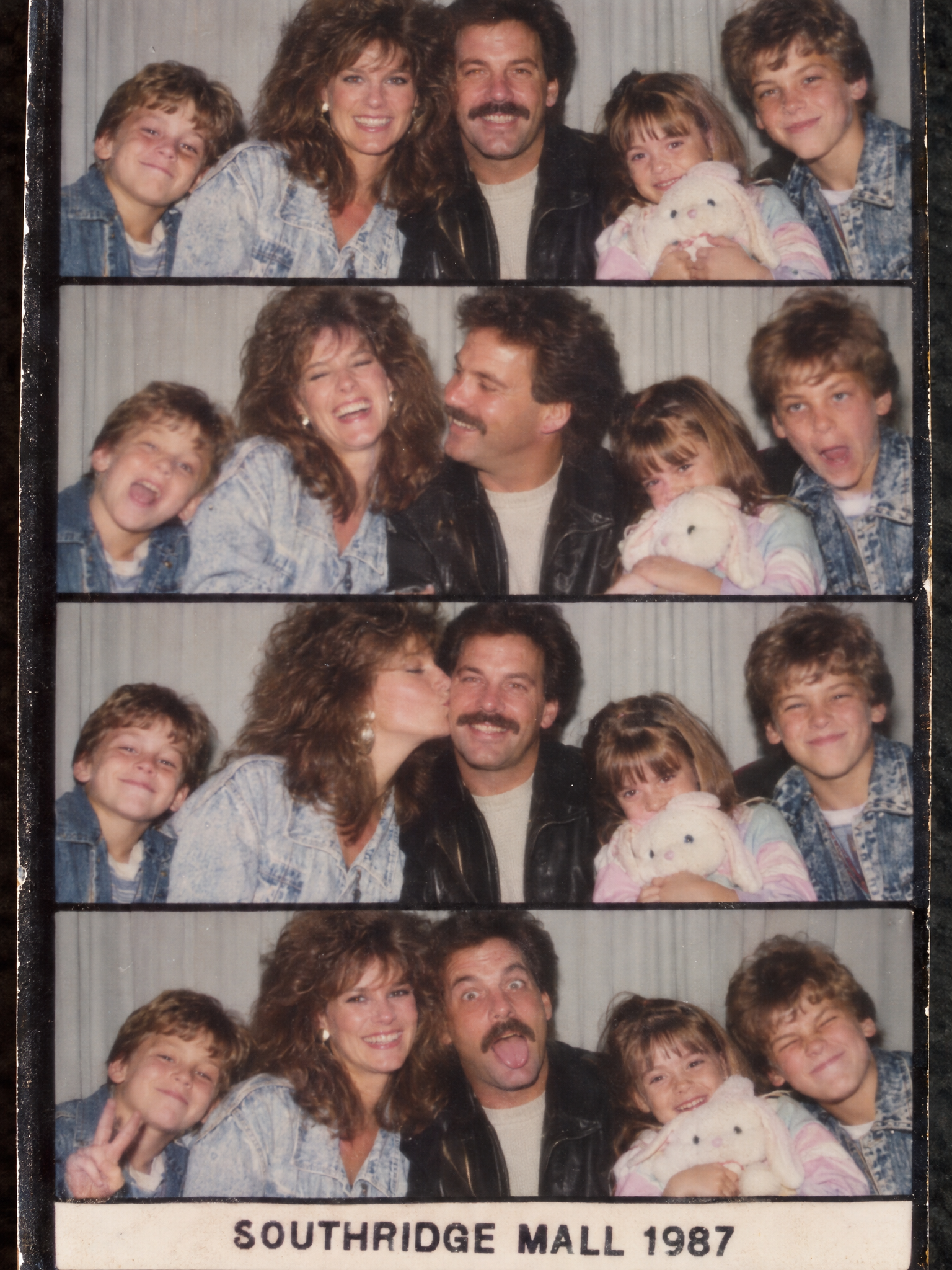
1987 mall photo booth strip of a family of five in pastel denim and leather jackets, parents centered, two kids at the edges, one child holding a stuffed animal, the booth strip has a clear bottom caption reading SOUTHRIDGE MALL 1987, heavy flash, soft motion blur, authentic film grain, realistic skin, no phones, no extra limbs.Why this Mall Photo Booth GPT Image 2.5 prompt works
- The frame is obvious. A booth strip gives the model a fixed layout.
- The scene is specific. Mall lighting, denim, and silver curtains anchor the decade fast.
- The prompt asks for real-world flaws. Flash bloom and slight blur make it feel scanned.
- The text ask is simple. Short captions usually hold up better than long slogans.
- It matches current search demand. Retro photo prompts keep trending in social feeds and search.
OpenAI’s GPT Image 2.5 prompting guide recommends starting with the image you need, then naming subject, composition, style, and constraints. This prompt follows that order closely.
More GPT Image 2.5 prompts
Category: GPT Image 2.5 Prompts
- Night Route GPT Image 2.5 Prompt
- Moonlit Flower Market GPT Image 2.5 Prompt
- Rainy Arcade Portrait GPT Image 2.5 Prompt
For a similar photo-editing lane, see Gemini AI Photo Prompts.
Run this prompt on Wiro: GPT Image 2.5 Sunburst on Wiro.