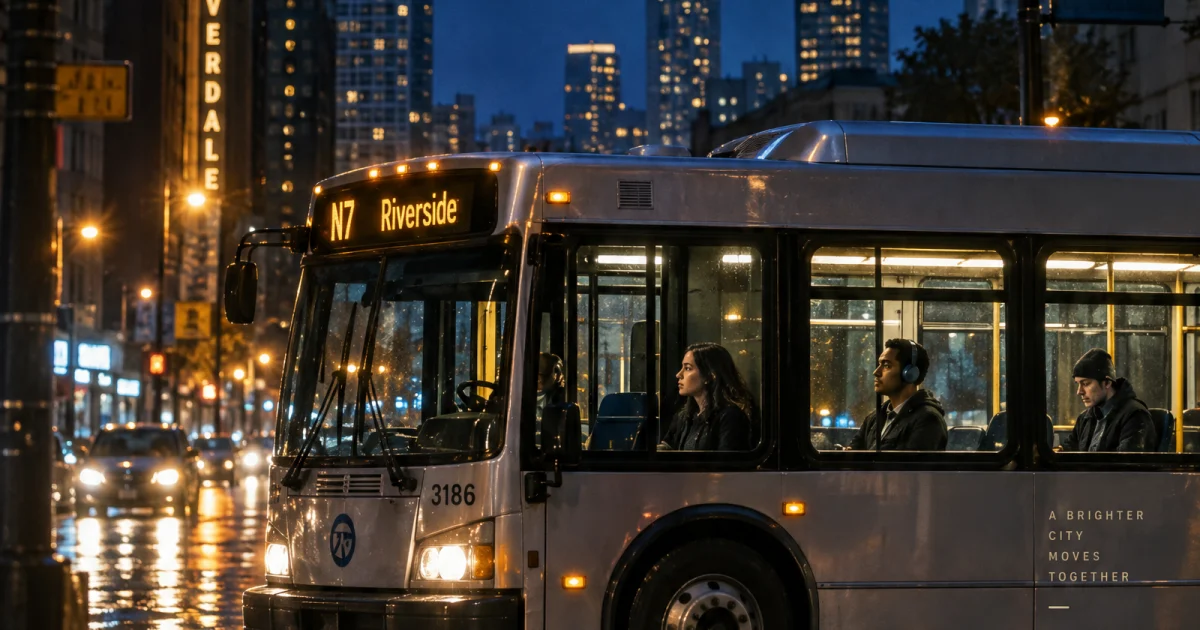
This Night Route GPT Image 2.5 prompt makes a finished transit poster with legible type, people, reflections, and a clear late-night mood. Use it when a campaign needs a strong vertical visual instead of a generic city scene.
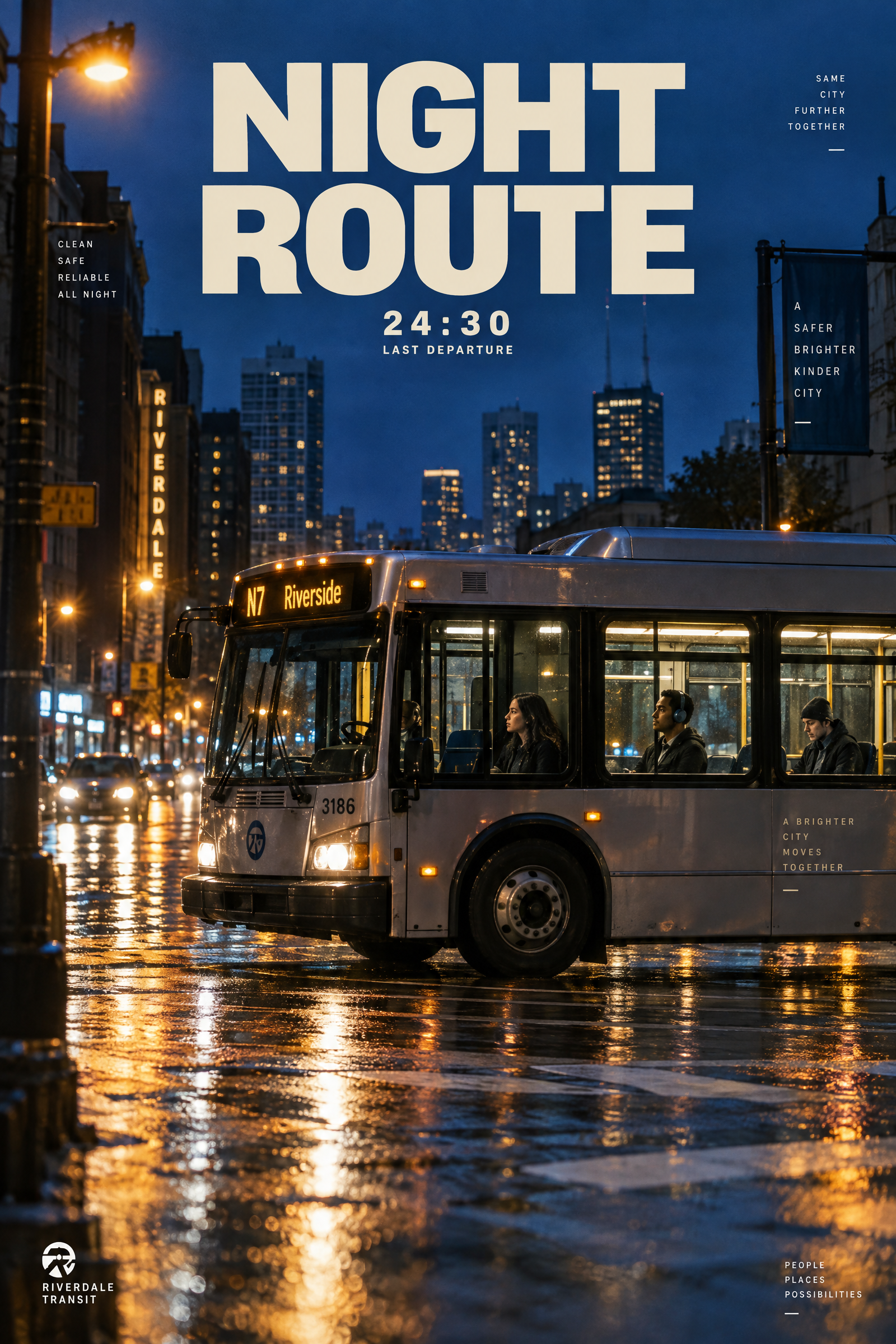
Main Night Route Poster
Editorial poster for a city night bus service, a silver bus crossing a rain-glossed intersection at blue hour, three commuters visible through the windows, bold cream headline NIGHT ROUTE at the top, small route line 24:30 LAST DEPARTURE below it, deep cobalt and amber palette, crisp sans serif typography, cinematic 35mm street photography, reflections on pavement, vertical compositionSettings: openai/gpt-image-2-5-sunburst, 2:3 ratio, 2K, high quality, opaque PNG, one image.
Variations
Halftone Night Route
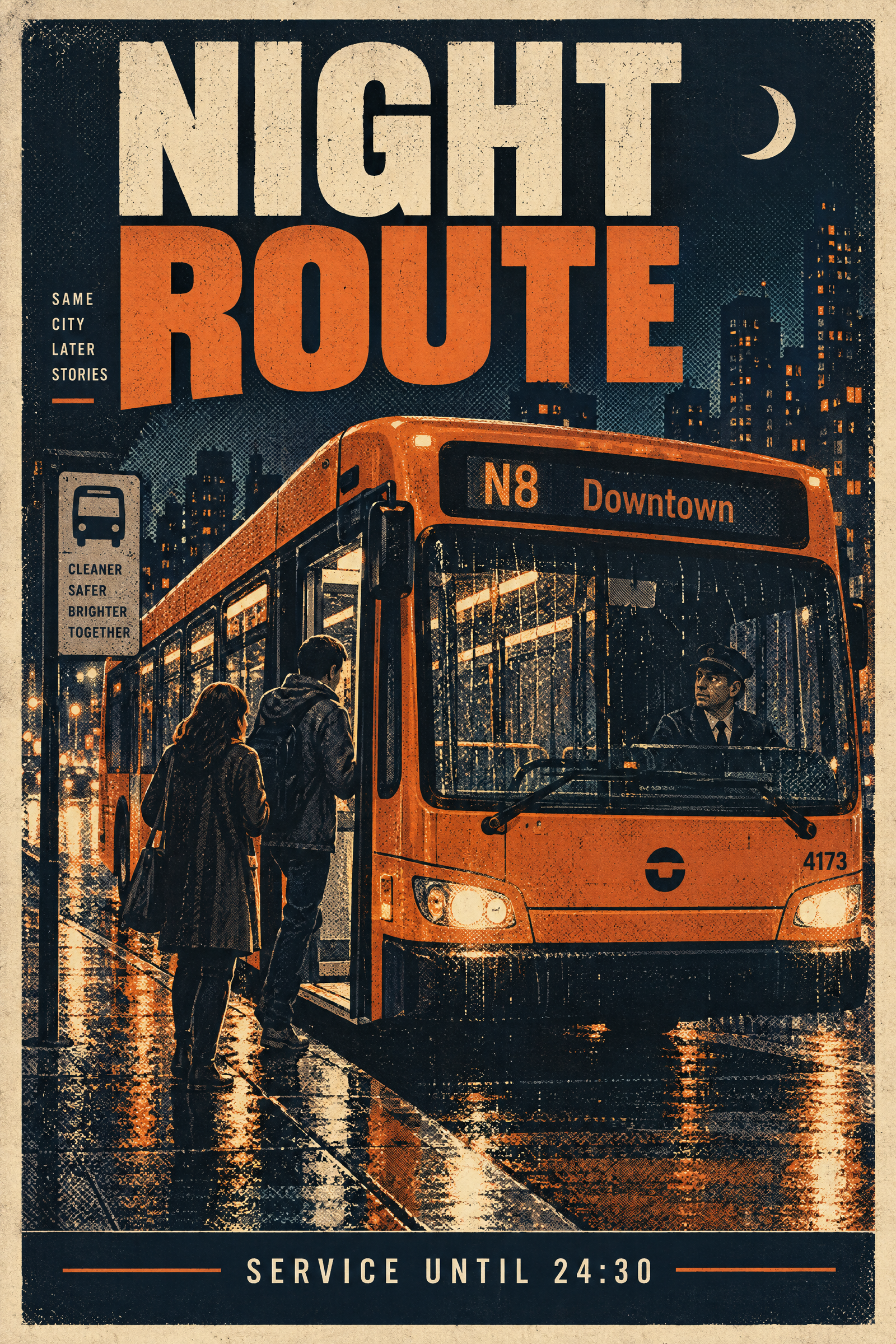
Make a paperback-style night bus poster: an orange city bus beside a rain-streaked curb, one driver and two passengers, large readable headline NIGHT ROUTE, small readable footer SERVICE UNTIL 24:30, dark navy, rust orange, and cream ink, halftone print texture, centered vertical layoutSettings: openai/gpt-image-2-5-sunburst, 2:3 ratio, 2K, high quality, opaque PNG, one image.
Swiss Grid Night Route
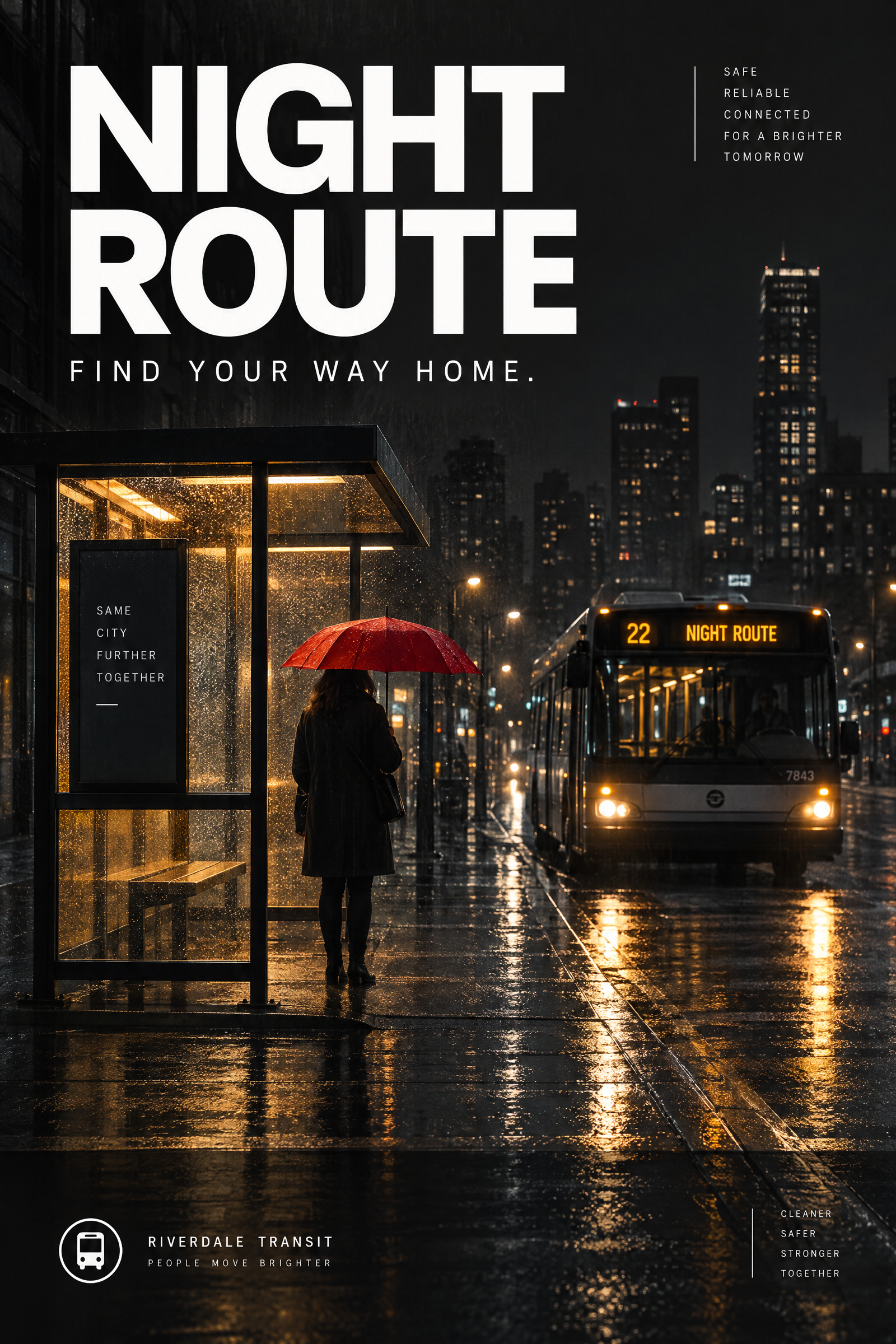
Minimal travel campaign poster for a late city bus, glass shelter glowing in rain, lone commuter with red umbrella, readable white headline NIGHT ROUTE, small readable line FIND YOUR WAY HOME, clean Swiss grid, charcoal background, one amber accent, vertical 2:3 compositionSettings: openai/gpt-image-2-5-sunburst, 2:3 ratio, 2K, high quality, opaque PNG, one image.
Why this Night Route GPT Image 2.5 prompt works
- The deliverable comes first. Calling for an editorial poster tells the model to balance layout and atmosphere.
- The prompt separates the scene from the text requirements, so the bus, commuters, and headline each get a job.
- Exact copy and placement give the typography a useful constraint rather than leaving it as decoration.
- Cobalt, amber, wet pavement, and 35mm photography keep the image from drifting into flat vector art.
- Three visible commuters make this a useful stress test for small figures and hands in one frame.
The strongest detail is the hierarchy: one large headline, one small service line, then the photograph. GPT Image 2.5 responds well when the requested output and visible constraints are named plainly. OpenAI also recommends describing the subject, composition, style, and constraints for image work.
For a different service, replace only the headline, footer, bus color, and route setting. Keep the visual sequence intact. That makes the result easier to art-direct while preserving the late-night energy. A wider 3:2 version can work for a web header, but the vertical 2:3 frame suits posters, stories, and mobile ads.
Typography remains the fragile part of any image generation brief. Short copy helps. Two lines with clear placement give the model less room to improvise, and a simple sans serif request supports the printed-poster look. If the output needs a brand lockup, generate the image without it and add the final mark in a design tool.
More GPT Image 2.5 prompts
Browse the GPT Image 2.5 prompts collection for more outputs. Related examples include Trail Map Poster, Saffron Tea Label, and Rainy Arcade Portrait. For earlier image-generation ideas, see GPT Image 2 prompts.
The model maker’s documentation: OpenAI's image prompting guide.
Run this prompt yourself
Every example above was generated on Wiro. Paste the prompt, pick the model, and get your own result.



1 Comment