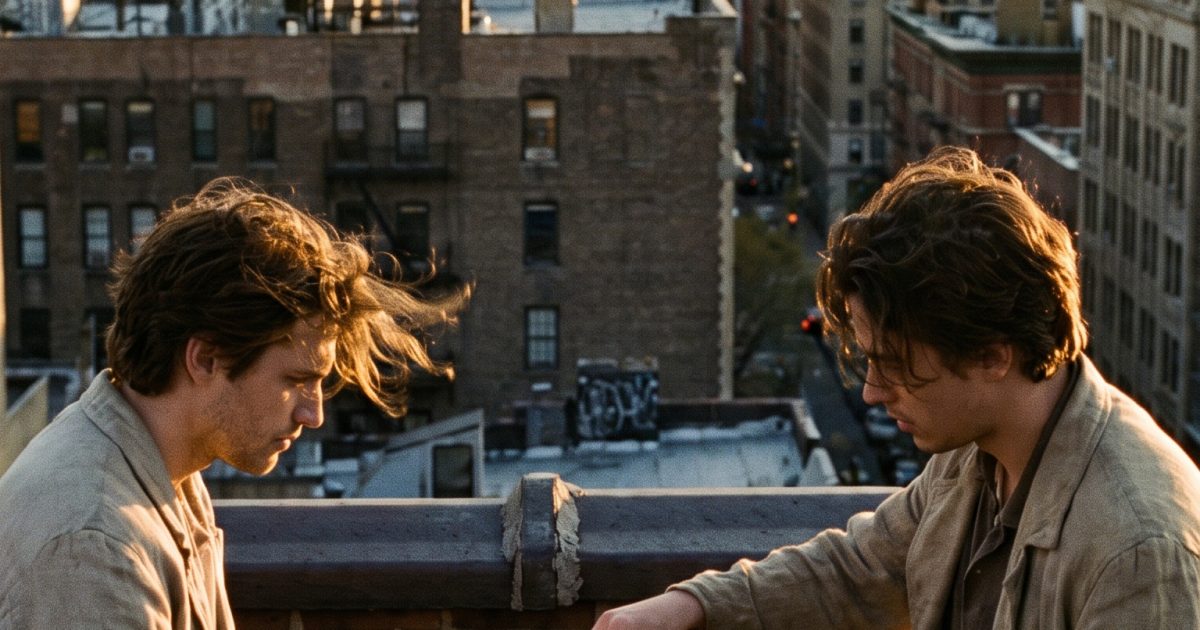
This Rooftop Chess Match MiniMax H3 prompt makes a short dawn scene with two people, a readable game action, moving clothing, and a slow camera orbit. Use it for social clips that need human interaction without losing the setting.
Rooftop Chess Match MiniMax H3 prompt result
Main rooftop move
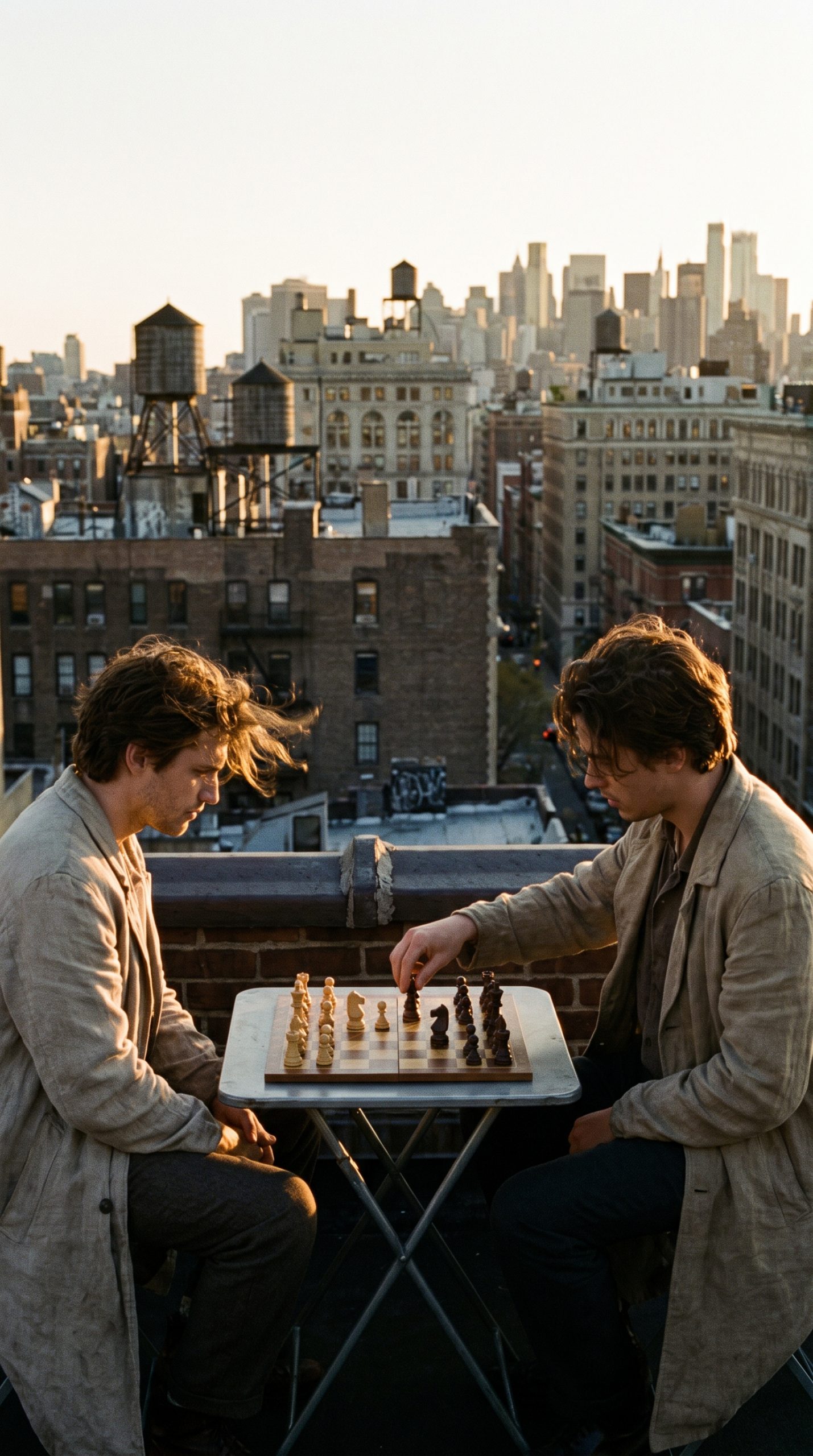
On a wind-swept rooftop at dawn, two friends play chess at a small metal table. One player moves a knight with a steady hand while the other watches, then smiles. The camera makes a slow orbit around the board, keeping the sunrise and skyline in view. Their coats lift in the breeze. Audio: wind, distant morning traffic, one chess piece tapping wood. No dialogue.Settings: MiniMax H3, image-to-video, 5 seconds, 768P, 9:16. The generated first frame establishes both players, the board, and the sunrise before the orbit starts.
Variations
Windy reset
On the dawn rooftop, a gust scatters a few paper score sheets beside the chessboard. Both friends catch the sheets with quick natural hand movements, laugh, and reset the board. The camera starts low at the pieces and tilts up to the skyline. Audio: wind, paper flutter, a short shared laugh. No dialogue.Settings: MiniMax H3, image-to-video, 5 seconds, 768P, 9:16. The changed action gives the same starting composition a looser, more playful beat.
Why this Rooftop Chess Match MiniMax H3 prompt works
- The first frame gives H3 a stable two-person layout, a chessboard, and a clear horizon line.
- The knight move is one simple focal action, so the viewer knows where to look.
- A slow orbit keeps the board and skyline connected instead of cutting between unrelated shots.
- Wind, traffic, and the piece tap make the scene feel like a place rather than a silent loop.
Two people can become noisy in a five-second clip. This prompt avoids that by assigning one person the move and the other a small reaction. The board stays in the center, while the coats and sunrise add motion at the edges. That creates a scene with depth without asking the model to invent a long sequence.
For a clean result, start with a frame where the hands are visible but not overlapping the chess pieces. H3 has room to animate the move, the smile, and the wind when the opening pose is easy to read. The variation uses a second, shared action and a low-to-high tilt. It is a useful option for a more casual edit while keeping the same dawn mood.
Short game scenes work best when the rules are visible even if the viewer never hears them. The knight move tells the story immediately. The second player reacting confirms that the move matters. The skyline and sunrise then provide scale without taking over the shot. This approach also makes a useful starting point for product or fashion clips: keep one object or gesture in charge, then let the background motion carry the mood.
To adapt this prompt, preserve the two-person layout and change one element with purpose. A rooftop backgammon table, a park bench card game, or a café domino match can use the same structure. Describe the one action first, choose a slow camera path, then add sound that belongs to the place. Avoid listing several camera moves. Five seconds passes fast, and one confident move looks better than a rushed sequence.
More MiniMax H3 prompts
Find more clips in the MiniMax H3 prompt collection. The same model also handles intimate environments in Night Market Radio MiniMax H3 Prompt and Glassblower Studio MiniMax H3 Prompt. For another video-first set of examples, visit Veo 3.1 Prompts.
For the maker’s own notes on this model, see MiniMax's H3 video prompt writing guide.
Run this prompt yourself
Every example above was generated on Wiro. Paste the prompt, pick the model, and get your own result.